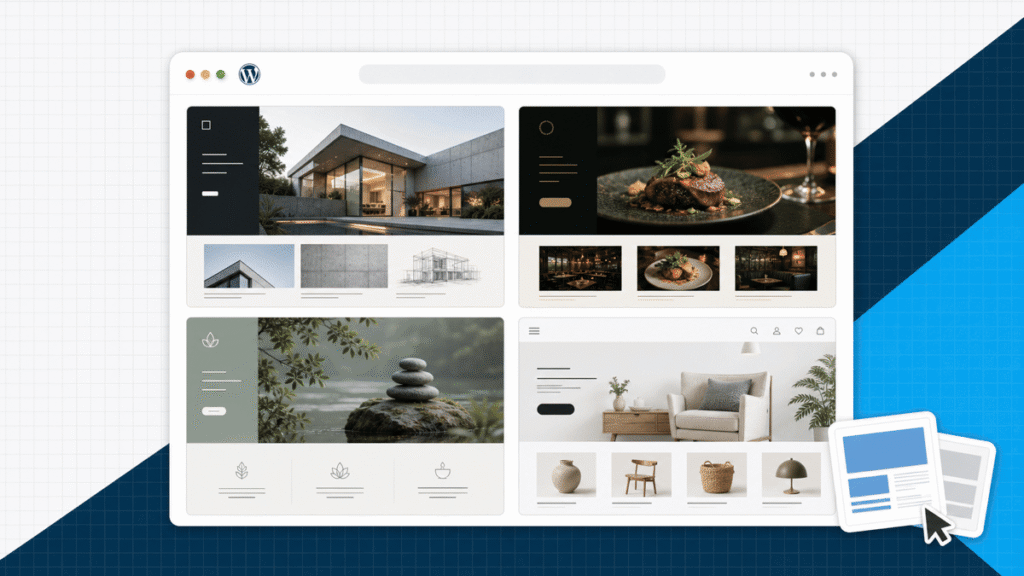
The best WordPress theme for most beginners is Astra. It gives you a clean starting point, works with the editors we teach, and makes it easy to begin with a real website template instead of an empty canvas.
If you already know you want a block-first workflow, pick Kadence. Choose GeneratePress when keeping the theme layer lean matters most. Choose Blocksy when you want more built-in design control for a modern blog or store.
This guide focuses on the theme decision. If you are building the whole site, keep our step-by-step website guide open for the larger setup order.
My direct recommendation: Install the free version of Astra, choose one starter template that matches your website type, and build the real pages before buying an upgrade.
Here is the current full website walkthrough if you want to see Astra, starter templates, Elementor, and mobile editing work together. The written guide below stays focused on choosing the right theme.
You do not need to watch the entire video before choosing. The comparison below gives you the decision first, then the rest of the guide shows how to test that choice.
The four WordPress themes I would use
There are thousands of themes, but a longer list does not make the choice easier. These four are actively maintained, available through the official WordPress theme directory, and different enough to cover the workflows most beginners will use.
| My pick Astra | Kadence | GeneratePress | Blocksy | |
|---|---|---|---|---|
| Best for | Most beginners | Block-editor builds | Performance-first sites | Modern stores and blogs |
| Free version | Useful | Useful | Useful | Useful |
| Starter templates | Large library | Strong library | Available through Site Library | Strong library |
| Main editing path | Customizer plus builder or blocks | Blocks plus global controls | Blocks or page builder | Customizer plus blocks |
| Main trade-off | Many add-ons can feel busy | Best experience favors its block tools | More setup for a polished first design | More controls to learn |
Swipe to compare more options. Astra stays pinned.
Every theme here is responsive. Choose the workflow you want to maintain after launch, not the demo with the flashiest homepage.
The important split is not “responsive versus unresponsive.” A current theme should already adapt to smaller screens. The real choice is how you want to edit the site, how quickly you want to reach a polished starting point, and how many controls you want the theme to manage.
1. Astra: best overall for beginners
Astra is the theme I would use for most first WordPress websites. The free theme is flexible, the starter-template path is easy to understand, and it works with Elementor, the native block editor, and other popular builders.
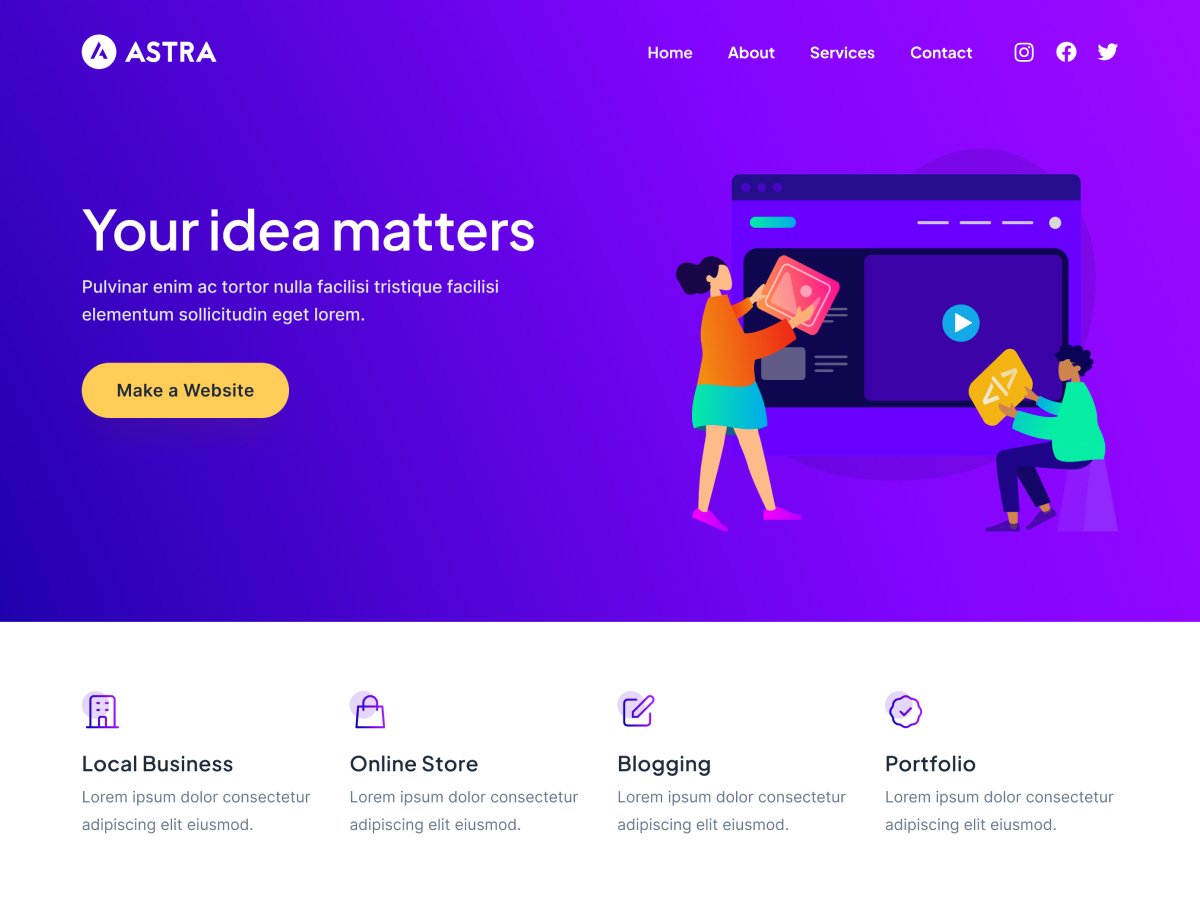
That flexibility matters because a theme is the shell around your content. You can change how you build individual pages without rebuilding the entire site around a proprietary theme editor.
Here is the exact WordPress screen where Astra gets installed in our current website tutorial:
Once it is active, you can import a starter site or build with blocks. I prefer the template route for a first project because it gives you working page structure, spacing, and navigation from the start.
My recommendation
Astra for most first WordPress websites
Why I keep coming back to it
- Beginner-friendly starting point The setup stays familiar whether you use Elementor, Spectra, or the native block editor.
- Starter templates save real time You can choose a complete website structure and replace the demo content instead of designing every section from an empty page.
- Flexible enough to grow Astra works for business sites, portfolios, blogs, and WooCommerce stores without locking the content into one narrow layout.
- A workflow we already teach Our current WordPress tutorials use Astra, so the theme fits the rest of the CAPW learning path.
What to know first
- The upgrade menu gets crowded Astra Pro, starter-template tools, Spectra, and other add-ons can look like one product even though they solve different jobs.
- A template still needs editing Imported demo copy, images, navigation, and mobile spacing are a starting point, not a finished website.
- Advanced features may cost extra Keep the free theme until you can name the specific header, layout, WooCommerce, or design control you need.
Our full Astra theme review breaks down the free and paid versions in more detail. If you want to follow the complete build process, use the WordPress tutorial alongside it.
Astra is the easy default. The next three options make sense when you already know what you want to optimize.
2. Kadence: best for a block-first workflow
Kadence is the best fit here if you want to stay close to the native WordPress block editor. Its global font and color controls, header and footer builder, and starter templates give beginners useful structure without forcing every page through a separate visual builder.
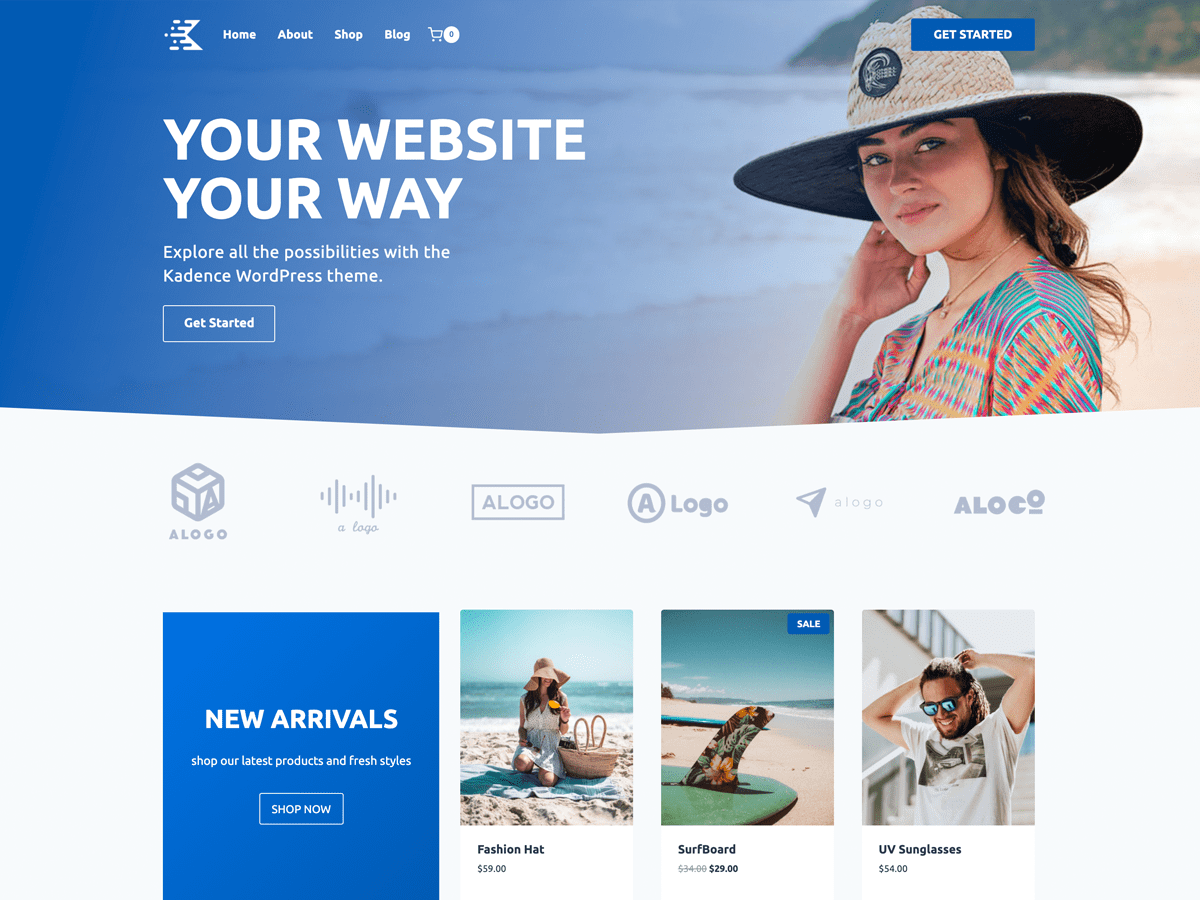
I would consider Kadence for a content-heavy site where posts, reusable blocks, and consistent global styles matter more than freeform page design. That makes it a practical match for the workflow in our WordPress blog guide.
The trade-off is ecosystem gravity. Kadence works with other tools, but its cleanest experience comes from using its own blocks, starter templates, and design controls together. That is fine when you choose it deliberately.
3. GeneratePress: best for a lean foundation
GeneratePress is the performance-first pick. It gives you a deliberately restrained theme layer and works with the block editor or major page builders. That makes it a strong base when you want the content and plugins to do the heavy lifting.
A lean theme does not automatically create a fast website. Oversized images, too many plugins, third-party scripts, weak hosting, and heavy fonts can erase the advantage. Use our WordPress speed optimization guide to test the finished stack instead of trusting a theme demo.
Judge the complete page. Test a real homepage with your images, fonts, forms, analytics, and plugins. A blank theme benchmark does not represent the website visitors will load.
GeneratePress asks you to make more design decisions than a polished starter template does. I would choose it when you value a controlled foundation and do not mind spending more time on the first layout.
4. Blocksy: best for modern design controls
Blocksy is a good fit for a modern blog or WooCommerce store when you want more visual control in the theme itself. It supports the block editor, includes multiple layout options, and puts extra attention on ecommerce features.
For a first store, I still lean toward Astra because our online store guide follows that route. I would choose Blocksy when the store layout and built-in theme controls are the reason for choosing it, not because a demo happened to look good.
More controls mean more decisions. Set your global colors, typography, content width, and header once. Then reuse those rules instead of styling each page independently.
What “responsive” should mean before you choose
A responsive theme changes the layout as the screen narrows. Columns stack, navigation changes shape, images scale, and type stays readable. That is the baseline.
Your finished website can still break on mobile after you add long headings, fixed-width images, popup forms, pricing tables, custom CSS, or builder-specific spacing. The theme cannot predict every piece of content you place inside it.
This is the responsive preview I use while editing a real page:
Use the preview while building, then open the real page on a phone. Check the menu, first screen, buttons, forms, tables, product cards, footer, and any sticky element.
Do not treat a demo as proof. A theme demo uses selected images, short headlines, and finished spacing. Replace the demo content, then test the pages your visitors will actually use.
Choose the theme based on your website type
The same theme can power several kinds of sites, but the template and editing path should match what you are building. Use this as the practical shortcut.
| Website | Theme I would start with | Why |
|---|---|---|
| Business website | Astra | Fast path from starter template to services, proof, and contact pages |
| Portfolio | Astra or Kadence | Flexible project layouts with simple global design controls |
| Blog | Kadence or GeneratePress | Strong block-editor workflow and clean content layouts |
| Online store | Astra or Blocksy | WooCommerce support with practical store and mobile controls |
Start with the website type, then preview templates for that job. A restaurant template and a portfolio template can use the same theme while creating completely different editing experiences.
Use a starter template instead of a blank page
A good starter template solves the first layout problem. It gives you a homepage hierarchy, interior pages, navigation, spacing, and reusable design rules that already work together.
The template picker below shows the choice between generating a starting point and browsing prebuilt templates. For most beginners, I would browse the templates and choose the closest structural match.
Replace every stock photo, example testimonial, placeholder service, and demo link. Then use our website design guide to tighten the hierarchy, spacing, color, and calls to action.
Free theme or premium upgrade?
Start free. Build the header, homepage, one interior page, mobile menu, and footer before deciding whether the theme is missing anything.
A paid upgrade makes sense when you need a specific feature such as advanced headers, layout conditions, WooCommerce controls, dynamic content, deeper template access, or direct support. “More options” is not a reason by itself.
Keep the stack small. One theme, one main page-building approach, and only the plugins the site needs are easier to maintain than overlapping toolkits that all control the same design.
Before adding another design plugin, check our WordPress plugin guide. Every extra tool should own one clear job.
How to test a theme before committing
A preview is useful, but a short test site tells you more. Install the free version on a staging site and build one representative page.
- Import or build one real page. Use your longest heading, real images, a form, and the navigation structure you expect to keep.
- Check the editing workflow. Make sure you understand where global colors, fonts, widths, headers, and footers live.
- Test phone and tablet widths. Look for wrapping buttons, clipped tables, oversized headings, and empty space.
- Add the essential plugins. Confirm that forms, ecommerce, SEO, caching, and the page builder work without styling conflicts.
- Run a performance test. Test the representative page after images, fonts, and scripts are present.
- Back up before switching an existing site. Theme changes can alter menus, widget areas, templates, and custom styling.
If the workflow feels confusing on one page, it will feel worse across twenty. Pick the theme you can maintain confidently after the launch excitement wears off.
Frequently Asked Questions
What is the best responsive WordPress theme?
Astra is my best overall pick for most beginners because it combines a useful free version, a large starter-template ecosystem, broad page-builder support, and a workflow we already teach. Kadence, GeneratePress, and Blocksy are better fits for some specific editing styles, but Astra is the safest place to start.
Are all modern WordPress themes responsive?
Most actively maintained themes are designed to adapt to phones and tablets, but “responsive” is not a guarantee that every imported page will look good. Your images, headings, columns, menus, popups, and custom CSS can still create mobile problems. Test the finished pages at several widths before publishing.
Is Astra a free WordPress theme?
Yes. Astra has a free version in the official WordPress theme directory, plus paid upgrades for additional design and layout controls. The free version is enough to build a complete first website. Upgrade when a specific paid feature solves a real limitation.
Which WordPress theme is best for the block editor?
Kadence is my pick when you want to build mainly with the WordPress block editor. Its global color and typography controls, header and footer builder, and starter templates create a friendly block-first workflow. Blocksy is another strong modern option.
Which WordPress theme is best for speed?
GeneratePress is the performance-first pick in this guide. The theme stays intentionally lean and works well with the block editor or a page builder. Your hosting, image sizes, plugins, fonts, scripts, and caching still have a larger effect than the theme name alone, so test the complete site.
Which WordPress theme is best for WooCommerce?
Blocksy is a strong choice for a design-forward WooCommerce store, while Astra remains the easier all-around recommendation for a first store. Pick the theme whose product, cart, checkout, and mobile controls match the store you need. Then complete a real test order before launch.
Can I change my WordPress theme later?
Yes, but changing themes can alter headers, footers, menus, widget areas, templates, and theme-specific styling. Create a backup, use a staging site, record your current layout, and check every important page before changing the live site.
Should I buy a premium WordPress theme?
Not at the beginning unless a paid feature is essential to the site. Start with the free version, import or build the core pages, and learn where the real limitation appears. A premium upgrade should remove a known problem, not create a larger menu of options.
The short version is simple: choose one maintained theme, build a representative page, and test the finished result instead of trying to predict every future feature.
My final WordPress theme recommendation
Use Astra for most first WordPress websites. It gives beginners the clearest path from installation to a useful starter template, works with the editors we teach, and can grow into a business site, portfolio, blog, or store.
Choose Kadence for a block-first build, GeneratePress for a lean performance-focused foundation, or Blocksy for stronger built-in design and store controls. Whichever one you pick, build one real page, test it on a phone, and keep the tool stack simple.