



Application / Tool Website
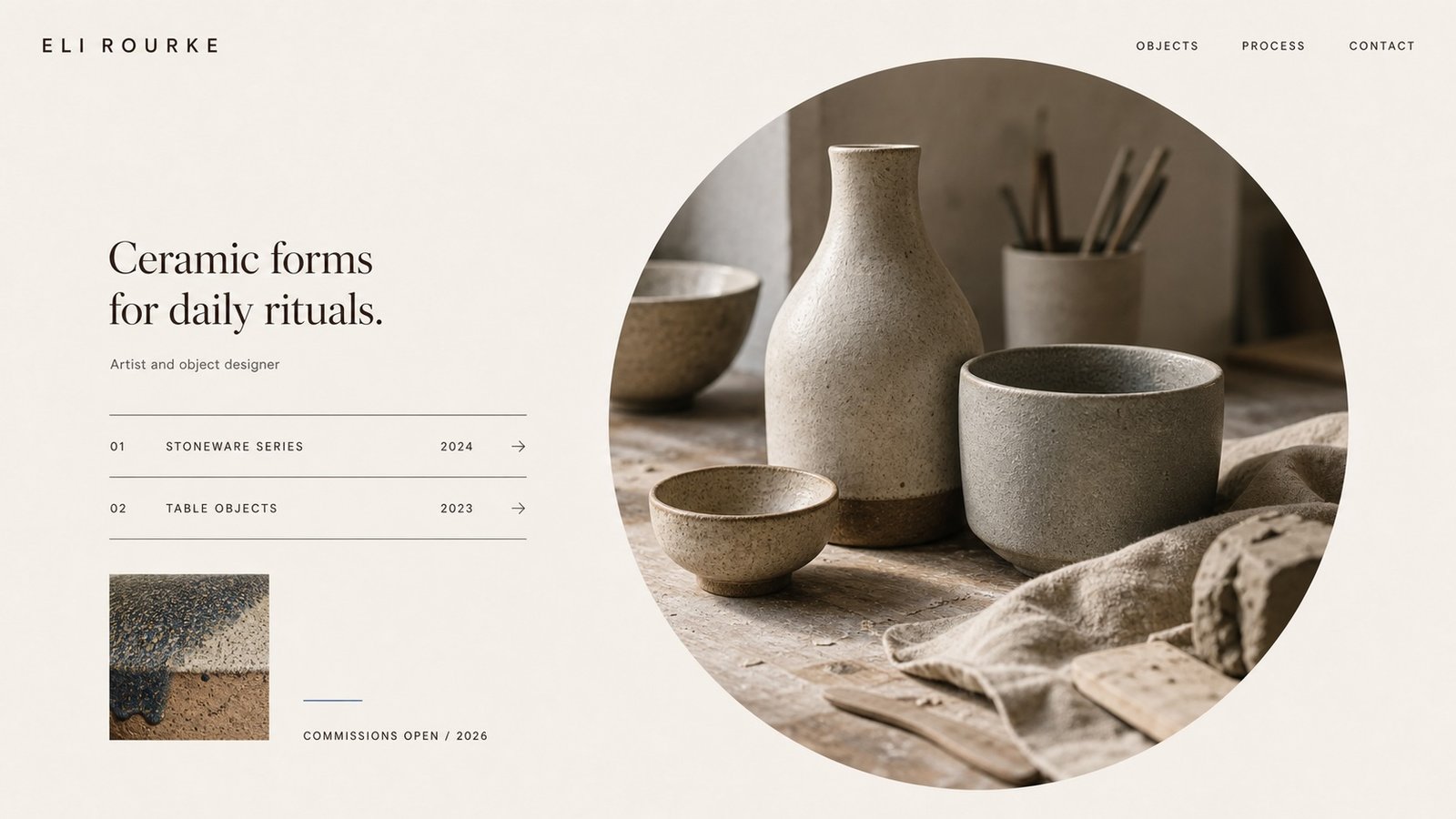
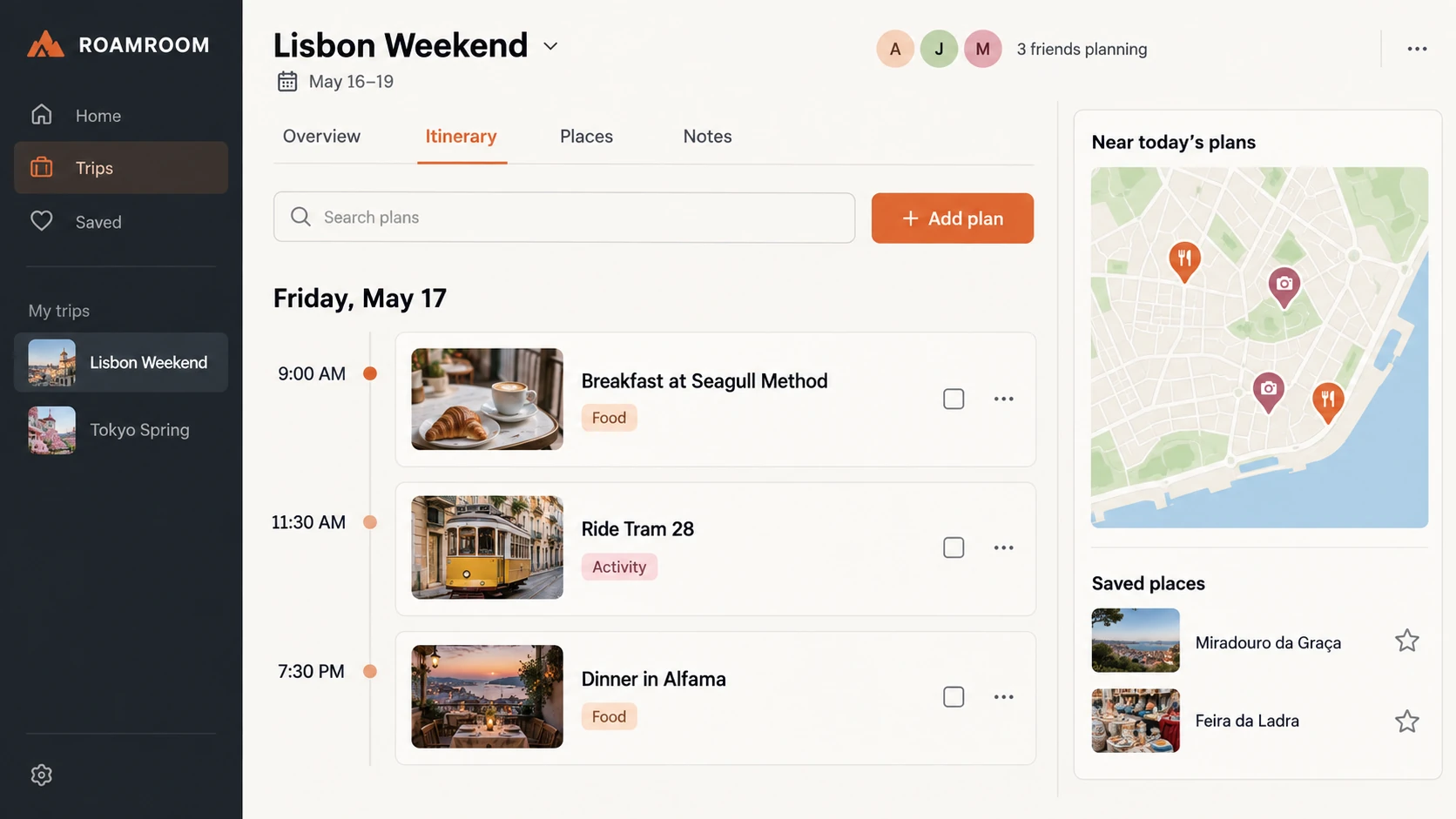
Build something functional visitors actually use, from calculators to full micro-SaaS.
Start nowJoin thousands of beginners who learned to build their own website with us.
Lifetime views
501,000
YouTube subscribers
8+
Years in business
Our Mission
Pick the one closest to your idea…
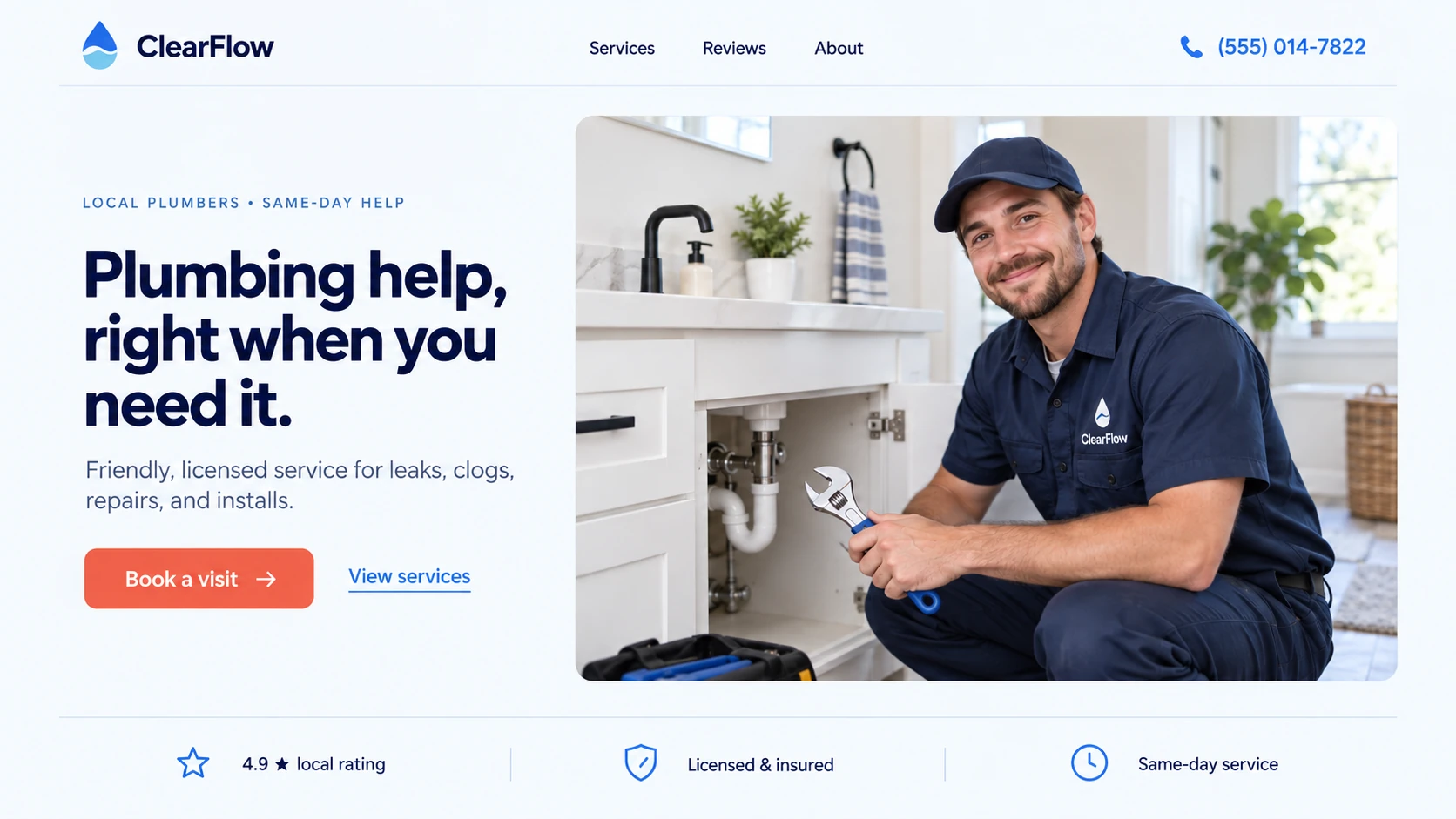
Get found by nearby customers and turn searches into calls, bookings, and walk-ins.
Start nowFind Your Fit
Dozens of builders all insist they're the best. We've used them — then point you to the one that actually fits what you're making. Honest picks, based on your project, not the marketing.








Watch and learn
Step-by-step tutorials and practical advice for every stage of building your website.
 35:30
35:30
600K views 4K likes 135 comments
 26:01
26:01
1M views 7K likes 332 comments
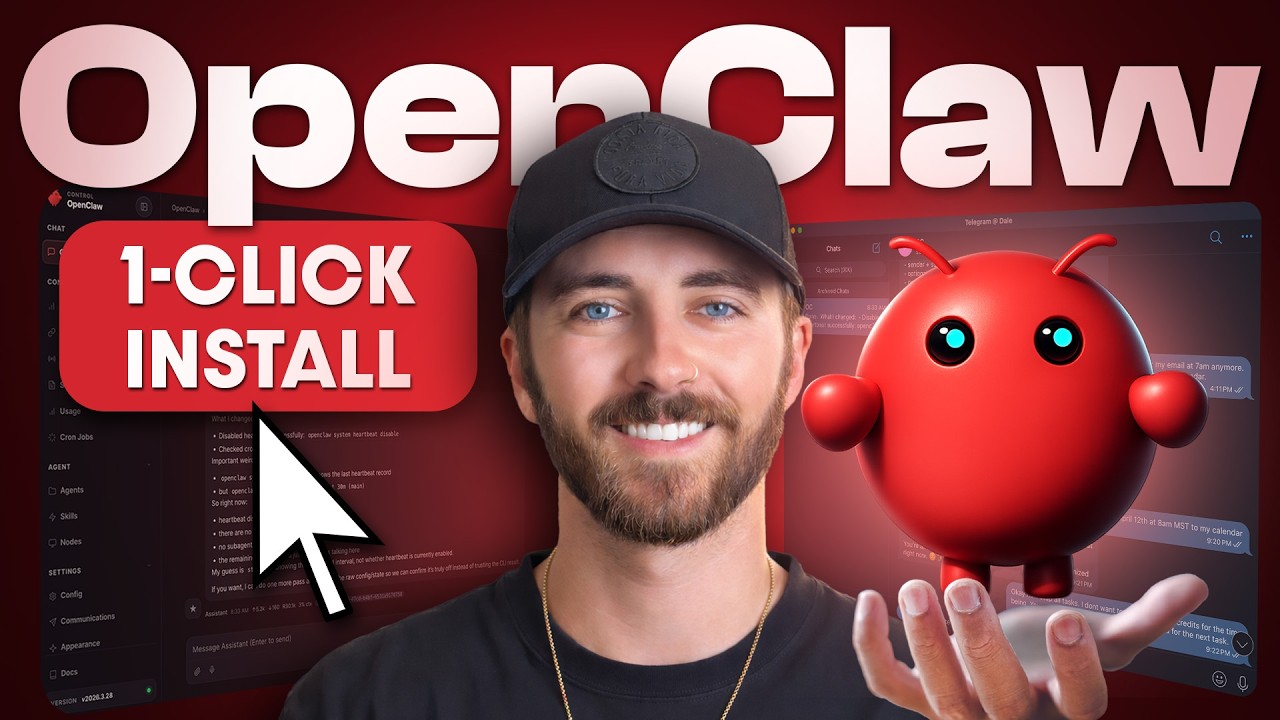 26:09
26:09
751K views 2K likes 115 comments
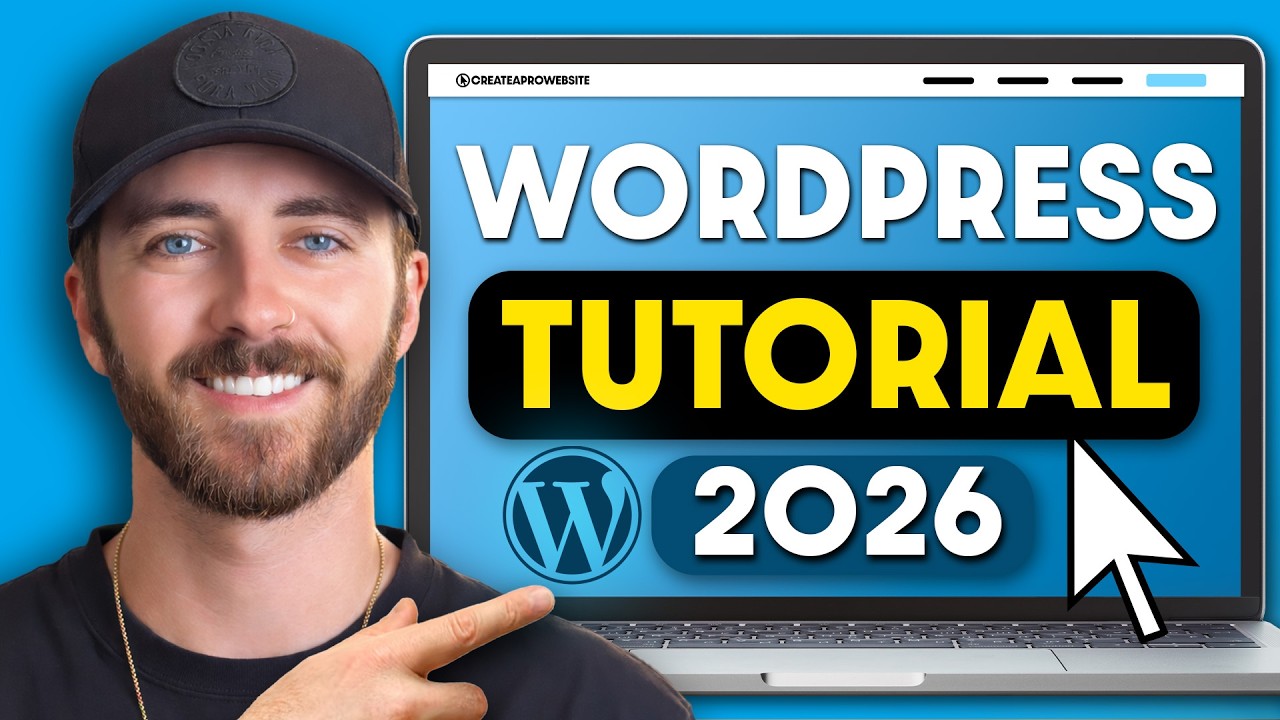 28:36
28:36
2.6M views 8K likes 335 comments
Real Success Stories
1,000's of business owners and entrepreneurs just like you use our tutorials to make their websites.


I followed this video to make my own website. The instructions are really easy to follow. The host does a great job explaining everything and not using terminology you have to look up. You can build the website while watching this 35 minute video.

Amazing video! I was able to actually create my website and I am SO non-techy! Thank you!!!!

Finally a video that explains the basics of web hosting and website creation clearly and easy to understand. This made creating my own website easier!

Wow, this tutorial was super clear and helpful! I really liked how you walked through setting up the hosting and WordPress first, then jumped right into Elementor design basics without assuming we already knew everything. The parts about responsive design and using global colors/fonts were especially useful. It made building my site feel way more manageable. Thanks for the step by step guidance! 😅

I didn’t know you could bring a website from Claude Code into Wordpress like that! Thank you for breaking it down. Your videos are always the best!

I like how you referenced Wordpress as an engine, that makes sense in my brain haha

I have a non profit organization and I have no idea about how to build a website-- decided to learn and my goodness!!! I love the way you teach, I followed along and already feel like a pro😂 thank you!! Ill be recommending you to all my friends 🧡

I love a good step-by-step! Thank you so much for this WordPress tutorial!

Awesome video man, I managed to deploy an awesome website in just a few hours. Keep up the good work.

Thanks man, I was in a rush to build a website to complete a partnership process with a well known supplier and I was extremely short on time. I was totally lost on YouTube, and this tutorial is the best ever! You saved me, God bless you!

My biggest challenge was updating my site since I launched it a few weeks ago. This video was so helpful - especially for updating images. Thanks for the prompts as well!

Super helpful and very well explained, especially for a beginner or someone who really wants to understand the basics of creating a website. I also appreciate the timestamp links to make it easier to go back and reference topics that are a little more task involved. Thank you for the video and I really do enjoy using Elementor.

I have created different websites using your tutorials. It’s always nice to watch a new one, I always learn something new and helpful. They are easy to follow, showing step by step the process on Wordpress. Thank you

Honestly, this was exactly what I needed for making a website from scratch. For anyone wondering how to make a website as a beginner, this tutorial explains it really well.

This is one of the best tutorials I’ve seen. Building a website with Claude Code looks much more approachable after watching this.

Thank you so much this guide is straight forward and so helpful I just finished my website for my shipping company I am definitely going to subscribe 😁

WOW! What I have been looking for on Websites. I needed something to SHOW ME from start to finish how to make a site. My recommendation (as a senior) is to use two computers. I set my laptop next to my desk (Work) computer. Then I play one segment on the laptop, pause and complete that step on my work computer.... then onto the next step. Follow along step by step and even I was able to make a site, not a basic plug and play but a real WP Website! TY Dale

I've been putting off building a site for ages because it always felt overwhelming. This is the first time i feel like i could actually sit down and do it! first tutorial where Wordpress actually clicked for me. Appreciate how clearly you broke it down! thank youuu!

I really loved how you explained the basics in such a clear and practical way. It’s super helpful for those of us just getting started with Elementor and wanting to build more professional looking websites without feeling overwhelmed. Thanks for sharing!

omg i wish you made this video years ago! Wordpress was so daunting, not to mention the plugins, and the horror stories of sites going bonerks from one wrong click, but your visual makes everything make sense, love the house analogy!

This video is one of the best videos I've watched on how to properly and effortlessly build a website with Claude code.

Great video! I’ve been learning more about Elementor lately, and your explanation really helped. It’s amazing how much easier building sites become with Wordpress elementor — thanks for the tips!

One of the best videos on Elementor I’ve watched! Thanks for helping us out.

Thank you for this video--it is so helpful. I appreciate the step-by-step approach. Instead of hours of figuring out how to use Elementor, you offer clear explanations. I also liked the WordPress beginners tutorial that will simplify my process.

Thanks Dale. You are an excellent teacher, your tutorial has put me on the right path to structure a website I am working on using Elementor and Astra. I need scrap everything and start with the right template.

I used this tutorial to create my own website, and it turned out way better than I expected. I love the website I built – it’s clean, fast, and actually looks professional. Thanks for the clear steps!

Your Wordpress videos are the best! So helpful and easy to understand! I love your channel and tell all my friends about it!

I built a website for my business with your help. You saved me so much money. Thank you and God Bless.

Everything I needed to know and more in 5 minutes. Thanks for getting straight to business and not dragging us along like other channels.
FAQ
Everything you want to know before you commit a single hour to building your website.
With WordPress and Hostinger, you're looking at roughly $3–$4 per month for hosting — which includes a free domain name for your first year. WordPress itself is completely free. A visual builder like Elementor has a solid free version that's more than enough to build a professional site. Total cost at the absolute minimum: around $36–$48 per year. Compare that to Squarespace at $16–$23/month or Wix at $17+/month — with far more flexibility and no lock-in.
No. The WordPress + Elementor combination is entirely visual — you click, drag, type, and publish. No code required at any step. That said, WordPress does give you the ability to add code later if you ever want to, which is one of its advantages over locked-down website builders. But for building a clean, professional site from scratch? You never need to touch a line of code.
Think of it this way: your domain name is your address (yoursite.com) — it's what people type to find you. Your hosting is the physical space where your website files actually live on a server. You need both. With Hostinger, you get a free domain included with any annual plan, so you handle both in one step during setup.
Following a step-by-step guide, most beginners have a fully functional site ready in a few hours — hosting setup, WordPress install, theme selection, and basic customization included. The templating system is what makes it fast: you're replacing placeholder content with yours, not designing from a blank canvas. If you want more pages or more detailed sections, budget a few more hours. But the core site? An afternoon.
WordPress with Elementor is the best combination for beginners who want a professional result. WordPress powers over 43% of the internet, is completely free, and gives you full ownership of your site. Elementor adds a drag-and-drop visual builder on top. The alternative — Wix, Squarespace, Weebly — are easier to start with but limit what you can do and cost more monthly. If you want flexibility without the ceiling, WordPress wins.
You can get very close. WordPress and Elementor are both free. The only real costs are web hosting ($3–4/month) and a domain name ($15/year) — and with Hostinger, your first domain comes free with hosting. Platforms like Wix and WordPress.com offer free tiers, but they come with ads, limited features, and a domain like "yoursite.wix.com" that looks unprofessional. For a real website you actually own, hosting is the one cost worth paying.
WordPress is widely considered the best platform for SEO among no-code website builders. It gives you full control over page titles, meta descriptions, URL structure, image alt text, and site speed settings. Paired with a free plugin like Yoast SEO or Rank Math, every page you publish gets guided optimization. Wix and Squarespace have improved, but WordPress still leads when it comes to organic search control and flexibility.
The WordPress + Hostinger + Elementor stack works for virtually any type of website: business sites, portfolios, blogs, online stores, booking sites, membership platforms, and more. It's the same foundation used by small businesses, Fortune 500 companies, and independent creators worldwide. Start with one type of site today — add features and pages as you grow. You'll never outgrow it.

Several years ago, I watched your "How To" tutorial on creating a WordPress website. You gave me the inspiration and confidence to continue. Now I've created several sites for family and friends. Thank you!