
The normal internet is efficient. It answers a question, sells you something, or tries to keep you scrolling. Weird websites are better when you want the exact opposite.
I opened every site in this guide and removed the broken certificates, dead domains, unsafe redirects, gambling detours, and Flash pages that made the old 101-site list feel like internet archaeology. What remains is smaller, stranger, and much more usable.
Start with Neal.fun if you want the best overall collection, The Useless Web if you want randomness, WindowSwap if you need a quiet escape, or Photopea if your procrastination should accidentally become productive.
Motion warning: several sites use fast animation, flashing color, sound, or endless movement. Skip anything that could trigger motion sensitivity, and keep your volume low when opening an unfamiliar page.
Pick a weird website based on your mood
Thirty-two links is still a lot of internet. This is the fastest way to choose a first click.
| My pick Interactive | Pointless | Escape | Useful | |
|---|---|---|---|---|
| Start with | Neal.fun | The Useless Web | WindowSwap | Photopea |
| Best when you want to | Lose an hour | Laugh for 30 seconds | Go somewhere else | Finish a real task |
| Effort | A little curiosity | One click | Press play | Bring a file |
| My take | Best overall | Best randomizer | Most calming | Most useful |
Swipe to compare more options. Interactive stays pinned.
Individual experiences can change after publication.
The original CAPW video below covers an older version of this list. Some websites in the video have disappeared, so use the links in the written guide for the current version.
The bigger idea still holds up: the web is more interesting when somebody builds one odd idea all the way out.
Pointless websites that commit to one joke
These sites do one tiny thing and refuse to become more useful. That restraint is the reason they work.
1. The Useless Web
The Useless Web has one excellent job: press the pink button and let it send you somewhere gloriously unnecessary. It's the best first stop when choosing from a list already feels like too much work.
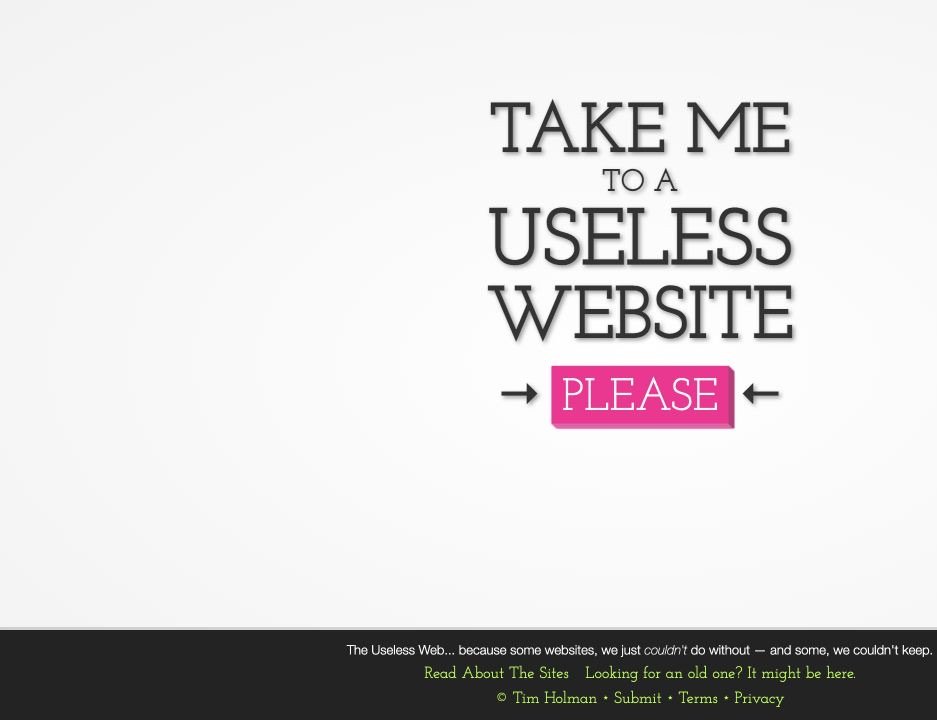
It also maintains a page for sites that disappeared, which is a useful reminder that weird web projects rarely come with a permanent maintenance budget.
2. Pointer Pointer
Pointer Pointer waits for your cursor, then finds a photograph of somebody pointing at that exact spot. Move the pointer three inches and it performs the trick again with a completely different photo.
3. Cat Bounce
Cat Bounce fills the screen with cats that bounce, fall, and react to your mouse. The physics are silly, the cats are committed, and there is no larger lesson hiding underneath.
4. Koalas to the Max
Koalas to the Max starts with one large circle. Hover over it to split the circle into smaller pieces, keep going, and a koala slowly appears from the dots.
5. Is It Christmas?
Is It Christmas? answers one seasonal question with absolute confidence. Most days the answer is no. On one very specific day, the entire website finally reaches its potential.
6. Paper Toilet
Paper Toilet gives you a virtual toilet-paper roll and lets you unroll it with the mouse. It's tactile, pointless, and much harder to stop than the premise deserves.
7. Long Doge Challenge
Long Doge Challenge turns scrolling into a test of commitment. The dog keeps getting longer, the page keeps counting, and eventually you have to decide what your time is worth.
8. Bored Button
Bored Button is another boredom escape hatch. Press the button and it opens a random activity, game, or interactive page instead of making you choose one.
9. Checkbox Race
Checkbox Race drops a grid of checkboxes in front of you and starts the clock. That's it. That's the whole game. Your mouse accuracy will become weirdly important for about 20 seconds.
Why the list is shorter now: dozens of former entries depended on expired domains, unsupported Flash files, or sites that now redirect somewhere unrelated. A working list is more useful than a bigger number in the headline.
Interactive art, games, and browser experiments
This is where the weird web becomes a design lesson. A clear interaction, immediate feedback, and one memorable idea can hold attention without a normal homepage, funnel, or content strategy.
10. Neal.fun
Neal.fun is the strongest all-around collection here. The Password Game, Infinite Craft, Internet Artifacts, Draw a Perfect Circle, and dozens of newer experiments all turn one strange idea into a polished browser experience.
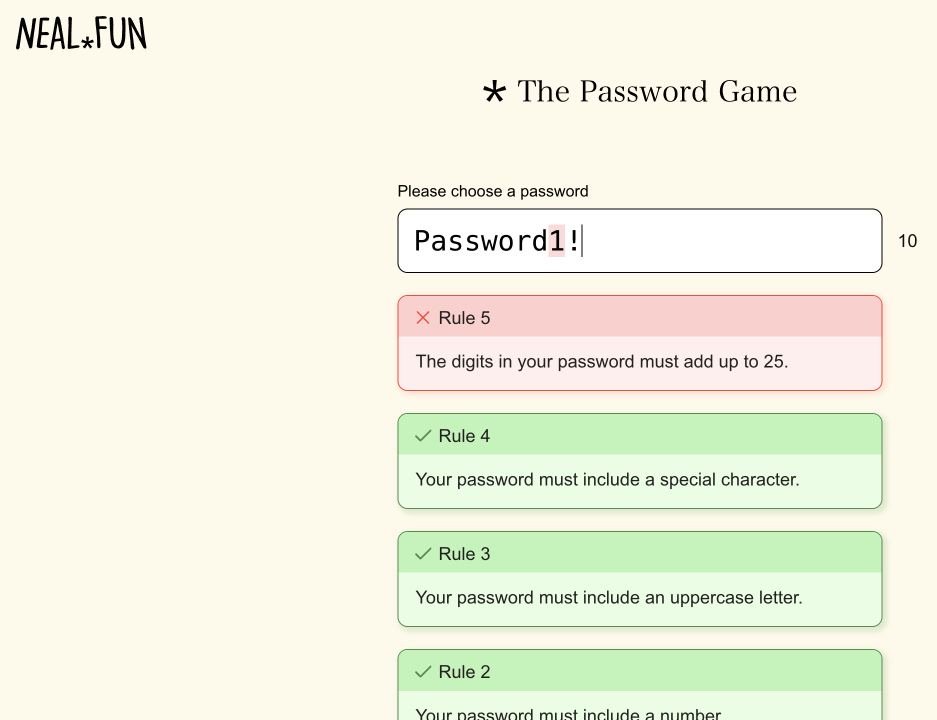
Neal.fun is also the best evidence that a strange website can become a serious creative business. The work stays playful, but the execution is never careless.
11. Zoomquilt
Zoomquilt is an endless illustrated tunnel. The artwork keeps moving inward through rooms, landscapes, creatures, and dream logic without ever reaching a final frame.
12. Quick, Draw!
Quick, Draw! gives you a few seconds to draw an object while a neural network tries to guess what it is. The best part is hearing it become increasingly confident about a sketch that looks nothing like the prompt.
13. Patatap
Patatap turns your keyboard into an animation and sound machine. Every letter triggers a different shape and sample, so random typing starts to feel like a tiny audiovisual performance.
14. Thisissand
Thisissand lets you pour colored digital sand into layered landscapes. It begins as idle clicking and usually ends with you carefully choosing colors for a mountain nobody else will see.
15. Little Alchemy 2
Little Alchemy 2 starts with earth, air, fire, and water. Combine them to discover hundreds of new objects, then keep combining those objects until your clean little experiment becomes an unreasonable catalog.
16. The Evolution of Trust
The Evolution of Trust uses a playable story to explain why cooperation works, why it breaks, and how repeated interactions change the outcome. It's a real lesson disguised as a friendly browser game.
17. Windows 93
Windows 93 imagines an operating system that never existed. Open the fake apps, dig through folders, and enjoy the kind of desktop chaos that feels like a recovered computer from another timeline.
18. Cameron's World
Cameron's World is a giant love letter to GeoCities. Animated GIFs, tiled backgrounds, badges, planets, counters, and guestbook energy are arranged into a surprisingly thoughtful piece of internet archaeology.
19. JODI
JODI looks like a broken website, and that confusion is the art. Links, symbols, source-code fragments, and hostile navigation make it feel like you entered through the wrong side of the internet.
20. Zombo.com
Zombo.com welcomes you, promises that anything is possible, and keeps promising. The joke survived the death of Flash and still works because anticipation is the entire product.
21. Hacker Typer
Hacker Typer turns random keyboard smashing into convincing movie-hacker code. Put it on a large monitor and type urgently if you need to look busy for exactly one minute.
If the visual experiments are giving you ideas for your own site, read our website design guide before copying the chaos. A strange concept still needs hierarchy, readable controls, and a clear first action.
Websites that let you visit somewhere else
The next group uses the browser as a window instead of a page. Open one when you want a change of scenery without another feed.
22. WindowSwap
WindowSwap plays video views through real windows around the world. One click might put you beside a rainy street, a quiet backyard, or an apartment several time zones away.
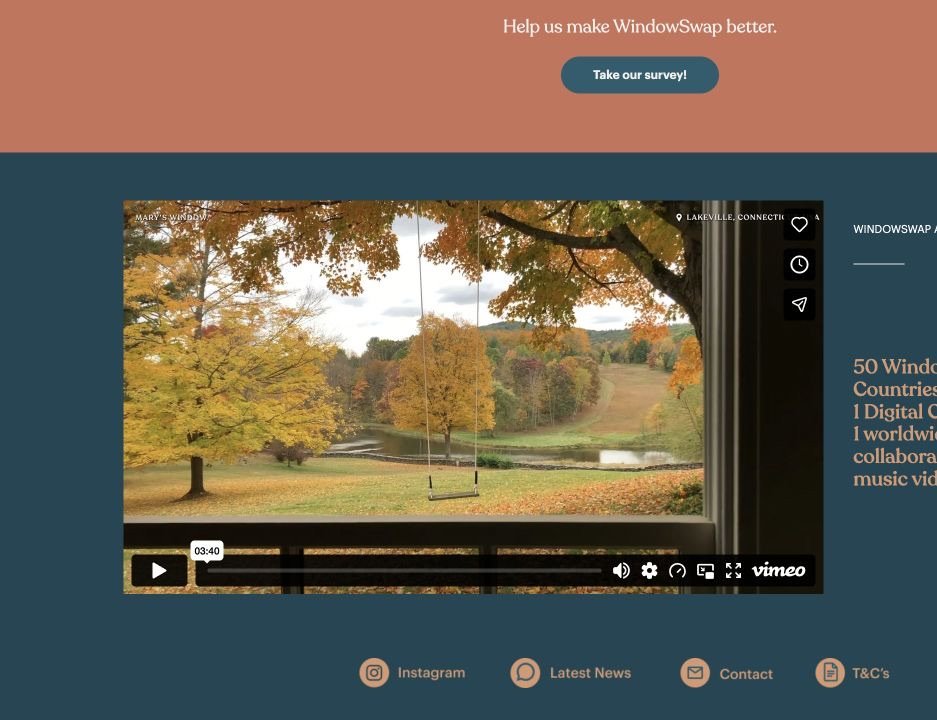
It's a small idea with a strong emotional payoff. You understand what the site offers before pressing play, then the view does the rest.
23. Radiooooo
Radiooooo uses a world map and decade selector for music discovery. Pick a country, choose a time period, and hear what somebody there might have played.
24. MapCrunch
MapCrunch drops you into a random Street View location. You can explore without a goal or hide the location and turn the trip into a geography guessing game.
25. Earth Nullschool
Earth Nullschool renders global wind, weather, ocean, and pollution data as a moving globe. It's beautiful at first glance and surprisingly deep once you open the layers.
26. Museum of Endangered Sounds
Museum of Endangered Sounds preserves noises that technology left behind: dial-up modems, cassette mechanisms, dot-matrix printers, old phone tones, and other sounds that used to be normal.
27. Chrome Music Lab
Chrome Music Lab is a collection of playful music experiments. Draw a melody, build rhythms, inspect sound waves, or turn movement into music without needing to understand a studio.
28. The True Size Of
The True Size Of lets you drag countries around a world map to see how map projections distort their apparent size. Move Greenland toward the equator and the familiar classroom map starts looking suspicious.
Weird websites that are secretly useful
These picks have unusual interfaces or premises, but they can earn a permanent bookmark.
29. Internet Live Stats
Internet Live Stats turns internet activity into a wall of moving counters. The totals are estimates, but the presentation makes the scale of searches, emails, websites, and data use feel immediate.
30. Photopea
Photopea is a full image editor that runs in the browser and supports familiar files such as PSD, SVG, PDF, and RAW formats. It's the weird-list entry most likely to become a real bookmark.
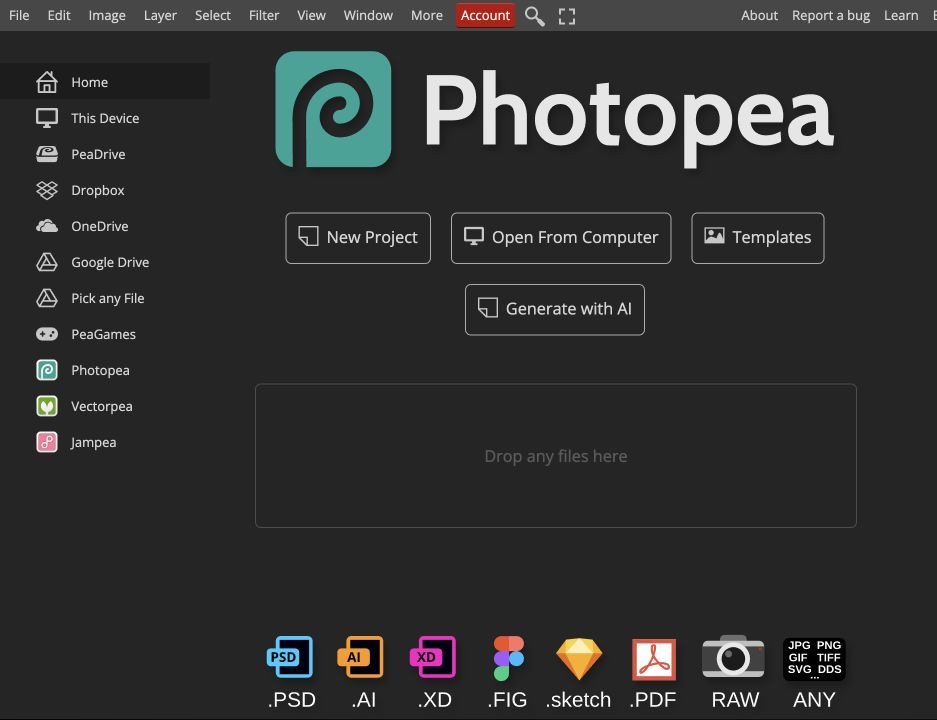
For more places to find or create website visuals, use our royalty-free image guide.
31. FutureMe
FutureMe lets you write an email to your future self and choose when it should arrive. The website is simple; the strange part is getting a message from a version of you who had no idea what happened next.
32. A Soft Murmur
A Soft Murmur mixes rain, waves, wind, fire, birds, and other background sounds. Use it for focus, sleep, or to make a quiet room feel like it has weather.
Steal the right lesson: memorable websites are usually easy to explain. One strange interaction executed cleanly beats a page full of unrelated effects.
What these strange websites teach about design
The best sites on this list aren't memorable because they ignore design. They're memorable because every design choice serves one clear premise.
- The first action is obvious. Click the button, move the cursor, press a key, pour the sand, or choose a place.
- Feedback is immediate. The page reacts before the visitor has time to wonder whether it worked.
- The concept fits in one sentence. That makes the site easy to remember and easy to share.
- The constraints create personality. The creator doesn't keep adding normal website sections until the original idea disappears.
A business website still needs navigation, trust, useful copy, and a real conversion path. Our website design mistakes guide shows where novelty becomes confusion.
How to make your own weird website
Start with a sentence: “When the visitor does X, the page does Y.” If that sounds fun before you add an About page, account system, newsletter, or shop, you have a real concept.
A visual page builder can handle simple animation, cursor effects, audio, and one-page experiments. Our free website builder guide helps you choose a place to prototype, while the full website tutorial covers the owned WordPress path.
If the experiment turns into a bigger project, the website builder comparison will help you choose a platform that can grow past the first joke.
Frequently Asked Questions
What is the weirdest website on the internet?
There's no objective winner, but JODI is the strangest pure web-art experience on this list. The Useless Web is the easiest starting point because one button sends you to a rotating collection of pointless sites.
What are the best useless websites when I am bored?
Start with The Useless Web, Pointer Pointer, Cat Bounce, Paper Toilet, Checkbox Race, Is It Christmas?, and Long Doge Challenge. Each one commits to a tiny joke or interaction and asks almost nothing from you.
Which weird website can keep me busy the longest?
Neal.fun is the biggest time sink because it contains many complete browser games and interactive experiments. Infinite Craft, The Password Game, Draw a Perfect Circle, and Internet Artifacts can each hold your attention longer than most one-joke sites.
Are weird websites safe to visit?
This guide excludes sites with certificate problems, harmful redirects, or obviously unsafe content. Any external site can change, so keep your browser updated, don't install unexpected files, and leave if a page requests permissions or personal information it doesn't need.
Why did so many old weird websites disappear?
Many were personal experiments with no business model, so domains expired and hosting stopped. Others depended on Adobe Flash, which modern browsers no longer run. A few famous survivors were rebuilt in HTML5, while others now exist only in archives.
Do these websites work on a phone?
Some do, but the best experience is usually on a desktop with a mouse, keyboard, sound, and a larger screen. Pointer Pointer, Patatap, Hacker Typer, JODI, and several browser-art projects make more sense with desktop controls.
What is a weird website that is secretly useful?
Photopea is the standout because it is a capable image editor that runs in the browser. Internet Live Stats, Earth Nullschool, The True Size Of, FutureMe, and A Soft Murmur also turn unusual interfaces into something practical.
Can I make my own weird website?
Yes. The best weird sites usually begin with one clear interaction, not a giant feature list. A simple visual builder or a small WordPress site is enough for many ideas, while custom animation or browser games require some code.
Where I would start
Open Neal.fun if you want a polished rabbit hole. Use The Useless Web when you want the internet to choose for you. Pick WindowSwap when you need to slow down, or Photopea when you would like the detour to become productive.
Then notice why your favorite worked. The weirdest websites are rarely random piles of effects. They are small ideas with unusually complete execution, which is a useful standard for any website you build.
When you are ready to turn your own idea into something real, follow the step-by-step website guide.