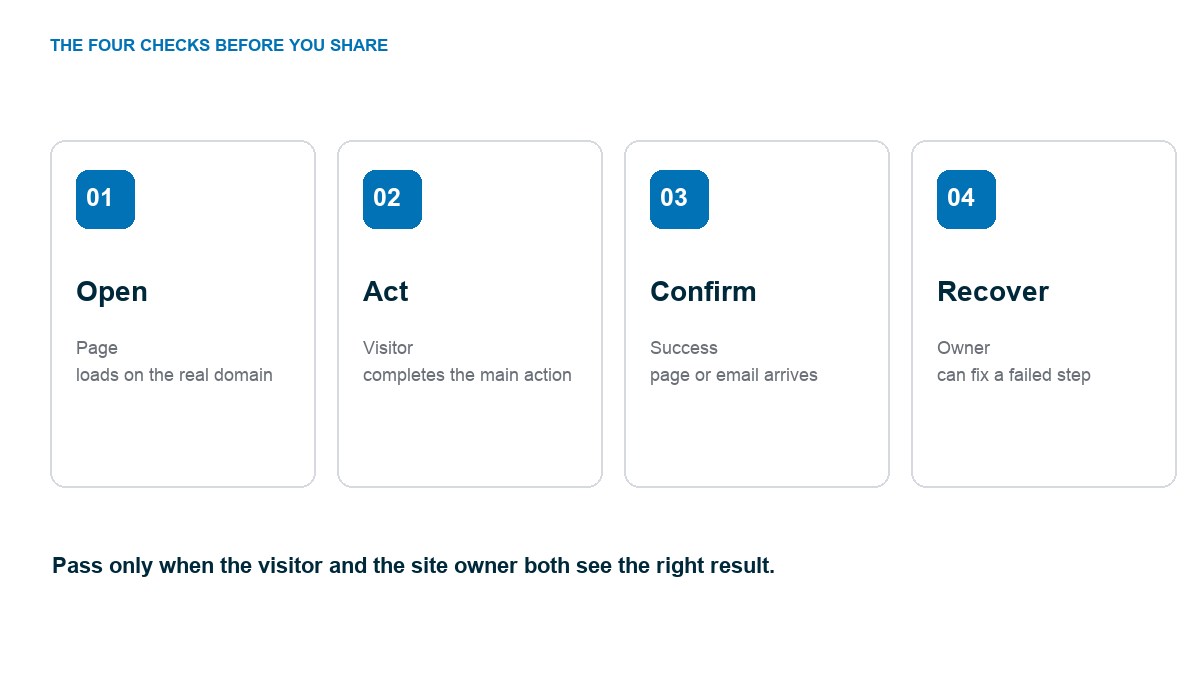
A website is ready to launch when the real URL loads, the main visitor action works, its result arrives, and you can recover if something fails. Use the checklist below on the finished site, not only inside the page editor. It covers the parts beginners most often discover too late: a form that never sends, a mobile button that cannot be tapped, an unpublished page, or a site search engines cannot access.
Do not wait for every future article and feature to exist. A small site can launch well with a clear homepage, the essential pages, and one working path for the person you want to help. Our beginner website guide gets the site built. This is the last pass before you share the link.
The shortest launch test: open the real domain in a private window, take the main action on phone and desktop, confirm the visitor result, and confirm the owner receives it.
Copy this launch test log
Make one row for each critical path, then run the test at the real domain. Copy the column headings into a spreadsheet or note. Keep the observed result and a link or screenshot as proof. The owner should sign off only after failures have been fixed and retested.
| Date and tester | Live URL and device | Action and expected result | Observed result and evidence | Pass or fail | Fix owner and retest | Owner signoff |
|---|---|---|---|---|---|---|
| Oct 22, Maya | example.com/contact, iPhone | Send a quote request; visitor sees confirmation and owner receives email | Confirmation shown; no email received in owner inbox. Screenshot saved. | Fail | Sam: correct notification address; rerun form and inbox test | Pending |
| [date, tester] | [live URL, device] | [action and expected result] | [what happened, evidence link] | [pass or fail] | [person and retest result] | [name, date] |
On a phone, swipe the log sideways to see every column.
That first row is an example, not a test of your site. It shows why a visible confirmation does not prove the owner received the lead. Use the same log for mobile navigation, checkout, downloads, and recovery. Mark a row passed only after its visitor and owner outcomes both work.
First, name the action that makes this site useful
Before checking colors and links, write down the job of the site. A local service business may need a quote request. A portfolio needs an inquiry. A store needs a completed order. A blog may need someone to find and read the right article, then subscribe if the offer is clear. If the goal is vague, you cannot tell whether the launch works.
Use a clean test account or contact address you control. Keep a record of the test result and the person who receives it. That turns the checklist into evidence, not a row of boxes someone checked from memory.
Check the pages and the path between them
- Homepage: the first screen says what the site is for and points to the main next step.
- Offer or service page: the visitor can see what they get, who it is for, and the terms they need to decide.
- About and contact: the person or business is identifiable, and the contact method reaches someone.
- Navigation: every menu item reaches the intended live page; no draft or temporary URL is exposed.
- Footer: copyright, contact route, and relevant privacy or terms pages are present and accurate.
Open every important link rather than reading its text. A button labeled “Get a quote” can still point to an old staging domain. Check the header, footer, in-page buttons, logo, and any email or social links.
If you built a business site from a template, remove sample projects, team members, addresses, and testimonials you cannot substantiate. Our website design guide covers visual hierarchy, but truthful content is the first design choice.
Complete the primary action from start to finish
Fill the form as a visitor would. Confirm the message appears in the right inbox and that the visitor sees a useful success message. Book a real test slot and check the receiving calendar. For a store, use the payment provider’s permitted test method or a reversible real transaction where allowed. Verify the order state and customer receipt, then issue the refund or clear the test order according to the setup. Record the transaction ID, receipt, and refund result in the log. A checkout button alone is not a launch test. The online store guide goes deeper on the checkout path.
Do not stop at “the button works.” Follow the promise. If the site offers a download, open the file. If it promises an email, inspect the message and its links. If it promises a reply, verify the notification reaches the person who owns that reply. A conversion is a completed route, not a click.
Now cause one predictable error. Try an empty required field or a malformed email. The page should identify the field and let the visitor correct it. Fix anything that clears the whole form or shows only a color change with no explanation. A visitor should not have to guess what went wrong.
Test the real site on a phone
Open the public URL on a phone or at a narrow viewport. Check the menu, headline, images, tables, form fields, and sticky elements. Scroll the whole page. Nothing should disappear off the right edge or sit beneath a floating button. Tap the primary action and finish it again on mobile.
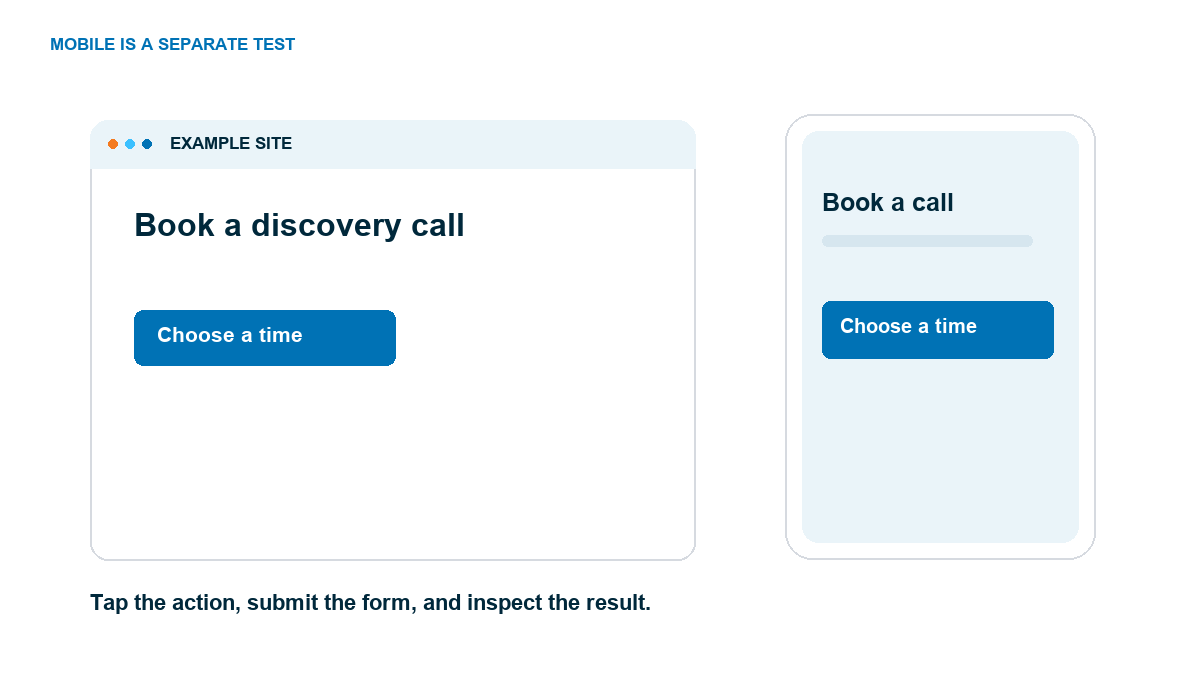
Then check a wider desktop view. A design that fits a phone can still look empty or make a comparison table hard to scan on a laptop. Keep the same content and action in both views, even when the layout changes.
Do not assume the editor’s responsive preview is the final answer. WordPress themes, fonts, scripts, embedded forms, and cached versions can change the public page. The live URL is what the visitor sees.
Confirm the site can be found and understood
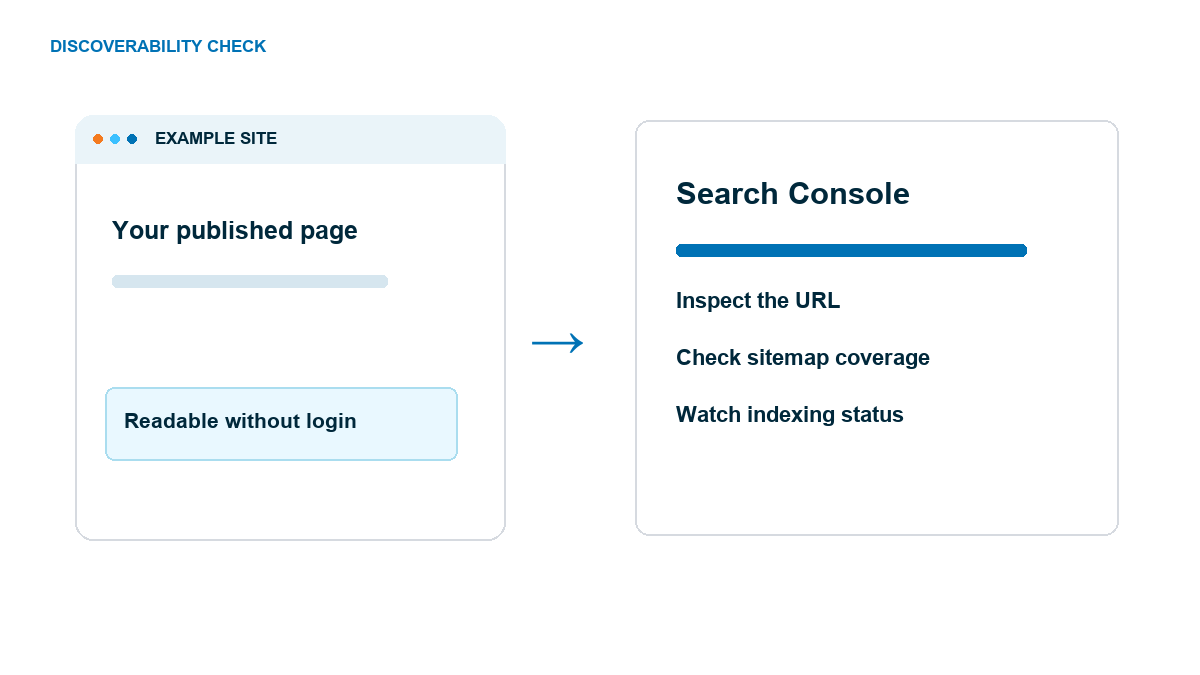
Open the site in a private window. If you see a password prompt, a maintenance screen, or a “coming soon” page, the public launch has not happened. In WordPress, review Settings → Reading and make sure you did not leave the setting that discourages search engines from indexing the site enabled. That setting is a request, not a guarantee, so check the public result too.
Give each important page a clear title and one main heading that matches the page’s job. Make its URL readable, and link to it from the parts of the site where a visitor would look. Search engines and visitors both need a path to the content. Google recommends helpful, descriptive page titles and content people can actually use in its SEO Starter Guide.
Verify the site in Google Search Console if you control it. Inspect a key URL, provide a sitemap for a larger site, and monitor the indexing report after launch. Google says a sitemap helps discovery but does not guarantee indexing; a request to crawl can also take days or weeks. Treat this as monitoring, not a promise of instant search traffic. The official recrawl guide explains the available routes.
If you run a local business, check the name, phone, address or service area, and business hours wherever they appear. Inconsistent details make the site feel unfinished. Our business website guide covers the pages that help a local visitor decide to contact you.
Put ownership and recovery in place
Make sure the site owner can log in, knows who controls the domain and hosting account, and can renew them. Save recovery codes for the accounts that need them. Give collaborators their own access instead of sharing one password, and remove temporary accounts from the build.
Check that backups run, know where they are stored, and find the restore instructions. A backup file you have never located is a weak safety net. Our WordPress backup guide explains how to confirm the copy can actually restore. Update WordPress, the theme, and plugins after taking a backup and before sending launch traffic.
Write down one person responsible for the inbox, order notifications, booking calendar, and plugin updates. Otherwise a website can launch technically while its customer requests sit unread.
The copyable launch checklist
Use this compact list for the final pass. Put the date and test result beside each item in your own notes. “Pass” means you observed the live result.
- ☐ The main domain opens over HTTPS in a private window.
- ☐ Homepage, offer, About, Contact, Privacy, and applicable Terms pages show final copy.
- ☐ No sample names, placeholder projects, old prices, or staging URLs remain.
- ☐ Navigation, logo, footer, and main buttons lead to the correct pages.
- ☐ The headline names the audience and the result.
- ☐ The primary form, booking, or checkout completes on desktop.
- ☐ The visitor receives the promised confirmation, file, appointment, or receipt.
- ☐ The owner receives the corresponding notification or order record.
- ☐ A required-field error explains what to fix without losing the visitor’s work.
- ☐ The same path works at phone width with no sideways scrolling or covered controls.
- ☐ Images load, have useful alternative text, and do not hide important copy.
- ☐ Important page titles, headings, and URLs describe the content.
- ☐ Search access, sitemap, and Search Console are checked where applicable.
- ☐ Domain, hosting, logins, backups, and renewal ownership are recorded.
- ☐ Someone is assigned to answer requests and maintain the site.
After those pass, share the link with one person who has not seen the build. Ask them what the site offers and have them complete the main action without coaching. Their first point of confusion is your first post-launch fix.
Frequently Asked Questions
How many pages do I need before launching a website?
Launch with the pages the visitor needs to understand the offer, trust the owner, and complete the main action. A small service site may need Home, Services, About, Contact, and applicable legal pages. Add the rest when it serves a real job.
Should I submit my new site to Google?
Verify your site in Search Console, inspect key URLs, and submit a sitemap when appropriate. Google can discover pages through links too, and neither a sitemap nor a crawl request guarantees immediate indexing.
Do I need to test a form before the site goes live?
Yes. Submit it using an address you control, inspect the visitor confirmation, and verify the owner notification or saved entry. Repeat at phone width and test an invalid entry.
What should I check after launch?
Watch the primary action, request inbox, indexing report, broken links, backups, and software updates. Ask one new visitor to complete the intended path without coaching, then fix the first point of confusion.