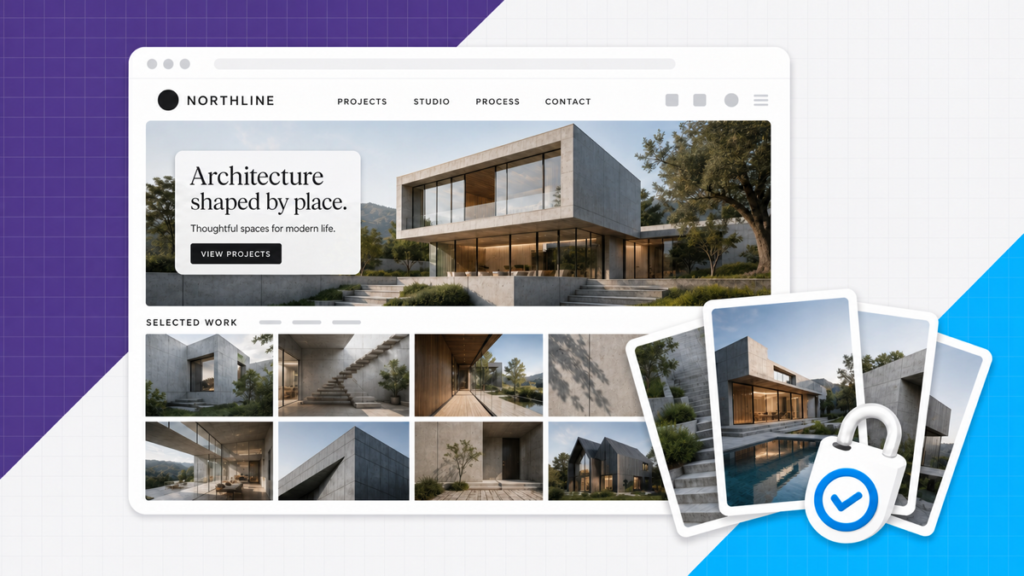
Every website needs solid images. But paying stock-photo prices for every single one adds up fast. You don’t need to fork over $50 a photo when the free sites below are this good. Good visuals drive more engagement, more time on page, and more trust, which is why we treat image sources as a core part of building a site, not an afterthought.
The problem is copyright. Most photos from the last few decades are protected, and using them without a license can get a site into real trouble. Buying every image from a stock library works, but it gets expensive when you’re filling a full site.
Below are 24 solid places to get royalty free images for websites, plus a section on AI generators like ChatGPT, Midjourney, and Adobe Firefly, including what you can actually use commercially in 2026. If you’re still picking a builder or hosting for the site these images will live on, start with our how to create a website guide and our website builders comparison.
Watch the shortlist video below, then scroll the full list for more options.
24 places to get free images for websites
The video walks the full shortlist in under two minutes. Scroll the numbered list below when you want screenshots and licensing notes for each site.
1. Pixabay
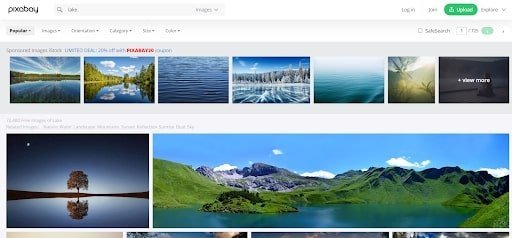
Pixabay is a website where a whole community of creative folks offers copyright free images, music, and art, free of charge.
They have over 1.5 million free images for websites, and you can download JPG images at up to 4 different sizes depending on where you plan to use them.
Pros
- It’s super easy to search for any image you might be looking for
- Easy to download your image at whatever size or quality you’re feeling
- Accepts donations given to the creators if you want to share the love
Cons
- Low API rate limits (only really applies to developers trying to grab massive amounts of images automatically)
2. Pexels
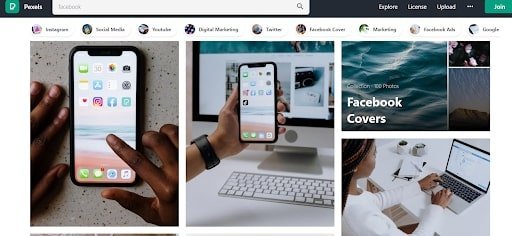
Pexels offers royalty free images shared by talented creators. Of course, they’ve got a healthy amount of free pictures to use for your site and as an added bonus, their homepage makes for a captivating downward scroll if you want to procrastinate a bit (guilty as charged).
Pros
- Offers free stock images for commercial use and free videos too
- Beautifully designed interface
- Allows for size customization
Cons
- Difficult to find search results for specific keywords
- Images rarely come with words
3. Unsplash
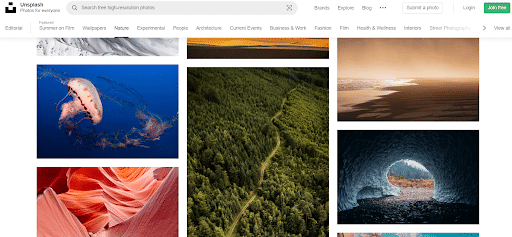
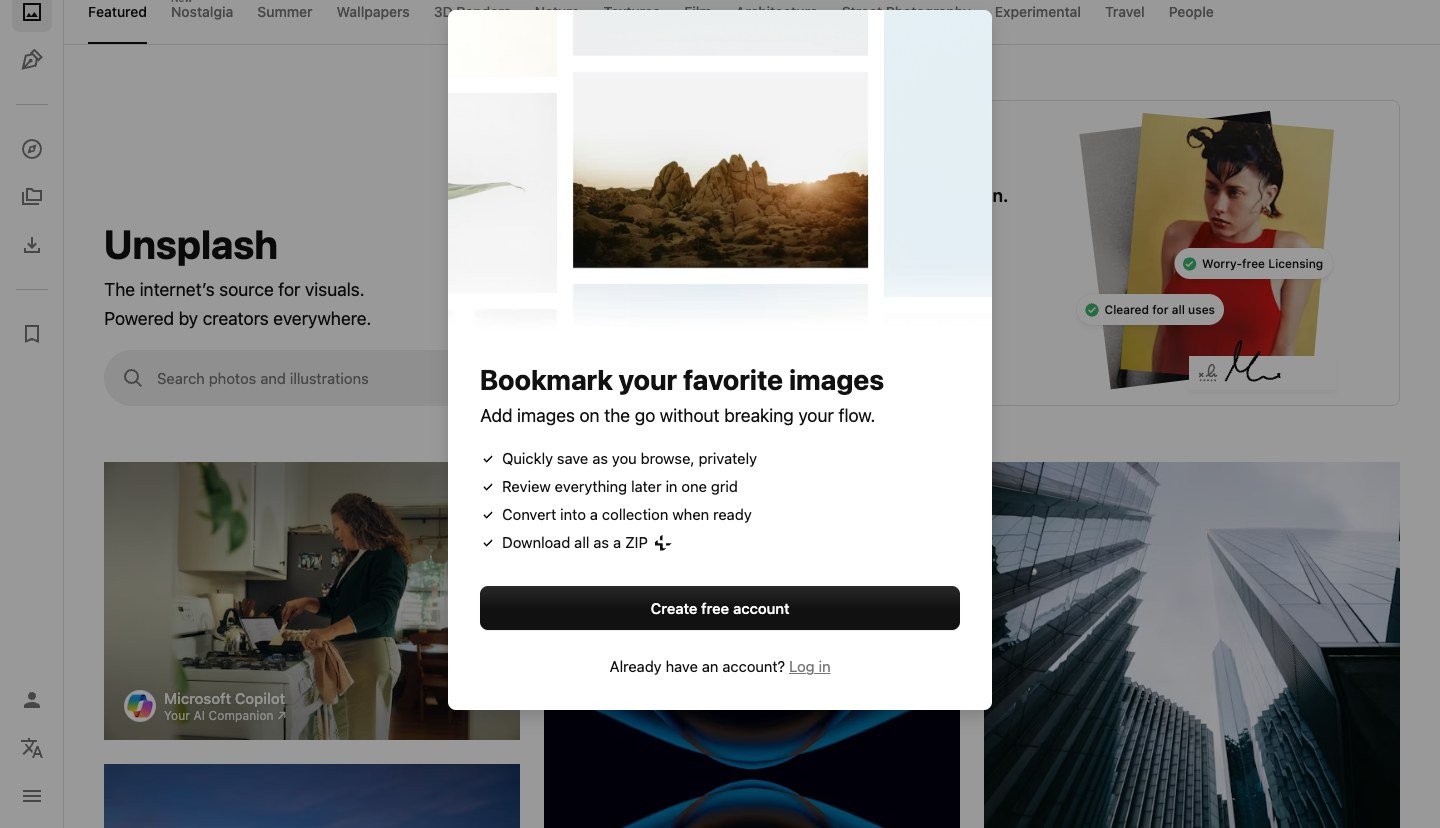
Unsplash is another solid collection of HD images from photographers and creators around the world. They have their own custom license, which allows for almost unlimited use of the copyright free photos offered on the site.
That alone makes them one of the best websites for royalty free images. On top of that, the site is simple to navigate and their search engine does a killer job of pulling up results you’ll love.
Pros
- Solid image categorization and tagging for accurate search results
- Equipped with an IOS app to help with finding creative photos for apple products
Cons
- You get the size the creator uploaded
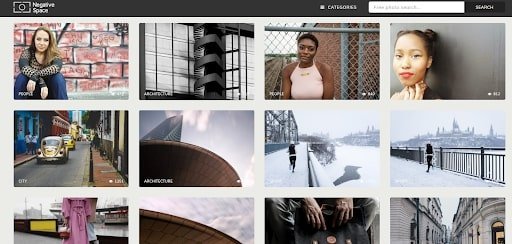
4. Negative Space
Negative Space is a completely free high-resolution stock photo website featuring up-and-coming photographers. New images are added every week, so there’s always something new to discover.
Plus, they always offer user incentives and rewards to their community.
Pros
- Offers a one-month free trial of Shutterstock plus 10 free photos for all users
- Email subscription that lets you know when new photos for you to discover and use have landed on the site
Cons
- Most of the images are of Great Britain since the site is based in the UK
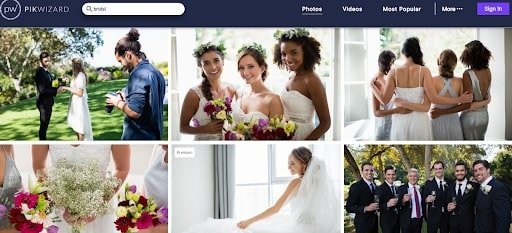
5. Pikwizard
Pikwizard is a great website for royalty free images of people in natural, normal settings. Best for those looking for a sense of realism in their images (think restaurant websites, coaching websites, professional services websites, etc).
Pros
- Hosts a large selections of natural looking, never-tacky photos
- Has a built-in online image editor
Cons
- Images are protected under either a CCO or Free licence (photo use is limited)
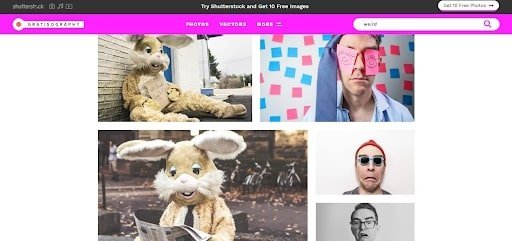
6. Gratisography
Gratisography is a website with quite a boatload of goofy and funny free images to use. Created by photographer Ryan Mcguire to be a hub for photo sharing and resource sharing, the passion that drove him to set this bad boy up comes through.
Translation: this free images website offers nothing but quality.
Pros
- Images here are unusual, so you’re always likely to find something worth staring at
- Website images are curated by one dude, which gives this place a tasty niche flavor
Cons
- Their selection is on the smaller side
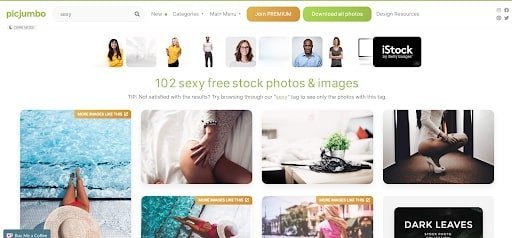
7. Picjumbo
Picjumbo is a supersite for both high-quality images and staying connected to a creative community. They have a large selection of copyright free photos which are 100% free of charge. No registration required.
They’ve also got a newsletter, and free, unpublished images are given out to premium subscribers.
Pros
- They’ve got a blog, forum, and newsletter for staying connecting with the creative community
Cons
- Some reviews say it can be difficult to unsubscribe from their list (definitely hate that)
8. Lifofpix
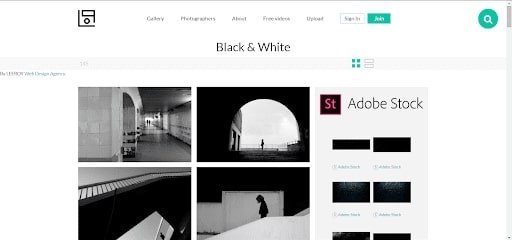
Life of Pix is a beautifully designed site to get free high-resolution photos. The interface is one-of-a-kind with tight fonts, big images, creator spotlight. Just click on the ‘about’ page when you get there and you’ll see some of the museum-like magic we’re talking about.
This site is really a visual work of art in and of itself! They also have a partnership with Adobe Stock where users can access lots more stock images. However, you’re going to have to pay for any of those.
Pros
- Simply designed and easy to use
- Has an absolutely stunning user interface
- Can create a profile and join the creative community
- Every week, a “photographer of the week” is chosen
Cons
- Their gallery is rather limited
9. Kaboompics
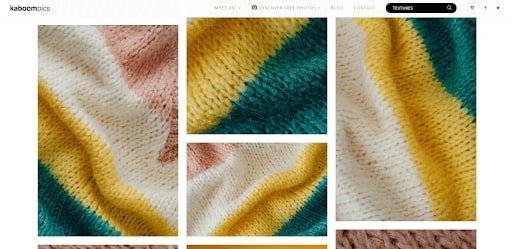
Kaboompics offers high-quality photos in a ton of genres from various creators. Polish web designer Karolina built the site out of frustration with other royalty free images websites, so she made a better one.
They’ve got a particularly awesome ‘textures’ section on their site. The best part is, their copyright free photos can be used in just about any way you want.
They do request that proper credit is given to the owners. That isn’t ideal for some website image uses but is more than fair for something like an image used in a blog post.
Pros
- Has a color filter option when searching for photos and they suggest complementary colors to your chosen color (super helpful for finding images that fit your website color scheme)
Cons
- They have their own license (similar to a Creative Commons Zero, or CC0, license) which doesn’t permit redistribution
10. Adobe Stock
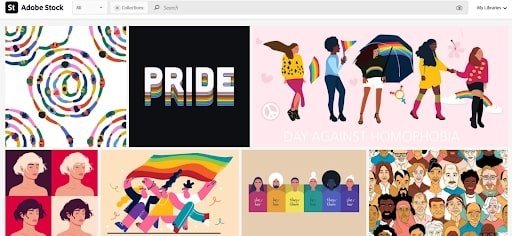
Adobe’s free stock photo website offers photos, vectors, and videos too. Their collection is vast, and their goal is template accessibility for all.
All images on the site are covered by Adobe’s Standard License, which only prohibits free redistribution. There are some exceptions at times, so always double-check before doing any business.
Pros
- Free videos and high quality vector graphics
- Creators who add images are paid for their contributions
Cons
- Very Limited access without a subscription

11. Big Stock Photo
Big Stock Photo is a paid royalty free images website, but they’ve got tons of high-quality stock images and videos at fairly affordable rates.
They’ve got some cool search words to choose from in their categories too, in case you’re looking for something new you haven’t even thought of yet!
You’ll have to pay for these, but they offer a free one-week trial for first-time subscribers. Their customer service is excellent too, so you’ll easily straighten out any confusion along the way.
Pros
- Specializes in images and illustrations
- Great customer service
Cons
- More costly to purchase vector images
12. Getty Images
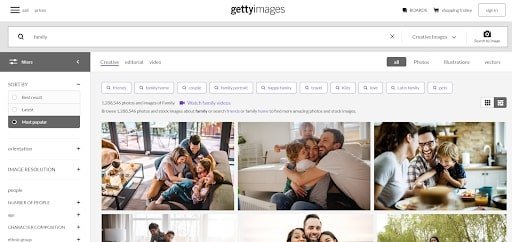
Probably the biggest name in resolution stock images, Getty offers a huge range of royalty free media, including some highly exclusive finds and eye-catching conceptual pieces, too.
Their massive group of photographers operates around the world so they’ve got insanely high-quality images of pretty much anything you can think of.
And while you’ll have to pay for most of their photos and images, they do offer thousands of free pictures to use on your sites.
Pros
- Loaded with a huge library of high-resolution photos
- Massive variety of images types
- You can purchase exclusive rights to an image if you want to be 100% sure no one else can use it
Cons
- Their paid media is pretty damn expensive (the quality is there, but might not be worth it if you’re just starting out)

13. Yay Images
Yay Images has got over 6 million high-resolution stock images, and all at affordable prices. They’ve also got graphics and videos of the same breakneck caliber.
One of their most helpful features is the on-site photo editing software. When altering your images, Yay sends you a link to paste into your URL so you don’t have to download, edit, then upload images all over again (that’s super clutch)
All the images also come with royalty free licensing, so they can be used however you like.
Pros
- All plans come with unlimited streaming features
- The system is unusual and unique, yet effective
Cons
- The visual image search is not very accurate
- There are no uploads or downloads available
- Higher prices for single downloads
- Not a free website
14. Can Stock Photo
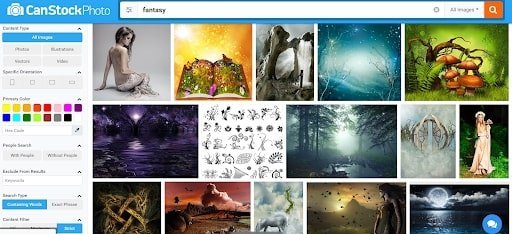
Another site that generally makes you pay. Think “cheap royalty free images that are kind of low quality.”
Can Stock Photo selection is pretty large though a bit limited compared to other sites.
Overall we’d probably look elsewhere first but if you find something that you really vibe with here send it!
Pros
- Thousands of new images added every day
- Easy to use, and photos can be downloaded without a subscription
Cons
- High def videos run on the pricier side
- Fewer images available than on other sites
15. Canva
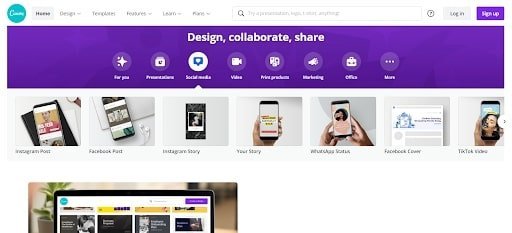
A cool website with fire templates for sprucing up your free stock images. While they have a free stock photo library of their own, Canva’s real edge comes from the fact that they’re a super easy-to-use image creator and editor.
Find something cool on another free image website and upload it here, find something in their library, or start from scratch and create something amazing! If you want some extra creative control, go with Canva.
Pros
- Has a graphic design tool which increases creative control
- Available for free with an option to get more features with premium
- Their design tool lets you create business cards, banners, thumbnails, and more
Cons
- The free image gallery doesn’t have as many options as some other free stock photo sites
16. Envato Elements
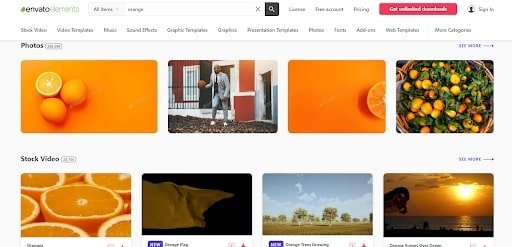
An unlimited subscription is available at Envato Elements. It’s a multifaceted home of high-quality images.
Aiming to be a one-stop shop for any and every creative asset you might need for your site, Envato has got a ton of options, tools, and templates to help you find and customize sweet royalty free images and graphics.
Pros
- Free downloads and access to some editing tools with their free membership
- Paid subscriptions are unlimited and paid only once a year
Cons
- Almost no access to images without a subscription (they have a free subscription but still, don’t make me sign up bro)
17. Photocase
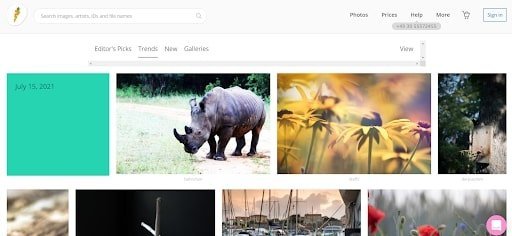
Photocase is an unconventional gallery with extraordinary royalty free images for standout websites. These folks host over 5 million signature photographs, all hand-picked by their team of creative individuals (bless them for doing all that work for us).
That kind of hand-crafted experience makes this site a one-of-a-kind treasure trove for specialty photos you won’t be able to find anywhere else! Photocase also allows for the usage of sensitive or controversial images at an additional charge.
Pros
- Hand selected, curated images
- Offers discounts to those subscribed to their newsletter
- Big focus on local content
Cons
- It’s paid and there aren’t any unlimited subscriptions, so you could end up paying a lot if you want a ton of shots from them
18. PX Here
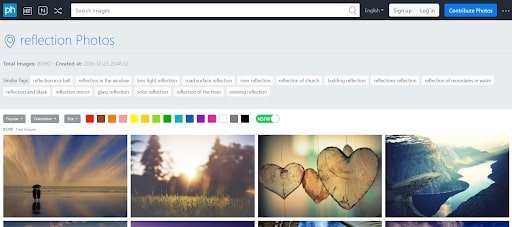
PX Here has got high-quality and completely free Creative Commons Zero copyright images. Here, you can source a diverse selection of copyright free images on this site.
The quality isn’t quite up to par with some of the other sites on our list, but every now and then you’ll be able to dig up solid gold.
Pros
- Has a vast collection of diverse images, all 100% free for commercial use
Cons
- Reports of a poor support team
- Images are a little generic and tacky
- Seems nearly impossible to delete your account or your photos
19. Freepik
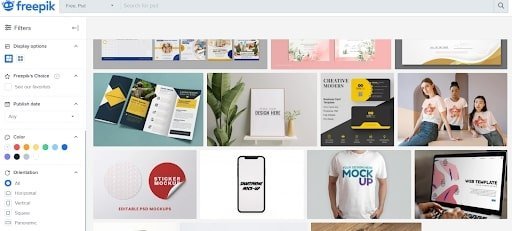
Freepik’s a solid spot to get high-quality and royalty free photos, vectors, PSDs, and icons.
Their site’s easy to navigate, simple to use, and serves up just a smattering of options as you’re searching (great if you want to work fast, not so great if you want to find something really special).
It has also got a helpful community of contributors and supporters.
Pros
- Offers copyright free PSDs
Cons
- Images can be quite generic
20. 123RF
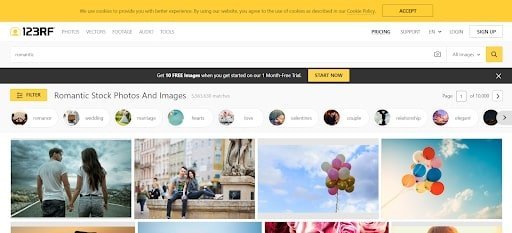
123RF’s a site where you can snag both low and high-resolution images and audio. They’re a middle ground between the bigger stock websites like Unsplash or Getty, and the simpler sites with smaller collections, like Freepik.
They’ve also got live chat and phone support if one should need it.
Pros
- Great customer support service
- Flexible subscriptions for both low-res and high-res images
Cons
- Must have a subscription to play, although it’s super affordable
- Limited search filters for images
21. iStock
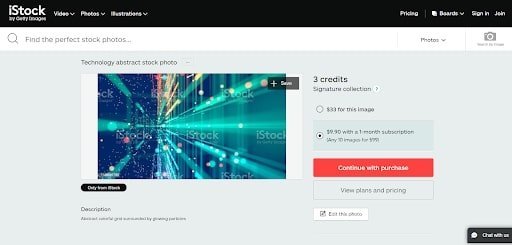
iStock provides users with a healthy range of varied-resolution copyright free photos (this site clearly eats its spinach!). It’s run by the very professional team over at Getty Images, so there’s a ton of quality to find here.
iStock offers fair prices for their subscriptions, with a diverse gallery of photos and images covering just about any concept. It’s a particularly great stop for graphic designers and smaller ad companies in need of a ton of low-resolution photos that won’t break the bank.
Pros
- The bang is worth the buck
- Users are able to rollover unused credits
Cons
- Not a good site for general browsing, go in knowing what you want
- Limited amount of high-quality print media
22. Alamy
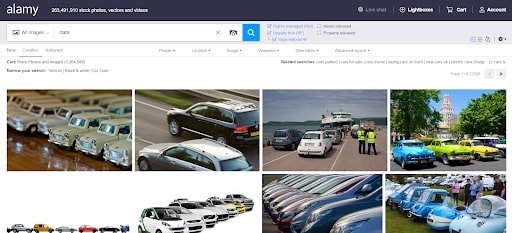
Alamy has millions of high-quality images uploaded from all over the globe.
New images are uploaded by the tens of thousands daily. They’ve also got a fair share of panoramic images, videos, vectors, and films, which makes this one of the best sites for royalty free images on the web.
Pros
- Thousands of images from all over the world
- User submissions are accepted (so the variety of options is there)
Cons
- Images tend to be expensive
23. Foap
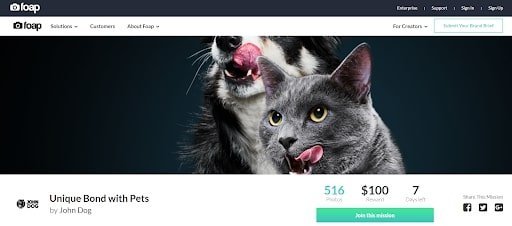
Foap is a new website concept that lets iPhone users to sell their photos on an online marketplace. You can purchase copyright free photos for as low as $10.
What’s especially cool is that you can request specific photos for photographers in the Foap community to take. So if you want something custom but don’t have a ton of $$ this website is worth a closer gander!
Pros
- A unique platform for finding new and custom photos
- Purchases give you complete ownership over images
Cons
- Photos only. No audio or video
- Due to the high image quality, some prices are kind of high
24. Shutterstock
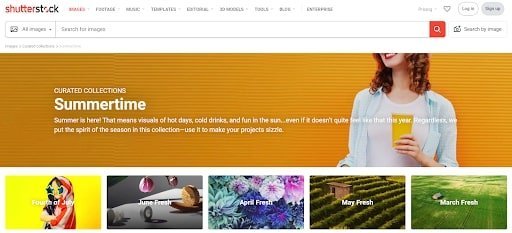
Shutterstock is perhaps the most well-known place to get royalty free images for websites. This powerhouse has close to 300 million free stock images for commercial use and counting. Aside from photos, you’ve got illustrations, vectors, and videos available here too.
Pros
- Multiple licenses available on purchases
Cons
- This one’s on the pricier side
Stock vs AI
Stock Photos vs. AI Generators
Use stock libraries when
- You need airtight commercial rights Licensed stock (or clear free licenses) is still the safer path for client work.
- You want a real photograph AI still struggles with hands, text-in-image, and brand-accurate product shots.
Use AI generators when
- Stock has nothing close enough Custom prompts beat scrolling 40 near-misses.
- You need on-brand illustrations fast DALL-E / Firefly / Midjourney can match a color/mood brief in minutes.
That comparison covers when stock libraries beat AI and when generators save time. When you’re ready to design with those assets, the button below opens Canva on our link.
What About AI Image Generators Like ChatGPT?
Since the original version of this list, AI image generators have become a genuinely legitimate option alongside the sites above. ChatGPT (via DALL-E), Midjourney, and Adobe Firefly can all produce a usable, on-brand image from a text prompt in under a minute, no searching through stock libraries for something close enough to what you actually wanted.
Here is where each one actually stands on commercial use, since the rules differ by tool:
| Easiest start ChatGPT / DALL-E | Midjourney | Adobe Firefly | |
|---|---|---|---|
| Overall rating for site use | |||
| Commercial use | Yes, free and paid | Paid plans only | Paid Creative Cloud plans |
| Copyright on pure AI output | Not copyrightable (US) | Not copyrightable (US) | Not copyrightable (US) |
| Training-data risk profile | Permissive commercial grant from OpenAI | Strictest free-tier limits | Licensed training data (safer for risk-averse brands) |
| Best for | Fast on-brand images, beginners | Stylized / artistic looks | Teams already on Adobe |
Swipe to compare more options. ChatGPT / DALL-E stays pinned.
Commercial rights and copyright are not the same thing. You can often use an AI image on a site and still not own a copyright on the pure AI output.
Use the table as a shortlist, then apply this rule of thumb.
You can use it, but you probably can’t copyright it. In the US, purely AI-generated images (minimal human input beyond a text prompt) are not eligible for copyright protection, the Copyright Office has held this position since 2023 guidance and it still stands. That does not stop you from using the image on your site, it just means you cannot register a copyright claim on the image itself or stop someone else from generating something similar. If you meaningfully edit, combine, or redraw the AI output, your added creative work can be protected even though the underlying AI generation cannot.
A few practical rules worth knowing before you drop an AI image into a client site or anything commercial:
- Check the platform’s current terms before assuming commercial rights, they change tiers and policies more often than you’d expect (Midjourney’s free tier, for example, is personal-use only).
- Avoid generating images of real, identifiable people or depicting them in misleading situations, that is a separate legal problem from copyright and can create real liability.
- If you plan to resell or license the image itself (not just use it on your own site), major stock platforms like Adobe Stock and Shutterstock now accept AI-generated submissions, but require you to disclose that the image is AI-generated at upload.
- If your site serves an EU audience, the EU AI Act now requires clear labeling of AI-generated content in some contexts, worth a quick check if that applies to your traffic.
Bottom line: AI generators are a solid tool to add to the list above, especially for something specific or abstract that stock sites do not have a good match for. Just treat the legal side the same way you would treat any other creative asset: check the license, do not assume ownership you do not have, and lean on the stock sites above when you need something with airtight commercial rights. Once your images are sorted, pair them with a fast theme like Astra and a page builder such as Elementor so the site itself loads as clean as the visuals look.
Always download the license page or keep the source URL. If a client or partner asks later, you want proof of where the image came from and what the license allowed.
How I Search Stock Libraries Faster
Start with the job, not the gallery. Need a hero photo? Search wide landscape, one subject, copy space on the right for headline text. Need blog thumbnails? Go vertical or square so social crops don’t amputate faces.
Use plain nouns first (“mechanic workshop”) before poetic adjectives (” gritty industrial vibe”). Filters for orientation, color, and number of people narrow results faster than scrolling fifty pages. Save favorites to collections per client so you’re not re-searching every revision round.
When photos land on WordPress pages, compress before upload and lazy-load below the fold. A little compression and you’ll never notice a drop in quality. Push it too far, though, and you’ll start to see pixelated photos, so don’t go overboard chasing file size.The WordPress speed guide covers image weight more than any stock site will.
Building pages in Elementor or Divi? The Elementor tutorial and Divi tutorial show where background images help or hurt readability.
Reverse image search a frame before you buy exclusive rights. Stock sites recycle similar shoots; you want your hero photo distinct from the competitor down the street.
Batch download sizes: hero needs 2000px wide, thumbnails need 800px. Downloading max resolution everywhere wastes storage and slows backups for zero visual gain on small cards.
Licensing Red Flags
Four red flags should make you close the tab immediately:
- No clear license page. If the terms are hidden behind a signup wall with nothing visible upfront, skip the site entirely.
- “Free for personal use” showing up on a commercial client project? That’s a lawsuit waiting for billable hours.
- A watermarked preview accidentally exported at full size. Always open and download the actual licensed file on download day, never a screenshot of the preview.
- AI-generated faces on a free tier with vague or nonexistent training-data claims. Some enterprise clients explicitly forbid synthetic people in their brand guidelines, so check before you build a whole campaign around one. Keep a folder of approved real stock on hand for when legal teams push back.
AI Images Without License Surprises
When you use an AI generator for client work, read the terms on commercial use, retraining, and who actually owns the output. Canva and Adobe spell this out clearly in account settings. A random web app with no terms page? Fine for a meme, not for paid ads or product packaging.
If your tool supports layers, combine an AI-generated background with a licensed foreground subject. You get a custom look without ever having to guess whether the training data quietly included a trademarked logo somewhere in the blur.
For straightforward needs, Unsplash still works fine for blog heroes. Just check for extended licensing before you run paid ads with it. Canva bundles templates with stock photos when you need matching social sizes done the same afternoon.
Keep attribution when a license requires it. Some Creative Commons terms demand credit in a footer or caption, so build that into your publishing checklist right alongside alt text. That way it’s never an afterthought.
Model releases matter any time a recognizable face shows up in an ad. Editorial licenses allow a news context, but commercial use needs an actual release. Read the license badge on each asset before it lands on a paid campaign page.
And when a brand cares about representation, use the diverse-casting search filters that major libraries already offer instead of defaulting to whatever face shows up first.
Keep your workflow organized the same way across every client. Save search collections per client rather than starting revisions from scratch, and name folders by project instead of just by date when you’re juggling three sites in the same week.
Build a shared folder with license PDFs or screenshot URLs per project, plus a running spreadsheet of asset URL, license type, and download date. An audit takes ten minutes with that in place instead of hours when a client asks for proof during a rebrand.
And keep a running DO-NOT-USE list the moment a client rejects a stock cliché. Handshake photos and headset support agents are the classics. Add them and the next search skips those motifs automatically, instead of re-litigating taste every time.
A few practical habits round this out. SVG logos from stock sites can occasionally carry embedded scripts. Prefer PNG from trusted sources, or sanitize any SVG before it goes into the WordPress media library.
AI upscaling improves resolution, but it never fixes bad composition. Start with a well-framed photo instead of enlarging a tiny download until faces turn to mush on a retina screen.
Swap seasonal campaign photos even when the copy gets reused. Readers recognize last year’s hero image instantly the moment you rerun a Black Friday or spring sale page.
Color-grade stock to match your brand palette with a subtle overlay in Canva or Photoshop. A raw download that clashes with your site’s CSS is obvious at a glance.
And alt text isn’t optional decoration. Describe the image’s function (“team reviewing wireframes”) instead of keyword-stuffing it (“best SEO agency Chicago cheap”). Accessibility and SEO both win from the same sentence.
Paid stock subscriptions amortize fast once you’re doing agency-level volume. One Shutterstock month covering ten client projects beats ten separate single-image checkout fees, and it keeps your license history in one dashboard instead of scattered receipts.
Editorial versus commercial licensing confuses YouTube thumbnails and blog heroes alike. When in doubt, choose the commercial-safe asset and keep the receipt PDF in the client folder.
If you’re running a niche site specifically, our niche website ideas post is a good reminder to budget real time for legal images, not just copy, and once you’re publishing, our Elementor tutorial covers background placement and alt text habits that keep pages fast and accessible, or the Squarespace tutorial if that’s your platform. Still choosing a platform for the site itself? Website builders compared breaks down how stock photos plug into each workflow differently.
Frequently Asked Questions
What are royalty free images?
Royalty free means you can use the image without paying ongoing royalties to the creator. You may still need to follow license terms (attribution, no resale as a stock photo, etc.). Free doesn’t always mean free for commercial use. Check each site.
Can I use free stock photos on a commercial website?
Often yes, if the license allows commercial use. Pixabay, Pexels, and Unsplash generally allow commercial use with few restrictions. Always read the license on the download page for that specific image.
Are AI-generated images copyrightable?
In the US, purely AI-generated images with minimal human creative input are generally not eligible for copyright. You can still use them on a site if the tool grants commercial rights, but you usually can’t register a copyright on the raw AI output.
What is the best free stock photo site?
For most website projects, start with Unsplash, Pexels, and Pixabay. They are fast to search, high quality, and clear on commercial use. Add Canva when you need text overlays or simple edits, and an AI generator when stock search fails.