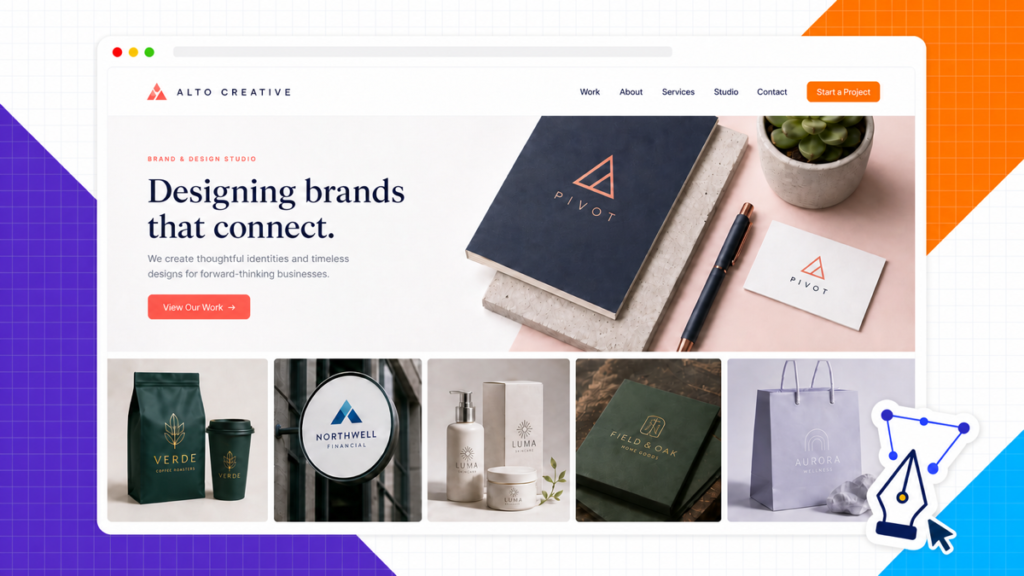
Logo.com is the best free logo maker if you want a usable set of files without rebuilding the design somewhere else. Its current free package lists high-resolution PNG, JPG, SVG, PDF, AI, and WebP downloads. Canva is the better choice when you want more hands-on control over the layout and plan to build matching social graphics or business cards.
The goal is not to squeeze a full brand strategy out of a generator. Make one simple mark that stays readable in a website header, a square social avatar, and a tiny browser tab. Then save the files that let you improve it later.
My direct recommendation: Start in Logo.com if the free download package still lists the formats below. Use Canva instead when editing control matters more than getting every file type in one download.
What “free logo maker” should mean
Many logo tools are free until the last click. You can generate concepts, change the colors, and spend an hour polishing a favorite. Then the download screen asks for payment before it gives you a transparent background, a large image, or the vector file needed for print.
A useful free logo maker should give you a file large enough for the website, clear usage terms, and a way to return to the design. A vector file is even better because it can be resized without turning blurry.
Check the download before doing detailed work. Create a rough test logo, open the export screen, and confirm the resolution, transparency, vector options, attribution, and usage rights. If the files you need are locked, switch tools while the design is still disposable.
Best free logo makers compared
These four tools cover the most useful beginner workflows. The first two offer the clearest long-term path; the other two are good when you want a fast starting point.
| My pick Logo.com | Canva | Adobe Express | Shopify | |
|---|---|---|---|---|
| Best for | Complete free file package | Hands-on editing and brand assets | Guided logo generation | Fast AI-assisted ideas |
| Starting method | Business name and generated concepts | Template or blank canvas | Name, industry, and style | Brand name and AI options |
| Usable free download | High-resolution and vector files listed | Standard downloads; some features are paid | Standard downloads; some assets are paid | Downloadable logo files |
| Main strength | Many business-ready formats | Best manual control for beginners | Fast guided variations | Fewest decisions before a first draft |
| Main catch | Generated concepts still need simplification | Transparent backgrounds and some assets may require Pro | Premium templates and assets appear beside free ones | AI output must be checked for originality |
Swipe to compare more options. Logo.com stays pinned.
The download screen matters more than the word free on the landing page. Confirm the file types you need before spending time polishing a design.
1. Logo.com: best free logo maker overall
Logo.com begins with the business name, generates a group of concepts, and lets you adjust the symbol, type, colors, slogan, and layout. Its biggest advantage is the advertised download package. The public logo-maker page lists PNG, JPG, SVG, PDF, AI, and WebP files, which covers normal website, social, and print uses.
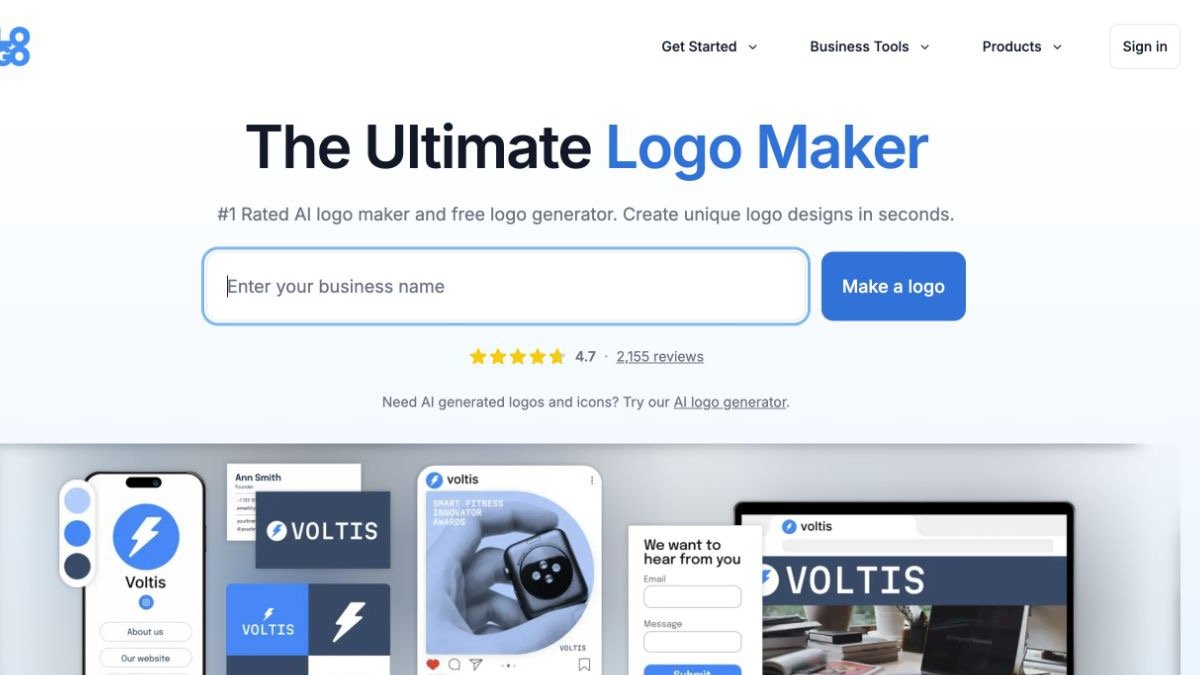
The preview matters. A logo can look polished on a large white canvas and fall apart once it is squeezed into a mobile header. Use the website and social mockups to find details that disappear, then remove those details.
My free-logo pick
Logo.com for a complete first file package
Why it is the strongest free starting point
- It lists the formats a real business needs The current download package includes high-resolution raster files and vector formats for web, print, and future resizing.
- You can keep editing after download Colors, fonts, layout, name, and slogan can be changed when the first version stops fitting the business.
- The brand preview exposes weak designs Seeing the mark on a website, social profile, and card makes tiny text and awkward proportions easier to spot.
What still needs your judgment
- Generated does not mean distinctive The first result may use familiar symbols or layouts. Strip it back and search for similar marks before treating it as final.
- The interface can encourage extra assets Keep the first job narrow: one strong logo, dark and light versions, and the file formats you will actually use.
- Terms and free tiers can change Read the download screen and license before committing the brand to a specific icon or template.
2. Canva: best for hands-on editing
Canva is the easiest choice when you want to move every element yourself. Start with a logo template or an empty canvas, then edit the typography, spacing, colors, icon, and arrangement with the same drag-and-drop controls used for social posts and business cards.
The free version is enough for a standard logo download, but some templates, graphics, background tools, brand controls, and export options belong to Canva Pro. That is why I would test the final download before building the rest of the brand around a premium element.
Canva becomes the better pick when the logo is only the first design task. You can reuse the same colors, type choices, and layout language across a website graphic, social avatar, banner, and simple print piece without learning another editor.
3. Adobe Express: best guided alternative
Adobe Express asks for the name, industry, and visual style, then generates a range of designs to edit. It sits between a pure generator and a manual template editor, which makes it useful when a blank canvas feels like too much but you still want control over the final type and colors.
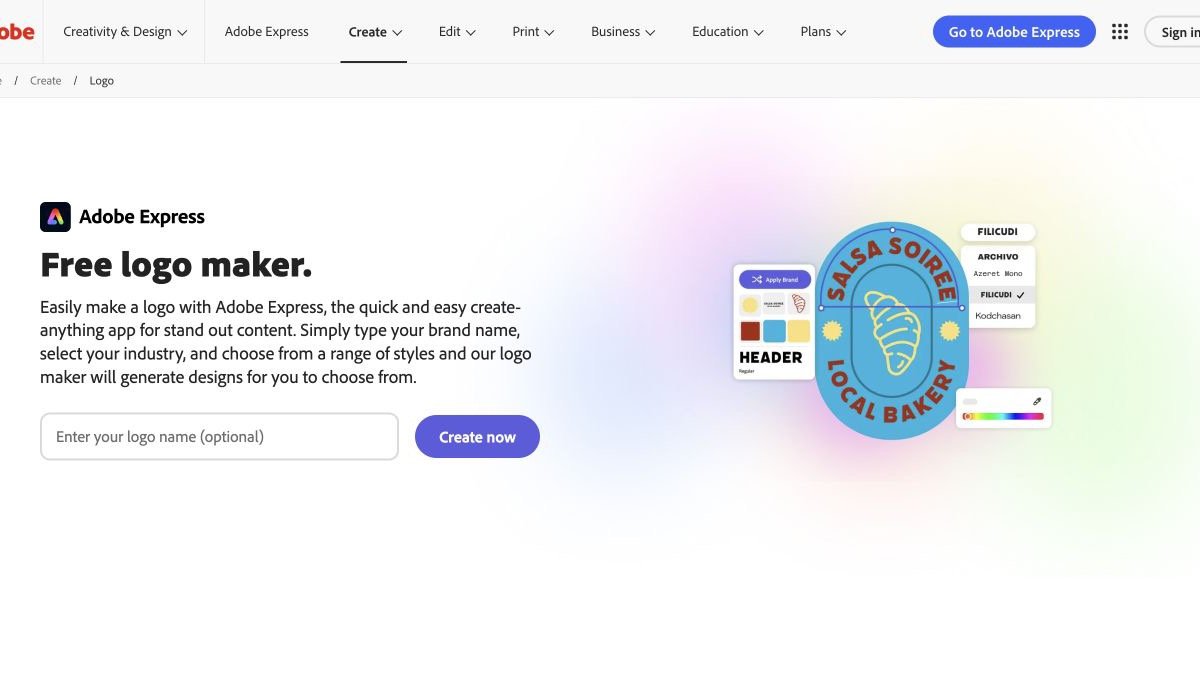
Free and premium templates appear in the same ecosystem, so watch the asset labels while editing. The best use of Adobe Express is to generate several directions quickly, choose one structure, and simplify it until the mark still works at a small size.
4. Shopify: best for a fast AI-assisted first draft
Shopify now offers a brand-name-first AI logo maker. Enter the name, generate options, and customize a direction without opening a Shopify store.
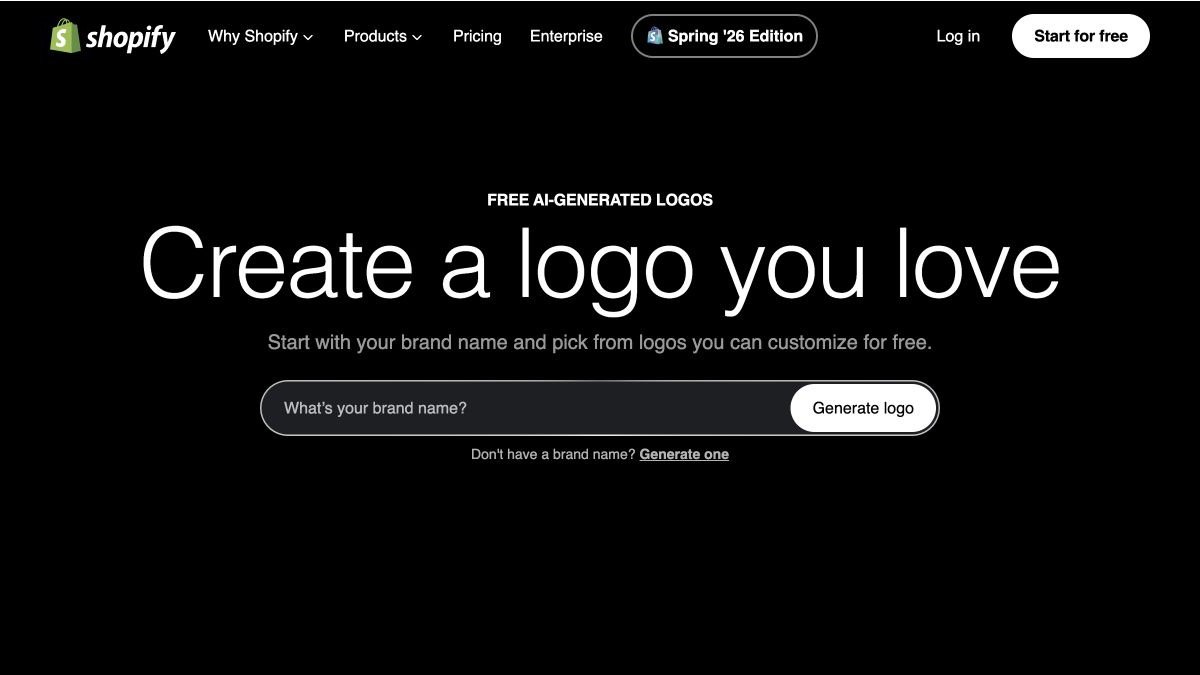
This is the fastest route to a page of ideas, not a reason to skip review. Shopify warns that the results are AI-generated and that the user is responsible for how they are used. Search for similar marks and avoid a generic symbol that could belong to any company in the category.
How to make a good logo for free
The tool matters less than the decisions you make inside it. Use this seven-step process whether you start from a template, a generator, or a blank canvas.
1. Write a one-sentence brand brief
Write the name, what the business does, who it serves, and three words that describe the desired feel. “Friendly bookkeeping for independent restaurants: calm, clear, dependable” gives the tool and the person editing it a useful boundary.
If the business idea is still fuzzy, work through the audience and offer first. A logo cannot solve an unclear business. Our list of online business ideas can help narrow the concept before the visual work begins.
2. Choose the simplest logo type that fits
- Wordmark: the full business name in distinctive type. This is the safest first logo when the name is short.
- Lettermark: initials used when the full name is long or already familiar.
- Symbol: an icon without the name. This is harder for a new brand because the audience has not learned the symbol yet.
- Combination mark: the name plus a symbol that can eventually be separated.
For most first websites, use a wordmark or a simple combination mark. The visitor should be able to read the name before deciding what the symbol means.
3. Build three rough directions
Make one clean wordmark, one type-plus-symbol option, and one variation with a different type style. Keep them rough. Comparing three distinct directions reveals more than making twenty tiny changes to the first template you liked.
4. Test the logo small and in one color
Shrink each option until it is about the size of a website header logo. Then switch it to solid black. Thin lines, tiny taglines, decorative flourishes, and weak letter spacing become obvious immediately.
Delete before you decorate. If the logo only works with a gradient, shadow, detailed illustration, and tagline, the underlying shape is not doing enough work.
5. Choose color and type as a system
Use one main color, one supporting color, and a neutral version to start. The logo does not need to carry every website color. Our website color-scheme guide explains how to assign colors to backgrounds, text, calls to action, and accents without turning the logo into a rainbow.
Limit the mark to one type family or one deliberate pairing. Make sure the business name remains readable on a phone. A fashionable typeface that hides the name is not helping the brand.
6. Test it where people will see it
- Website header on desktop and mobile
- Square social profile image
- White background and dark background
- Browser favicon at a tiny size
- Simple black-and-white print
For a service company, place the logo into the header while following our business website guide. A portfolio may need a quieter mark that gives the work more room, which is covered in the portfolio website guide.
7. Export a real logo kit
Do not download one small image and call the job finished. Save a compact file kit so the website, social profiles, and future print pieces do not force you to rebuild the mark.
| File | Use it for | What to save |
|---|---|---|
| SVG | Master logo, sharp scaling, print handoff | Full-color and one-color versions |
| Transparent PNG | Website header, documents, social graphics | Large copy plus a web-sized copy |
| Dark and light PNG | Different website backgrounds | One version for light backgrounds and one for dark |
| Square icon | Social avatar and profile image | Symbol or initials with safe spacing |
| Favicon | Browser tab and bookmarks | Simple symbol at 512×512 for upload |
How to add the logo to your website
Upload the transparent PNG or SVG supported by the site platform, then set the displayed width inside the header controls. Do not upload the largest file and rely on the browser to shrink it forever. Keep the vector master offline and use an appropriately sized web copy.
Here is the logo control inside Astra’s WordPress Customizer, cropped to the useful interface so you can see the selection and width settings clearly:
Check the header again at phone width after upload. Our website design guide covers the rest of the visual system, and the website design mistakes guide shows what happens when branding, navigation, spacing, and calls to action compete for attention.
Copyright, trademarks, templates, and AI logos
A download button does not prove that a design is distinctive or safe to build a brand around. Template icons may also appear in other logos. AI-generated shapes can resemble existing marks. Before launch, search the name and visual concept, read the tool’s license, and check the trademark database for the countries where the business will operate.
Do not place a stock photo, celebrity image, protected character, or another company’s mark inside the logo. If the brand will be registered, franchised, printed at scale, or used in a regulated industry, have a qualified trademark professional review it.
Similarity is the practical risk. Even when a tool allows commercial use, a familiar template or AI symbol can still be too close to another brand. Search before launch and keep the editable source files.
Frequently Asked Questions
What is the best free logo maker?
Logo.com is my first pick when the goal is a complete free file package. Canva is better when you want the easiest hands-on editor and matching brand graphics.
Can I make and download a logo for free?
Yes. Several tools allow free creation and download, but the included resolution, transparency, vector formats, attribution, and licensed assets vary. Test the export screen before polishing the design.
Do I need an SVG logo?
An SVG is the best master format because it stays sharp at any size. Keep a transparent PNG for normal website use and the SVG for resizing, print, and future edits.
What size should a website logo be?
There is no single display size for every theme. Export a clean high-resolution copy, then use the header controls to display it at a readable width. Check desktop and mobile separately.
Should a logo have a transparent background?
Yes for most website uses. A transparent background lets the mark sit cleanly on different header colors without a white rectangle around it.
Can I use an AI-generated logo for a business?
You can use AI as a starting point when the tool’s terms allow it, but you are responsible for checking originality, licensing, and trademark conflicts. Simplify the result and search for similar marks before launch.
How many colors should a logo use?
Start with one main color, one supporting color, and a one-color version. A simple palette is easier to reproduce and easier to read at small sizes.
When should I hire a logo designer?
Hire a designer when the name and offer are settled, the business will invest heavily in print or packaging, trademark protection matters, or the free tools keep producing generic results you cannot refine.
The bottom line
Start with Logo.com when you need a complete first set of files. Use Canva when you would rather control every element and create the surrounding brand graphics in the same editor.
Whichever tool you choose, keep the design simple, test it small, save dark and light versions, and keep a vector master. A clear logo that works everywhere is more valuable than an intricate logo that only looks good on the editor canvas.