

You don't need another giant list of website tools. You need the right starting point for the website you want to build.
Answer three quick questions below and we'll send you straight to the Create A Pro Website guide that fits your goal. Each guide walks you from a blank screen to a working website with clear steps, real examples, and no coding required.
The quiz is free and there is no email gate. Pick your goal, get your guide, and start building. That's it.
Your answers help us separate four very different projects. A photographer who wants clients needs a portfolio. A photographer who wants to sell prints needs a store. The goal matters more than the label.
Already Know What You Want to Build?
Skip the questions and choose the guide that feels closest to your main goal. You can add a blog, shop, portfolio, or booking system later. Your first job is to build the version that gets you moving.
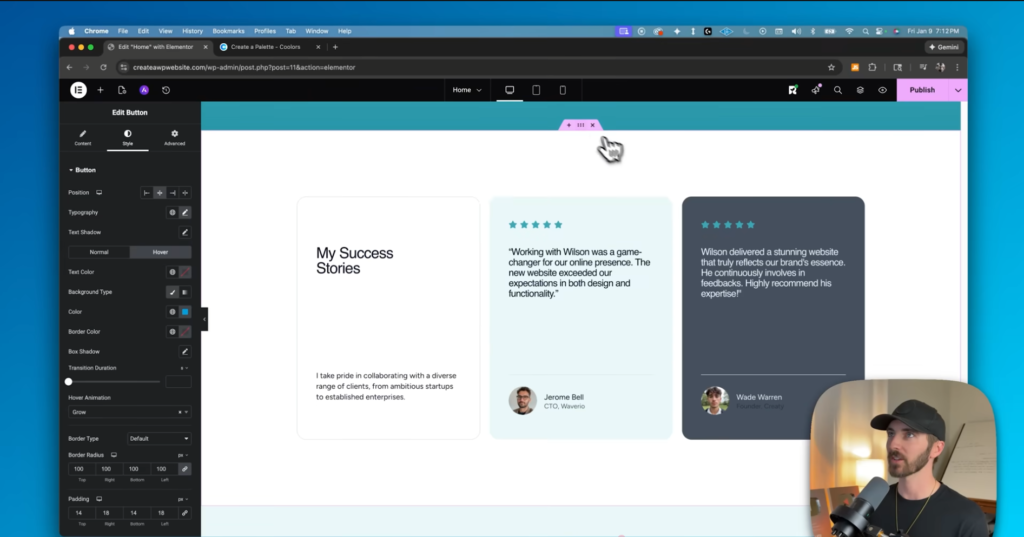
Business Website
Choose this path if you want customers to find you, understand what you offer, and call, book, or request a quote.
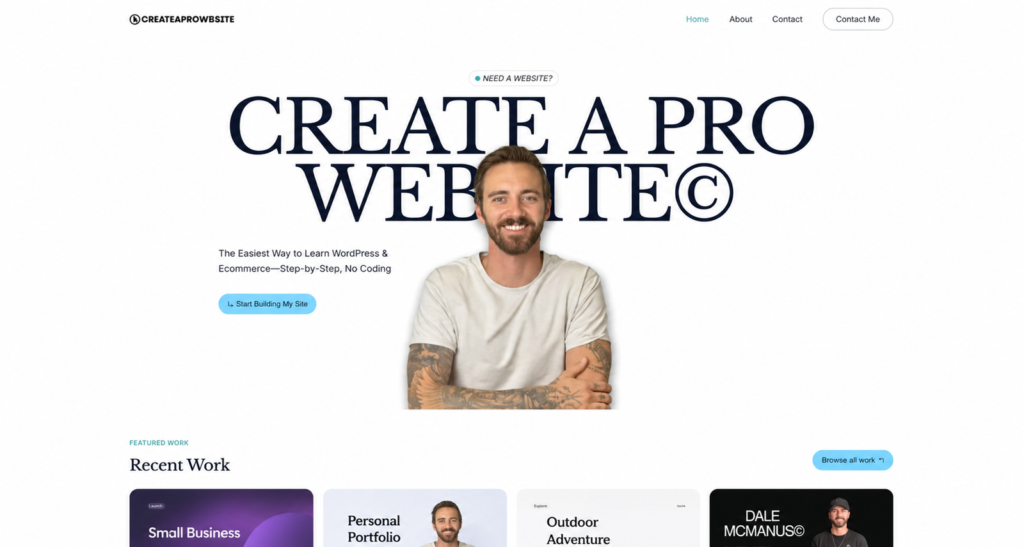
Portfolio Website
Choose this path if your work sells your skill: photography, design, writing, art, consulting, or freelance services.
Those two paths are built around getting hired. The next two are built around publishing content or selling products directly.
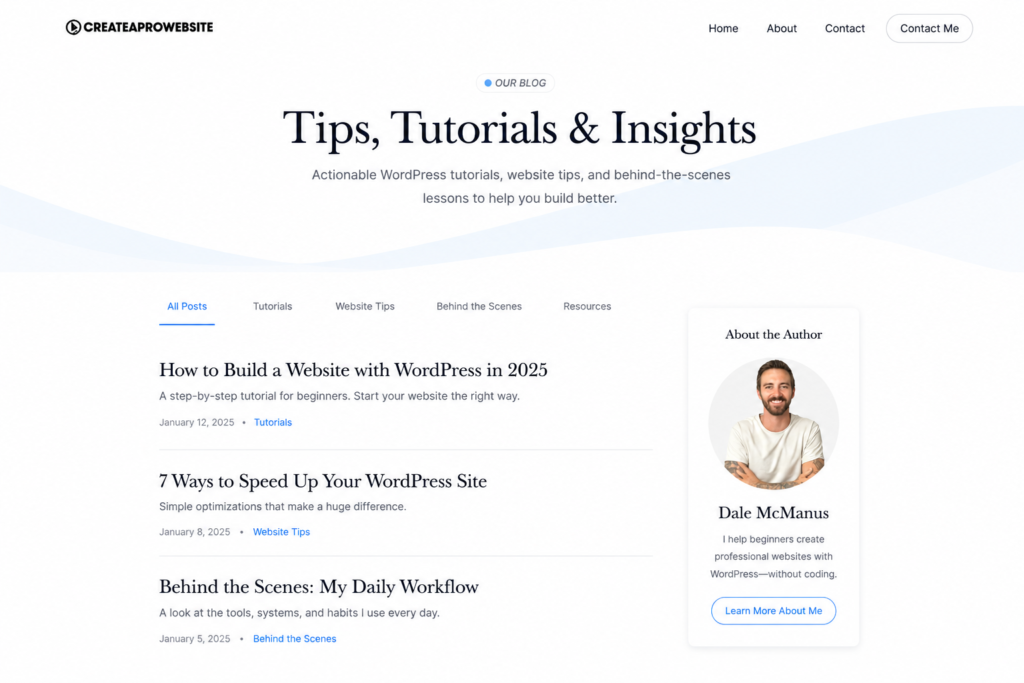
Blog
Choose this path if you want to publish articles, grow an audience, rank in search, or build a content business you own.
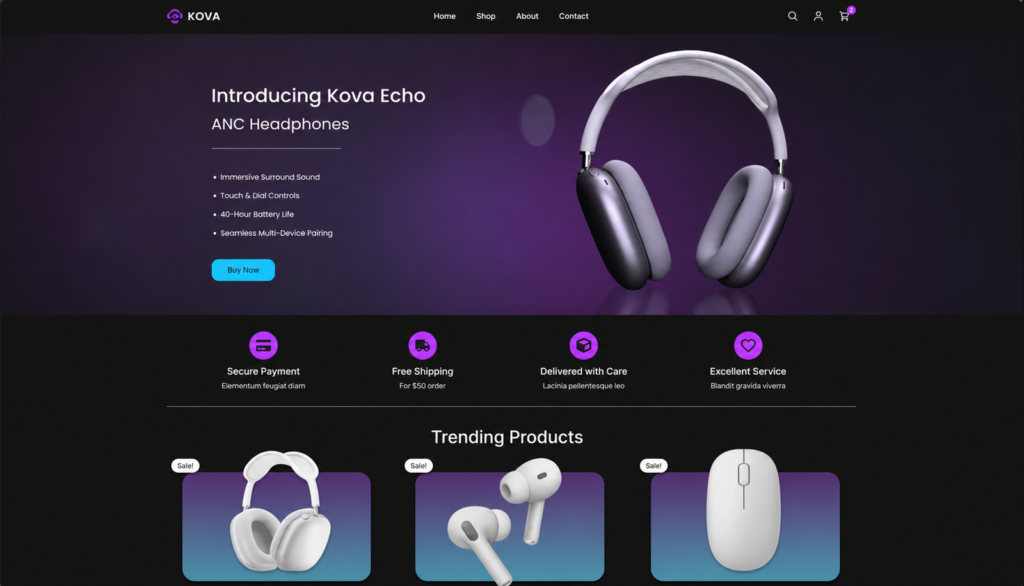
Online Store
Choose this path if people should be able to browse, pay, and receive a product, course, download, or membership online.
Choose the Goal Before You Choose the Platform
Most beginners start by comparing WordPress, Wix, Squarespace, Shopify, and every new builder that showed up last Tuesday. That feels productive, but it usually creates a bigger decision before you've made the important one: what should this website help you do?
A local service business needs clear offers, trust, and a contact path. A portfolio needs strong project pages. A blog needs a publishing system you can keep using. A store needs products, payments, shipping, and a checkout you have tested yourself. Once the goal is clear, the platform decision gets much easier.
That's why the quiz routes by outcome. It gives you a useful next step instead of dropping you into a generic pile of software recommendations.
What Happens After You Choose a Guide?
We keep the path simple. First, you'll choose the platform and hosting setup that fits the project. Then you'll start from a professional template instead of a blank page. Finally, you'll customize the pages your site needs and test the important parts before you share the link.
- Set up the foundation. Get your domain, hosting, and website software in place.
- Build the pages. Follow the guide for your homepage, navigation, content, and calls to action.
- Check the real experience. Test forms, payments, links, and the mobile layout before launch.
Not building today? Bookmark your guide and come back when you have an hour. You don't need to finish the whole site in one sitting.
If you're still deciding between options, start with the quiz. It exists to remove that decision and put the correct guide in front of you.
Already comfortable making the decision yourself? Our broader step-by-step website guide explains the full process from hosting through launch.
Looking for One Specific Website Topic?
If you already know the part that's holding you up, skip the quiz and go straight to the current guide for that topic:
- Domains and hosting: learn what a domain name does, then compare the hosting services we'd use.
- Website builders: use our website builder comparison to understand the real tradeoffs.
- WordPress: follow the WordPress tutorial for beginners when you want the dashboard explained step by step.
- Website design: start with our practical guide to designing a professional website.
Frequently Asked Questions
Do I need to know how to code?
No. The guides use visual website-building tools and explain technical terms when they appear. You can build each of these website types without writing code.
What if my website fits more than one type?
Choose the main action you want a visitor to take first. A consultant who wants inquiries should start with the Business Website guide, even if the site will also include a blog. You can add the second feature after the core site works.
Is the quiz free?
Yes. The quiz is free, takes about a minute, and sends you directly to the matching guide. You don't have to enter an email address to see your result.
Will the guide tell me which website platform to use?
Yes. Each guide explains the platform and setup we recommend for that project, why it fits, and what you need to get started. You won't have to compare every builder on the internet before making progress.