

Best web hosting services Five hosts, one honest ranking
An experience-led WordPress hosting comparison. Current plans, renewals, who should skip each host, and which option fits a first site, blog, or store.

The ranking
Five proven hosting options, ordered by overall fit for a typical first website.

Hostinger
Shared hosting · best price-to-performance for beginners
On WordPress.org's recommended list, with a guided setup flow built for beginners. Choose the current Unlimited plan when you want daily backups, a free domain, and CDN in one beginner package. Hostinger's lowest advertised rates require a long prepaid term, so compare the total checkout price and the renewal before committing.
- WordPress.org recommended hosting partner
- Guided WordPress onboarding
- Unlimited includes free domain + CDN

SiteGround
Shared hosting · best when support and staging matter
Pay a bit more attention to renewals, get staging, CDN, and support that knows WordPress. Managed WordPress tools, daily backups, CDN, and 24/7 expert support on every plan. Staging starts on GrowBig, whose renewal price is much higher than the intro offer.
- 24/7 expert human support
- Staging on GrowBig and above
- SuperCacher + Cloudflare CDN included

Cloudways
Cloud hosting · best when shared hosting isn't enough
Real cloud infrastructure with a dashboard that hides the sysadmin work. Runs on AWS, Google Cloud, and DigitalOcean. Pay-as-you-go, short trial, staging, automated backups, and free migration. The upgrade pick when shared-plan limits or traffic spikes become a real constraint.
- AWS, GCP, or DigitalOcean under the hood
- Scale resources up or down in minutes
- Pay-as-you-go, no long contracts

WP Engine
Managed WordPress · best when downtime costs you money
WordPress-only hosting tuned for stability under real business load. Managed updates, global CDN, threat defense, free migration tooling, and WordPress-expert support. Premium pricing. Start with Hostinger and upgrade here when the site earns it.
- WordPress-optimized throughout the stack
- Daily backups + staging workflows
- Premium support for production sites

Bluehost
Shared hosting · solid alternative for first blogs
Dale's first six-figure blog ran on Bluehost, still a safe WordPress.org alternative. A familiar WordPress.org-listed alternative with a free domain, CDN, staging, and a 30-day refund window on the current Starter plan. Its lowest rate requires a 36-month term.
- WordPress.org officially recommended
- Free domain on annual plans
- Simple beginner dashboard
Side-by-side comparison
Compare the full term, renewal price, backups, staging, and upgrade path before you buy.
| Our pick Hostinger | SiteGround | Cloudways | WP Engine | Bluehost | |
|---|---|---|---|---|---|
| Overall rating | |||||
| Current entry price | $2.99/mo | $2.99/mo* | $11/mo | ~$30/mo | $3.99/mo |
| Free domain | Yes | Yes | No | No | Yes |
| Best for | Beginners | Support-first | Scale-up | Managed WP | First blogs |
| Staging | Yes | Yes | Yes | Yes | Yes |
| Free CDN | Yes | Yes | Yes | Yes | Yes |
| Money-back | 30 days | 30 days | 3-day trial | 60 days | 30 days |
| WordPress fit | Excellent | Excellent | Excellent | Native | Strong |
Swipe to compare more options. Hostinger stays pinned.
The lowest advertised rates require prepaid terms. Compare the full amount due today with the renewal price before you choose.
Choosing the best web hosting services doesn’t have to be confusing. I’ve been building websites for 15-plus years now, including several six-figure projects, and the decision really comes down to two things: what you’re building, and how much traffic you’re getting. That’s it. Once you know those two answers, the rest of this page picks the host for you. Already decided and just need the signup walkthrough? Jump to the how to create a website guide.
I broke this whole decision down in a five-minute video too. Watch that first if you want the fast version, then come back to the written reviews below when you’re ready to compare plans, renewals, and WordPress fit side by side.
If you only take one rule from this guide, take this one: start with shared hosting unless you already know you need isolated cloud resources or a managed WordPress platform. Upgrade when your actual plan limits, checkout slowdowns, traffic spikes, or uptime requirements make shared hosting the bottleneck. You can always move up later, so don’t overbuy on day one.
Skip GoDaddy, IONOS, and Namecheap hosting. Dale’s video is blunt about avoiding these three for hosting. Compare the resource limits, renewal price, support access, and refund terms before buying. Namecheap’s domain registrar is fine, see our best domain registrars guide for other solid options. Just don’t buy their hosting.
Shared hosting vs cloud hosting
Think of hosting like land and a house. The host is the land, your website is the house (if you want the fuller breakdown of what hosting does, read this first). Shared hosting puts a bunch of houses on the same lot. It’s affordable, and it’s the right call for small business sites, portfolios, blogs, and starter stores. Cloud, or dedicated hosting, gives your site its own isolated resources for when traffic, checkout spikes, or agency workload outgrow shared.
Here’s the simple version I give beginners: your site files live on a server somewhere, and your domain is just the address that points people to it. The quality of that server decides whether your site loads instantly or makes someone wait.
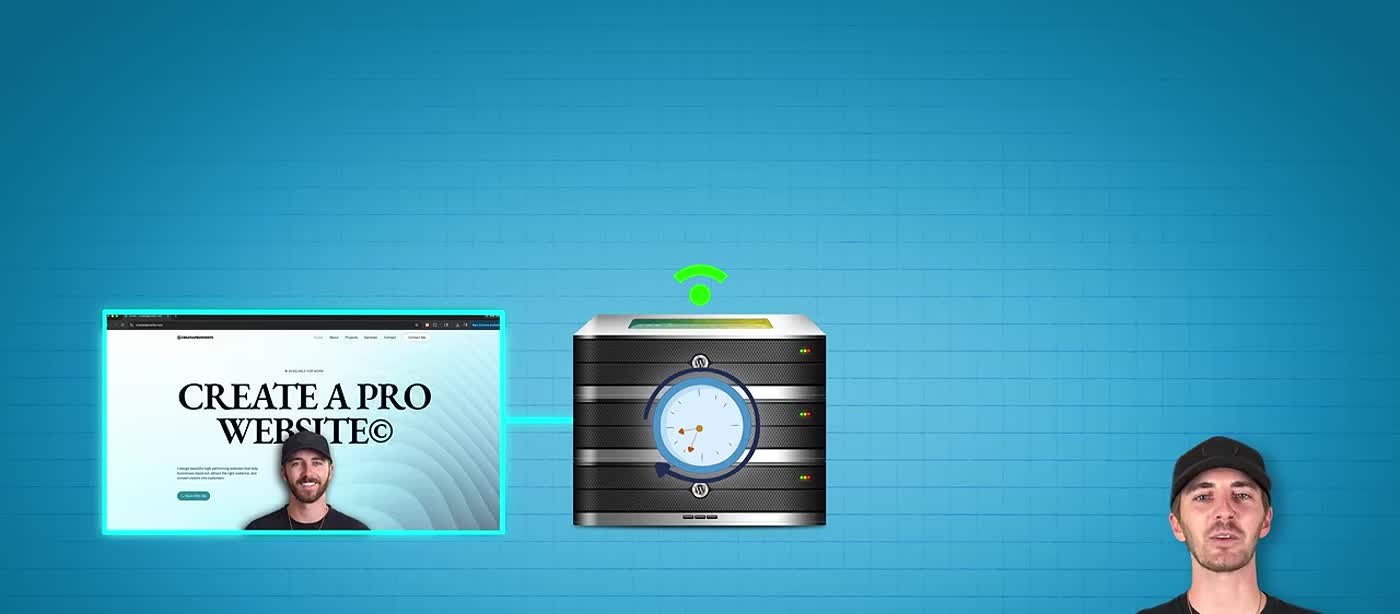
That is the practical framework: start shared when the site is new, then watch the hosting dashboard and the site itself. Repeated CPU or memory limits, slow checkouts during sales, 5xx errors during traffic spikes, or a need for isolated resources are better upgrade signals than one universal visitor number.
New site with ordinary traffic? Start shared with Hostinger, SiteGround, or Bluehost. Resource limits, checkout slowdowns, or traffic spikes? Cloudways or WP Engine. Most beginners should start shared.
Who this ranking is for
This ranking is for beginners, small businesses, and anyone trying to figure out which host fits their project, not agencies filling out an enterprise RFP. If you’d rather use a drag-and-drop builder instead of classic WordPress hosting, check out website builders compared. Already sold on Hostinger and want the plan-by-plan breakdown? The standalone Hostinger review covers renewals in more depth.
- Business site or lead gen: Hostinger Unlimited to start; Cloudways when lead volume grows.
- Portfolio: shared is plenty; keep images optimized and use the free CDN.
- Blog: shared until traffic justifies cloud; Bluehost still works if you prefer it.
- WooCommerce store: shared at launch; plan Cloudways or WP Engine before big sales.
A lot of people search for VPS hosting or “best cloud web hosting services” like that’s where beginners should start. It’s not. A VPS or cloud server is a power tool for later. Buy it when shared hosting is the bottleneck, not because the expensive column on some comparison chart looked more impressive.
Same story with ecommerce. WooCommerce doesn’t need managed WordPress on day one. It needs clean product pages, a checkout that works, and hosting that won’t fall over if ten people buy at the same time. Shared hosting launches stores every day. Just plan the upgrade before your first big sale, not in the middle of it.
Once hosting’s locked in, speed is still your job. Keep an eye on the WordPress performance guide after the site’s live, then follow the step-by-step website guide when you are ready to build.
How we ranked these hosts
I ranked these hosts for the way beginners and small businesses buy hosting: easy setup, a dashboard that doesn’t fight you, WordPress fit, renewal cost, backups, staging, and a clear upgrade path.
I put beginner fit and value first, which is why Hostinger wins overall. SiteGround is the stronger shared-hosting choice when you know you need staging, while Cloudways gives you a more flexible cloud upgrade.
I also cared a lot about being honest on renewals. Intro pricing is marketing, plain and simple. If a host only looks good in month one and gets painful in month thirteen, that belongs in the review, not buried in a footnote nobody reads.
What to compare before you buy
Forget the giant feature checklist for a second. Just compare these five things in plain English:
- Year-one price vs renewal price: both matter.
- WordPress install path: how fast can a beginner get a live site?
- Free domain / CDN / SSL: what is included on the plan you will buy?
- Staging and backups: do you get them before you need a developer?
- Upgrade path: shared to cloud without a full rebuild later.
If a host wins four out of those five for your situation, you’re done shopping. Opening more tabs doesn’t make the decision smarter. It just delays the launch.
Renewals, trials, and money-back windows
Hostinger and SiteGround both lean on multi-month intro pricing to get you in the door. Cloudways gives you a short free trial and month-to-month flexibility instead. WP Engine’s Essential plan is priced like a premium product from day one, but usually backs it with a longer money-back window than the budget shared hosts. Bluehost runs the familiar shared-hosting playbook: cheap to start, watch the upsells at checkout, 30-day risk-free.
My rule of thumb: buy enough runway to launch and learn, usually 12 months on shared, and put the renewal date on your calendar. If the site isn’t earning you anything or teaching you anything by then, hosting cost was never the real problem.
And don’t let a free domain do your thinking for you. It’s a nice bonus, not a reason to pick a slow host. You can move your DNS later. You can’t get a bounced visitor back.
WordPress hosting vs generic web hosting
Almost every host on this page can technically run WordPress. That doesn’t make them equal WordPress hosts. The real difference is the install path, the caching defaults, the staging tools, and whether support actually knows a plugin conflict from a DNS myth.
Hostinger, SiteGround, and Bluehost are all solid shared WordPress starting points. Cloudways gives you WordPress-friendly cloud without locking you into a WordPress-only platform. WP Engine is the WordPress-only managed option for when the CMS is the whole business.
If you literally searched “best WordPress hosting” to land here, start with Hostinger Unlimited, keep SiteGround in your back pocket as the support-first shared alternative, and shortlist Cloudways or WP Engine for whenever you need the upgrade. You don’t need enterprise hosting on day one. Nobody does.
The reviews, in depth
Read these in order for the full picture, or jump straight to the host you’re weighing. The question I keep coming back to for each one is the same: when this site takes off and needs more resources, does the host grow with you, or does it quietly get in your way?

#1 · Best overall
Hostinger
Shared hosting · best price-to-performance for beginners
By far my best recommendation for a first site is Hostinger. I know some of you are rolling your eyes right now. Yes, they pay affiliates well, and yes, I’m one of them. That does not erase the reasons I recommend the product: Hostinger appears on WordPress.org’s current hosting list, the dashboard is built for beginners, and the setup flow in our walkthrough gets WordPress, a domain, backups, and CDN into one place.
Here is the Hostinger hosting landing flow from the tutorial. The same path the CAPW discount link opens.
The walkthrough below shows Hostinger’s former Business plan. The current U.S. lineup calls the closest beginner bundle Unlimited. Pick your term based on the total due today and the renewal price, not only the monthly number in the headline.
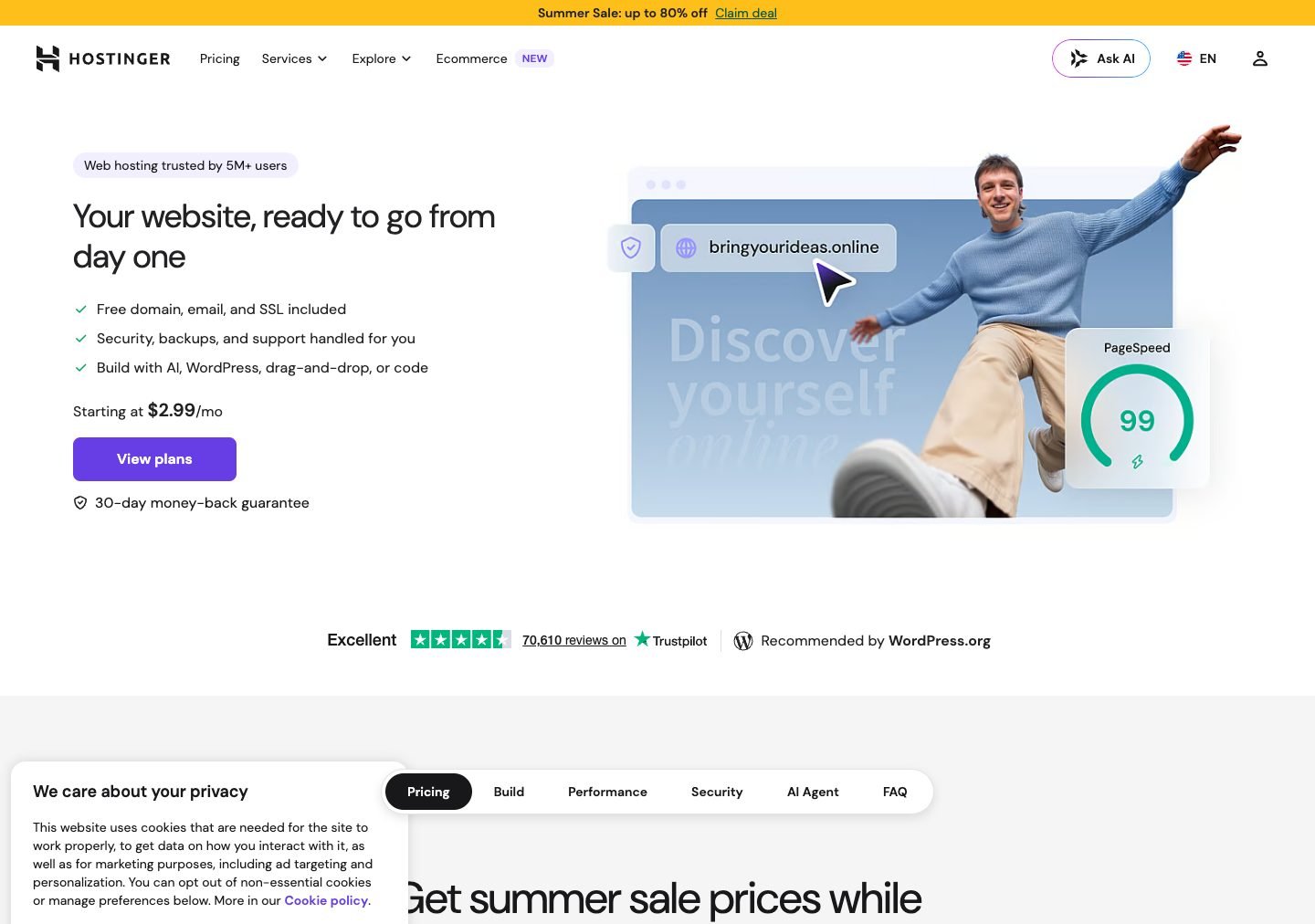
Use the CAPW discount link, then compare the full prepaid total with the renewal. Unlimited is the beginner plan used throughout our current website setup flow, with a free domain for one year, CDN, and daily backups.
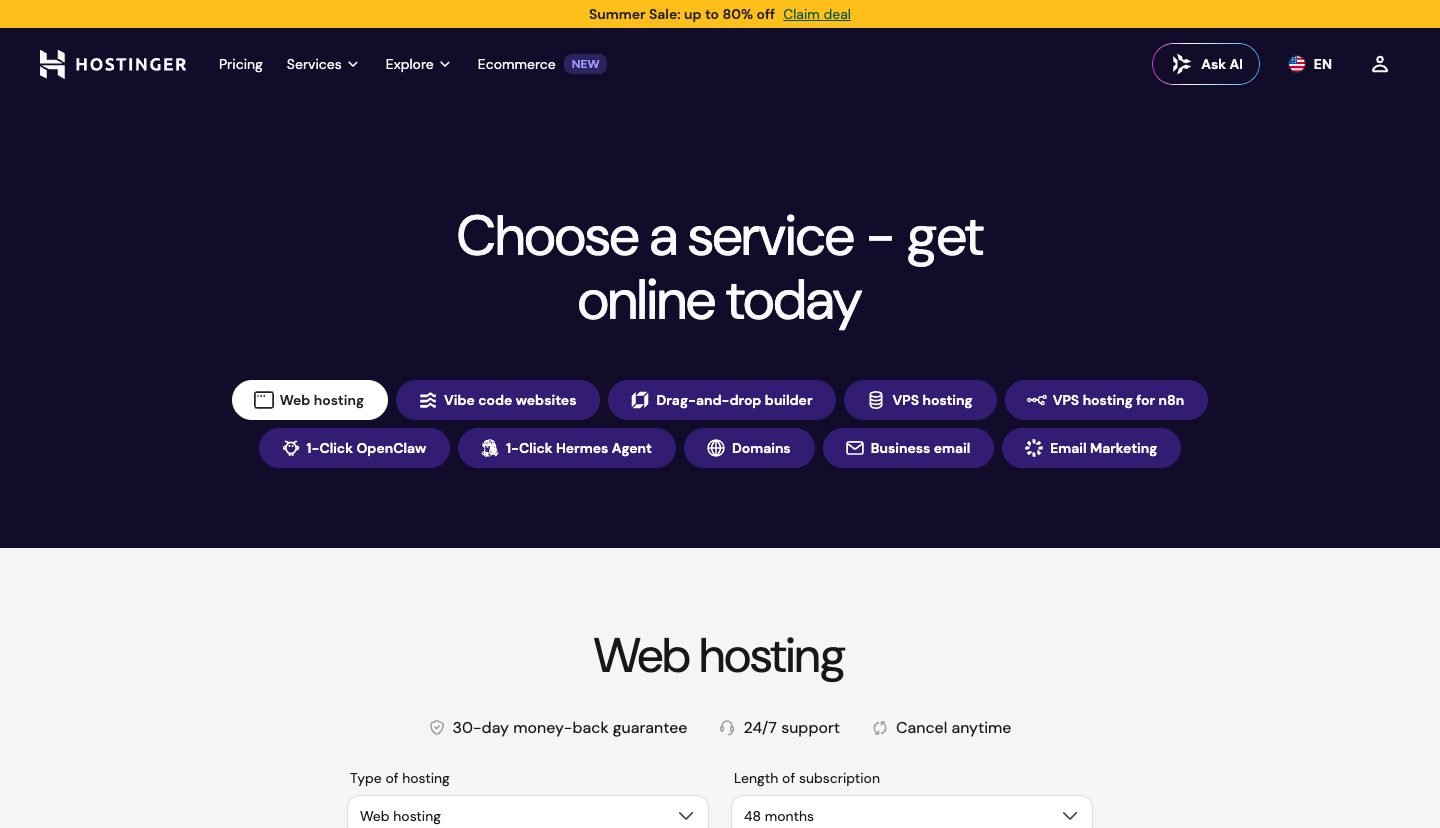
This is the checkout screen from the channel walkthrough. It shows the former Business plan and remains useful for the coupon and checkout flow, but the current plan name and price are different.
Fill out your info, match the order summary, and you’re done — congratulations, you have hosting. It’s really that easy. Just know the total here is year-one pricing; renewal rates jump after the intro term, so budget for year two now.
After checkout, Hostinger walks you through creating the site and securing the free domain in one flow.
Finish domain setup here, then install WordPress. From there the Elementor tutorial or block editor can take over the design work.
If you keep walking through the setup flow, you can build with AI or install WordPress. For most projects on this site, WordPress is still the long-term choice because it gives you control over themes, plugins, content, and future migrations.
That WordPress bias is intentional, and I’ll own it. Website builders are fine for some projects. We compare those separately, but if you want ownership, real plugins, and a path from a one-page site to an actual business, WordPress plus solid hosting is still the stack I teach. Hostinger just makes the scary part of getting there disappear.
One more thing from the checkout walkthrough. Apply the coupon before you pay, confirm the free domain line shows $0.00, and skip the random extras you won’t use. Unlimited already includes daily backups. Confirm the domain and privacy line items in your current checkout, then keep the cart boring.
During onboarding you can choose the WordPress block editor or Elementor as the page builder.
Either one works fine. Pick whichever editor you’ll actually sit down and learn. You can switch later, but it’s messy, so try to pick right the first time.
Pros & cons
The case for Hostinger, and against
What's great
- WordPress.org recommended On WordPress's official list of recommended hosting providers.
- Guided beginner onboarding The setup wizard keeps hosting, domain, and WordPress in one flow.
- Unlimited: free domain + CDN Includes what a first site needs without hunting add-ons.
- AI tools remove setup friction Useful if you want a draft site before you learn the editor.
- Competitive long-term promo $3.79/mo on the current 48-month Unlimited promotion; renewal is higher.
The trade-offs
- Renewal pricing jumps Intro pricing is promotional. Year two costs more. Plan for it.
- Lowest price needs 48 months The advertised $3.79 monthly rate requires paying for 48 months upfront.
- Shared resources have limits Upgrade when resource limits, traffic spikes, or checkout performance become a constraint.
Editorial score
The best overall shared host for beginners who want WordPress live fast without overpaying.

#2 · Best support / all-rounder
SiteGround
Shared hosting · best when support and staging matter
SiteGround is my #2, the all-rounder. In the video I point beginners at Hostinger first, but SiteGround earns this slot when staging, daily backups, and 24/7 human support matter more than the lowest renewal price. Those are current plan features, not results from a CAPW performance benchmark.
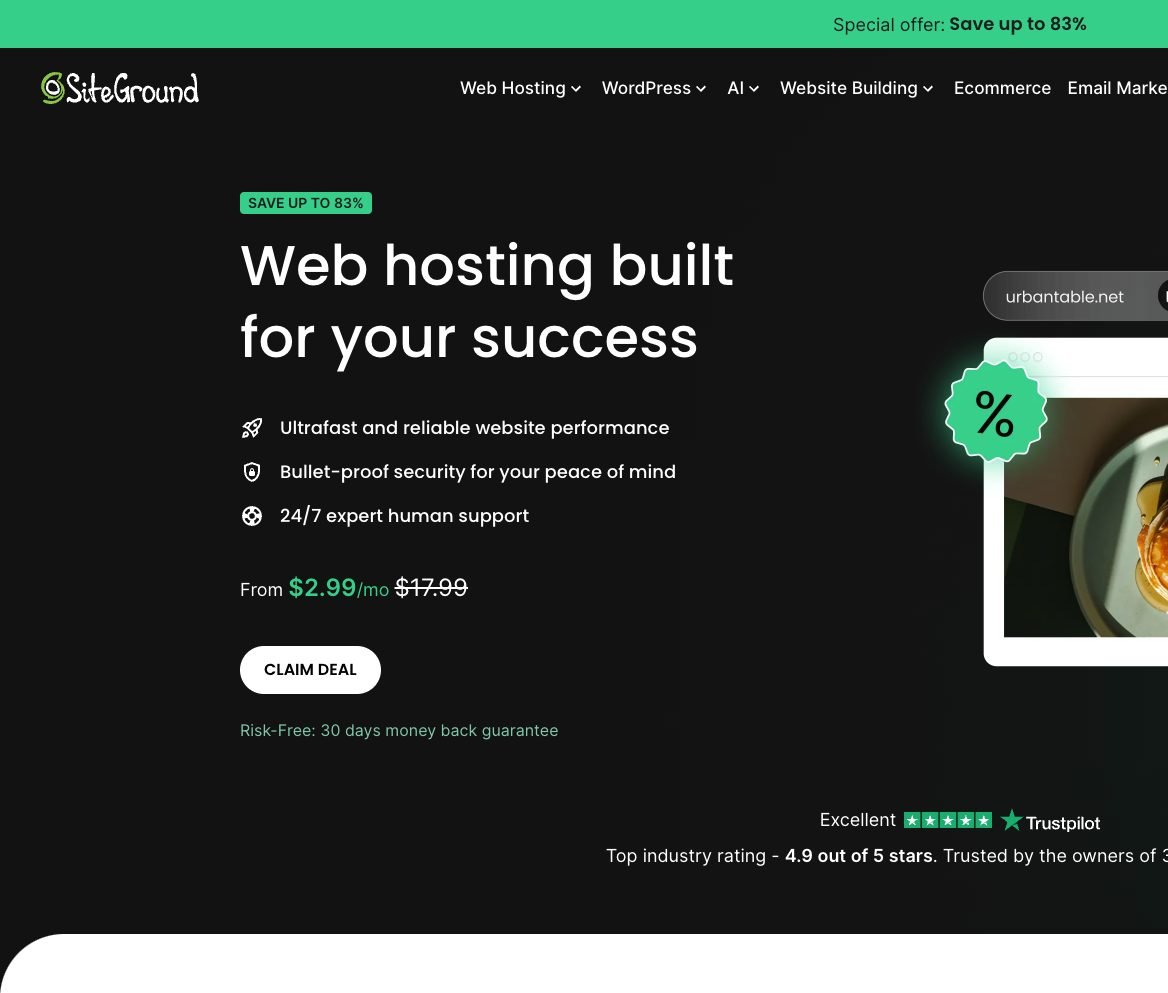
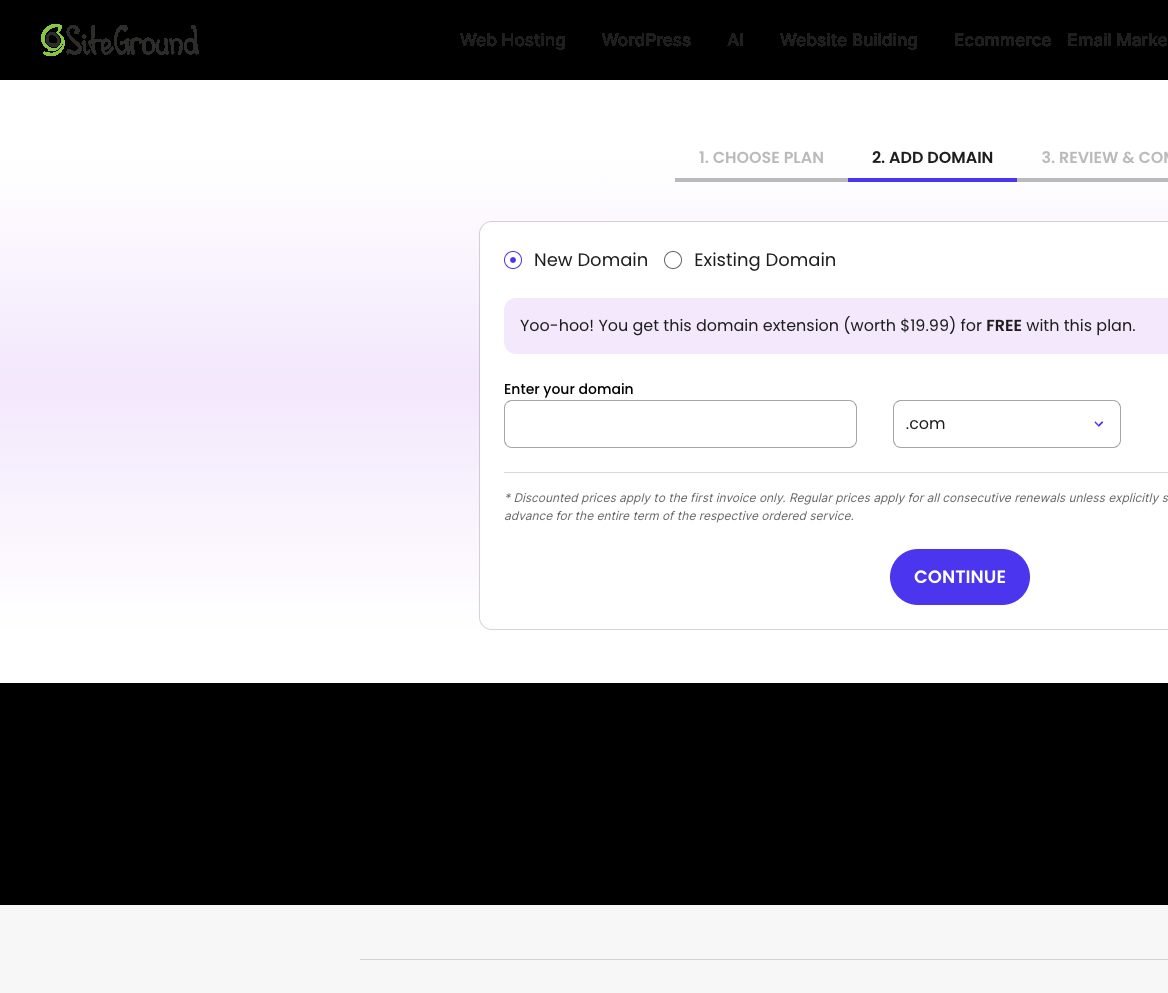
SiteGround’s shared plans include a free domain, SSL, CDN, daily backups, and managed WordPress updates. Staging begins on GrowBig. The entry StartUp plan has 10 GB of storage but no staging.
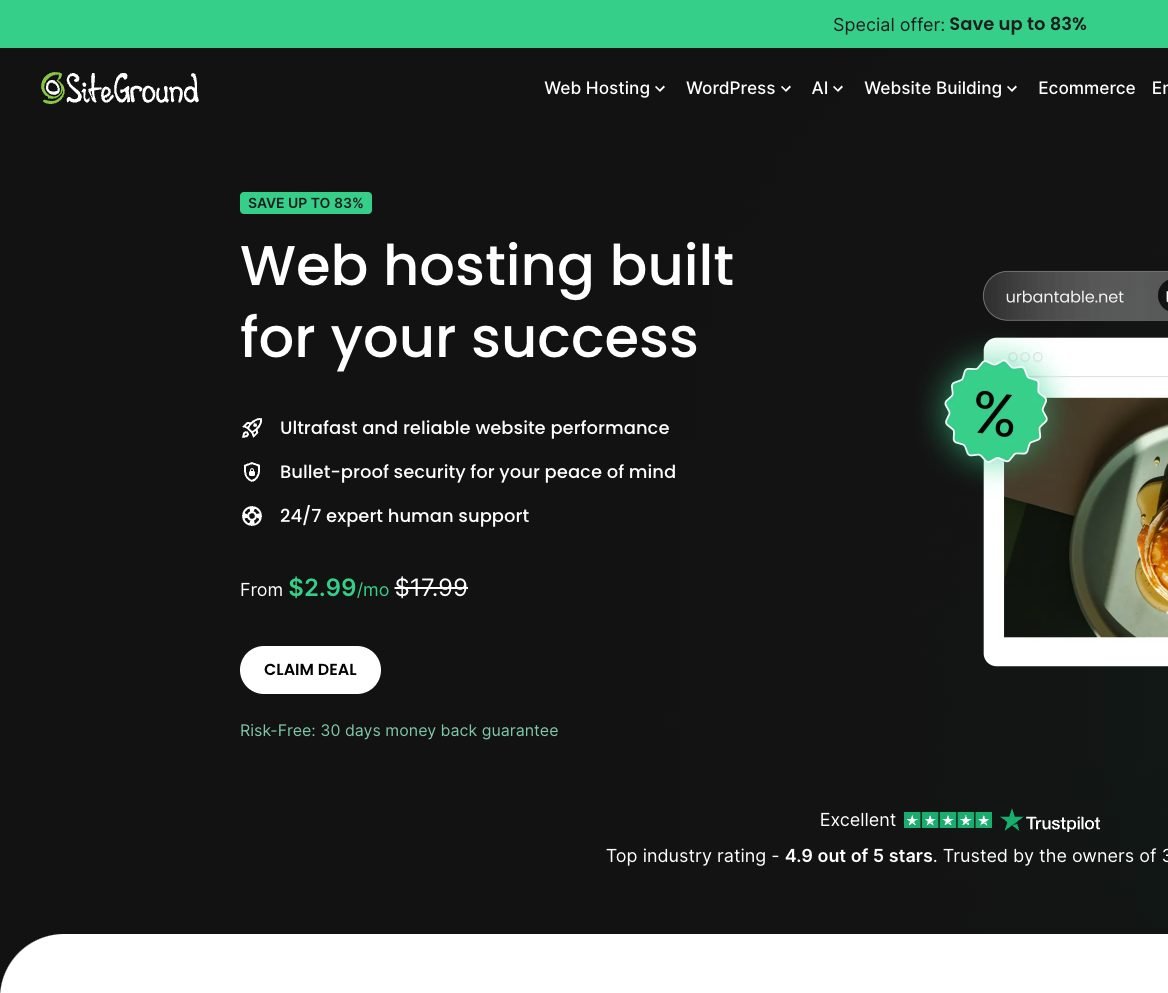
If access to 24/7 human support and a staging copy matter to you, GrowBig is the SiteGround plan to compare. Just read the $29.99/month renewal before you get too excited about the intro rate.
SiteGround makes the most sense once you already know you’ll use staging. If you’re shipping client sites, running a membership, or you’re careful about testing plugin updates before they go live, being able to clone the site and push changes safely is worth more than saving two bucks a month on a beginner plan. That’s the real case for SiteGround. It’s not just “Hostinger but green.”
For total beginners who’ve never bought hosting before, I still send you to Hostinger first. Choose SiteGround when you know you will use GrowBig’s staging and backup workflow enough to justify the renewal.
Pros & cons
The case for SiteGround, and against
What's great
- 24/7 human support SiteGround advertises round-the-clock expert support on every shared plan.
- GrowBig staging + daily backups GrowBig and GoGeek let you test changes on staging; every plan includes daily backups.
- SuperCacher + Cloudflare CDN Built-in caching and CDN without configuring a separate service.
- Strong WordPress tooling Built for people who live in WordPress day to day.
The trade-offs
- Renewals climb hard Sale pricing looks great; year-two bills need a budget line.
- Tight storage on StartUp 10 GB fills fast once you add media and backups.
- High GrowBig renewal $4.99/month intro pricing renews at $29.99/month on the current 12-month term.
Editorial score
The best all-rounder when support quality and staging matter more than rock-bottom long-term pricing.

#3 · Best cloud upgrade
Cloudways
Cloud hosting · best when shared hosting isn't enough
Cloudways is the king of customizable web hosting — that’s not marketing copy, that’s just true. It runs on real cloud infrastructure from providers like AWS, Google Cloud, and DigitalOcean, with a dashboard friendly enough that you don’t need to understand any of the complexity underneath to use it well. For speed, scalability, and flexibility, it’s a genuinely incredible product once you’re ready to level up a growing site.
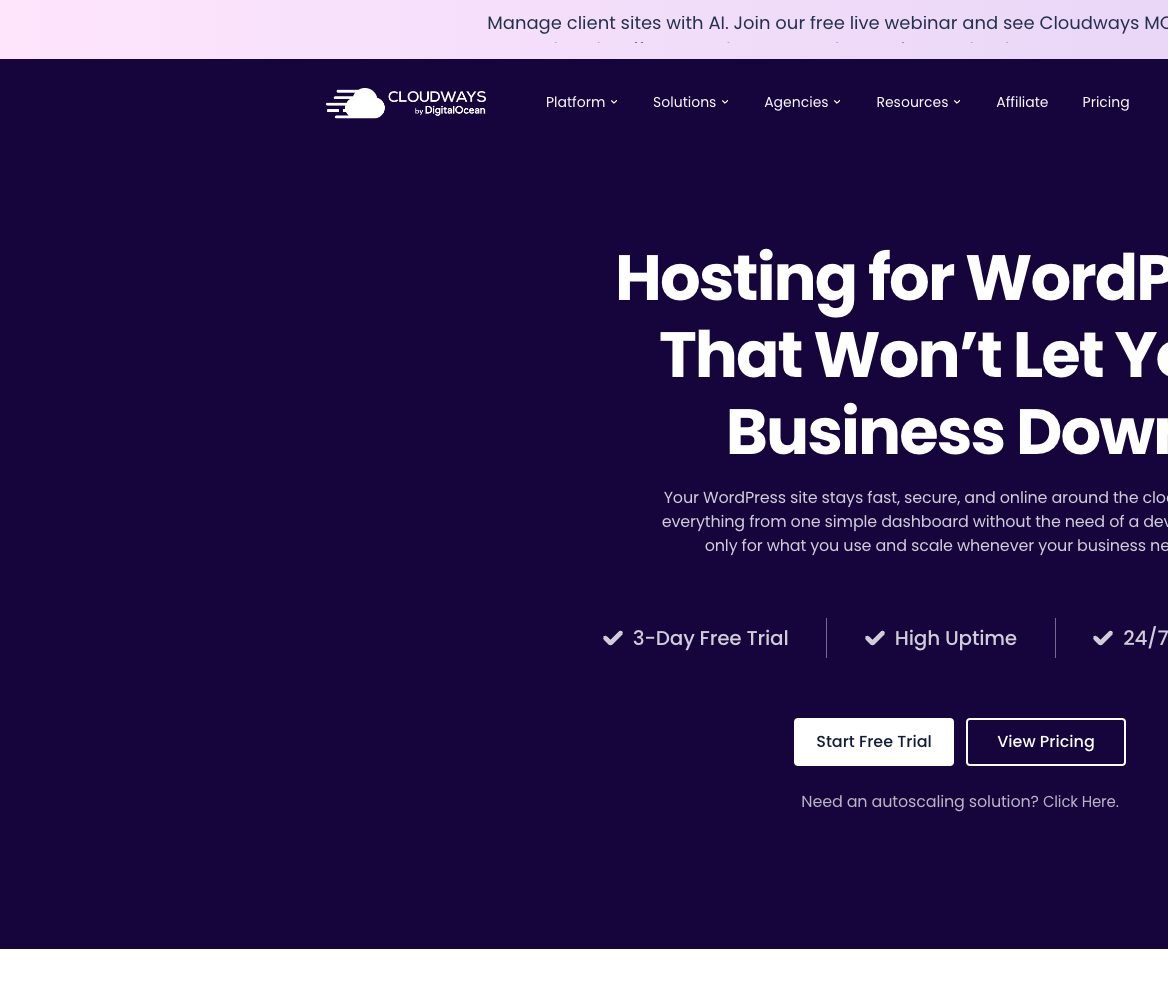
You pay for what you actually use, no multi-year shared-hosting contract to sign. Staging, backups, cloning, and scaling all live in one dashboard, and there’s an autoscaling option if a store or course platform needs to absorb traffic spikes without you manually resizing anything.
Pricing feels different here too. You pick the cloud provider, then the server size. Micro is plenty for a simple site, and growing businesses move up once traffic or PHP workers need more headroom.
This is overkill for a brand-new portfolio site, full stop. It’s the right move for a business site, content blog, or store that’s already earning, or is clearly about to. If you’re still validating an idea, stay on Hostinger Unlimited and come back to this section later.
Cloudways also fits agencies and freelancers who manage multiple client WordPress sites. You can clone servers, keep staging clean, and scale one project without dragging every other site along for the ride the way overcrowded shared hosting sometimes does.
Upgrade trigger: repeated resource-limit warnings, checkout slowdowns, 5xx errors during spikes, or a client workload that needs isolated resources.
When that trigger hits, migrate once with a plan. Do not wait until a sale weekend forces the move.
Pros & cons
The case for Cloudways, and against
What's great
- Real cloud infra Choose AWS, GCP, or DigitalOcean without becoming a sysadmin.
- Friendly dashboard Cloud power with staging, backups, and scaling in plain English.
- Pay-as-you-go Month-to-month flexibility instead of a long shared-hosting lock-in.
- 3-day free trial Test the platform before you migrate a production site.
The trade-offs
- Steeper learning curve Takes longer to get comfortable than Hostinger or Bluehost.
- No free domain Budget a registrar separately.
- Overkill for low traffic Do not pay cloud prices until you need cloud performance.
Editorial score
The right first upgrade off shared hosting when traffic or checkout load outgrows a budget plan.

#4 · Best managed WordPress
WP Engine
Managed WordPress · best when downtime costs you money
WP Engine has been around forever. We’ve had this channel for eight-plus years now, and WP Engine has been a great hosting provider that whole time. It’s built specifically for WordPress sites that have already outgrown a shared plan. If you already know your business runs on WordPress, and downtime costs you real money, this is the managed option I trust.
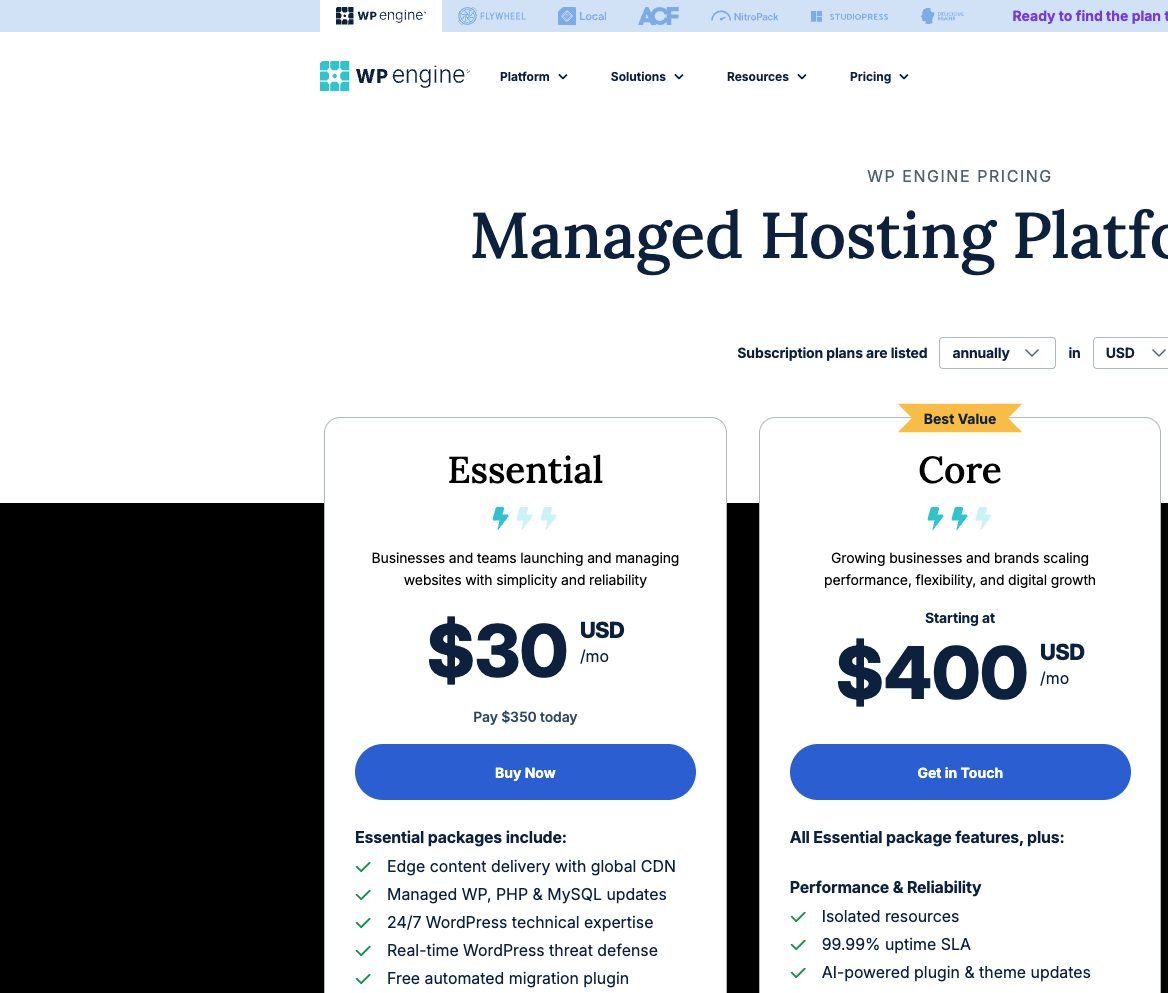
Essential currently lands around $30/month when billed annually and includes edge CDN, managed WP/PHP/MySQL updates, 24/7 WordPress expertise, threat defense, migration tooling, and Local for development. Core starts much higher and adds isolated resources, a stricter uptime SLA, and faster senior support.
Read those plan names carefully. Essential is the realistic entry for a serious business site. Core is not a “next shared tier”. It is a different budget conversation. If a salesperson pushes you past Essential before you have revenue, slow down.
This is not where you start a hobby site. It is where you move a revenue site when shared hosting risk stops being acceptable. If that is not you yet, start with Hostinger and keep WP Engine on the upgrade map.
WP Engine’s ecosystem is part of the pitch too. Local for development, ACF in the family, Flywheel history, and tooling aimed at teams who ship WordPress for a living. That is why the price feels high next to shared hosting and still makes sense for production brands.
If you’re torn between WP Engine and Cloudways: Cloudways wins on flexible infrastructure and pay-as-you-go control. WP Engine wins when you want a WordPress-only managed platform, fewer server decisions to make yourself, and a support team whose entire job is WordPress.
Pros & cons
The case for WP Engine, and against
What's great
- WordPress-only stack Every layer is tuned for WordPress performance and workflows.
- Managed updates + threat defense Less babysitting for production sites.
- Serious support WordPress experts, not generic hosting scripts.
- Local + migration tooling Cleaner path from development to production.
The trade-offs
- Premium pricing Entry cost sits far above shared hosting, budget for it.
- WordPress only A non-WordPress stack means a different host.
- Plan jumps are steep Core and above are enterprise-shaped bills for many small teams.
Editorial score
Premium managed WordPress when uptime and expert support are worth the higher monthly bill.

#5 · Solid WordPress.org alternative
Bluehost
Shared hosting · solid alternative for first blogs
If you don’t like Hostinger, or just want to hear a couple other solid options, my next two picks are Bluehost and DreamHost. They aren’t my first choice over Hostinger, but they’ve been in the hosting business a long time supporting individual creators like myself. My first six-figure blog was built on Bluehost, and we still have a great relationship to this day. Both are great options that won’t lead you wrong.
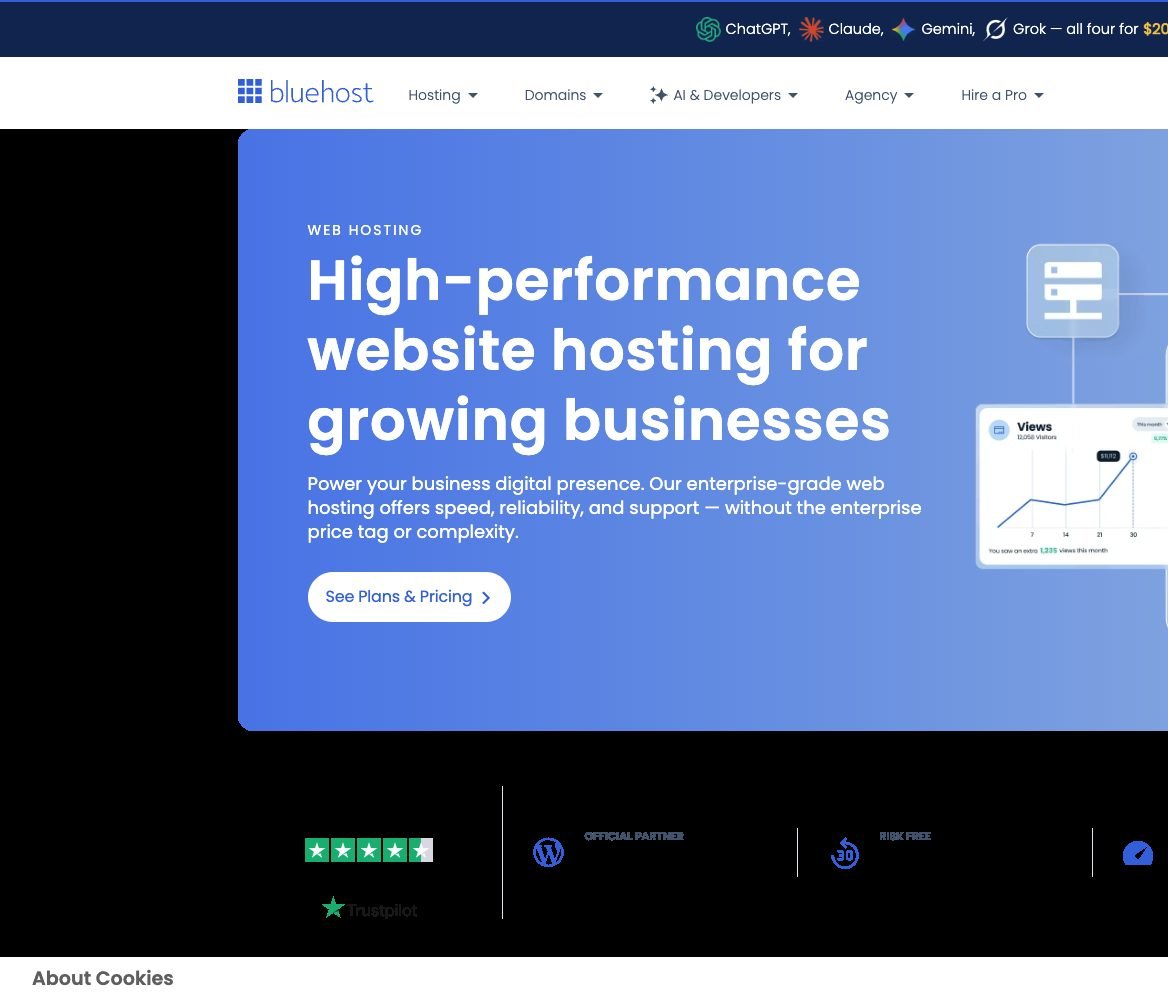
Here is the plans area once you scroll past the hero. This is where the shared tiers and upsells start stacking up.
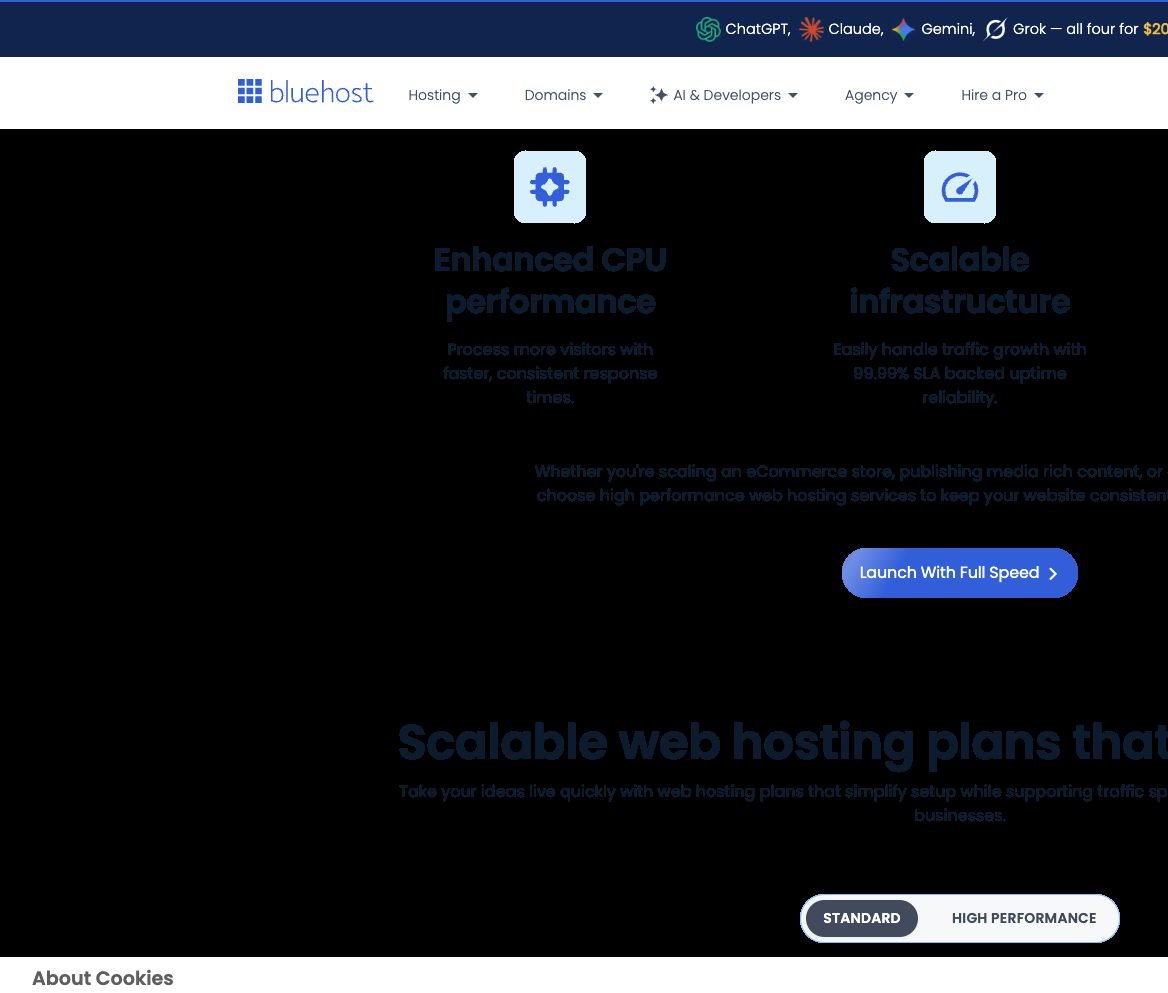
The dashboard is beginner-friendly. The catch is the signup flow. The upsells come at you fast, so uncheck what you do not need and stick to core hosting. Bluehost’s current Starter plan includes a staging site, free CDN, weekly backups, and a 30-day money-back guarantee.
DreamHost is the other solid alternative named in the video. I ranked Bluehost here because more beginners already recognize the brand and the WordPress.org recommendation path. Hostinger still wins if you want the best shared default.
Bluehost is also the pick I mention when someone specifically wants the classic WordPress.org recommended host story and already trusts the brand from years of blog tutorials. That trust is real. Just compare the current plan terms instead of buying on nostalgia. Hostinger remains my easier default for most new sites on this channel.
If you already host on Bluehost and the site is fine, you do not need to migrate for sport. If you are starting fresh in 2026, start on Hostinger Unlimited unless you have a specific reason not to.
Pros & cons
The case for Bluehost, and against
What's great
- WordPress.org recommended Official partner status alongside the other beginner-safe hosts.
- Long creator track record Dale's first six-figure blog ran on Bluehost.
- Free domain on annual plans Included with a 12-month commitment.
- Simple dashboard Easy to navigate without prior hosting experience.
The trade-offs
- 36-month promo term The $3.99/month Starter rate requires paying for 36 months.
- Upsell-heavy checkout Read every checkbox before you pay.
- Upsell-heavy checkout Read every add-on and checkbox before paying.
Editorial score
A familiar WordPress.org-listed alternative with current staging and a free first-year domain.
Web hosting FAQ
Quick answers to the questions people actually search around this topic: WordPress hosting, small business shared plans, renewals, and when it’s time to leave shared hosting behind.
Frequently Asked Questions
What is the best web hosting for WordPress beginners?
Hostinger Unlimited. It is the beginner plan used throughout our hosting and website-setup walkthroughs, with a free one-year domain, CDN, daily backups, and guided WordPress setup. Use the CAPW discount link, then compare the prepaid total with the renewal before you pay.
What is the best web hosting for a small business?
Start on Hostinger Unlimited for a new small-business site. Choose SiteGround GrowBig when staging and 24/7 human support justify the higher renewal. Move to Cloudways when shared-plan resource limits or traffic spikes become a real constraint.
Shared hosting vs cloud hosting. Which should I buy first?
Shared first for almost every new site. Choose Cloudways or WP Engine when you need isolated resources, autoscaling, a managed WordPress team, or your shared plan repeatedly hits resource limits.
When should I upgrade from shared to cloud hosting?
Upgrade when your host reports repeated CPU, memory, worker, or inode limits; when checkout slows during sales; or when traffic spikes cause 5xx errors. Cloudways is the flexible first step up. WP Engine is the managed WordPress option.
Is Hostinger actually good or just well-promoted?
Both, honestly. Affiliates promote it heavily, and I’m one of them, so you’ll see it recommended a lot. I still recommend it because it is beginner-friendly, quick to set up, and the same hosting flow used throughout our WordPress tutorials.
How much does good web hosting cost per month?
Entry-level shared hosting usually starts at a few dollars per month, while cloud and managed WordPress plans cost more. The cheapest promotions often require a long prepaid term, and renewals are higher. Compare the total due today with the renewal price, not just the headline monthly rate.
What hosting is best for a WooCommerce store?
Shared hosting at launch (Hostinger or SiteGround). Plan Cloudways or WP Engine before major sales. WooCommerce checkout traffic can spike in ways that overwhelm budget shared environments.
Should I avoid GoDaddy, IONOS, and Namecheap hosting?
Yes. Dale does not recommend their hosting in the source video. Namecheap’s domain registrar is a separate product and can still be fine.
My final recommendation
If you want the short version after all of that: get Hostinger Unlimited through the CAPW discount link, compare the full prepaid total with the renewal, launch the site, and stop shopping. Most people researching hosting do not have a server problem yet. They have a decision problem.
Pick SiteGround instead when support quality and staging matter more than squeezing every dollar out of year two. Pick Cloudways when shared hosting is clearly the bottleneck. Pick WP Engine when WordPress uptime is a business risk. Pick Bluehost only if you specifically want that WordPress.org alternative path and you will stay disciplined at checkout.
Whichever host you choose, don’t get distracted by the cheapest headline price. The total due today, renewal price, backups, staging, and upgrade path matter more.
Ready to start? Try Hostinger on the current Unlimited plan, or jump to the website setup guide once the account is live.