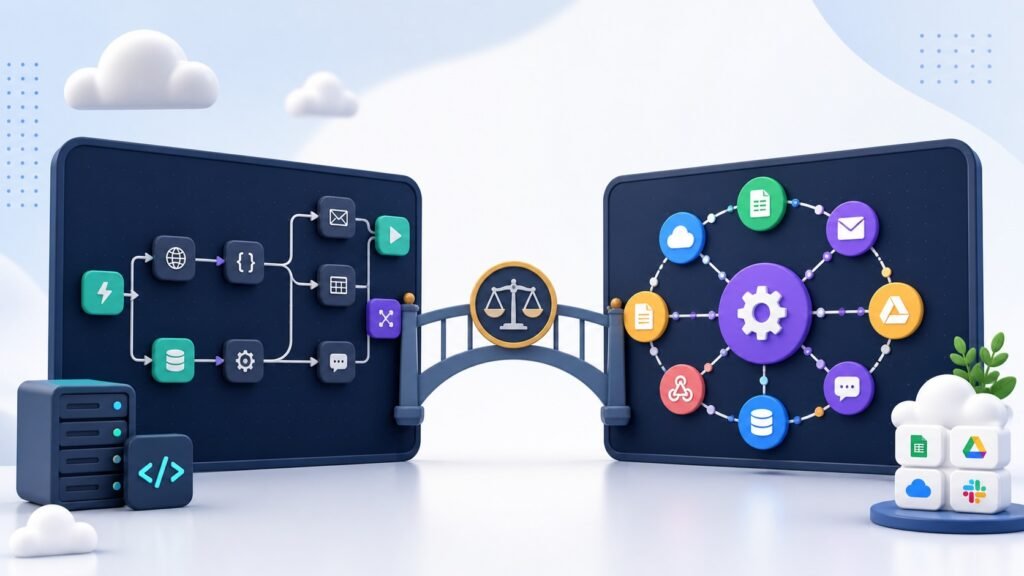
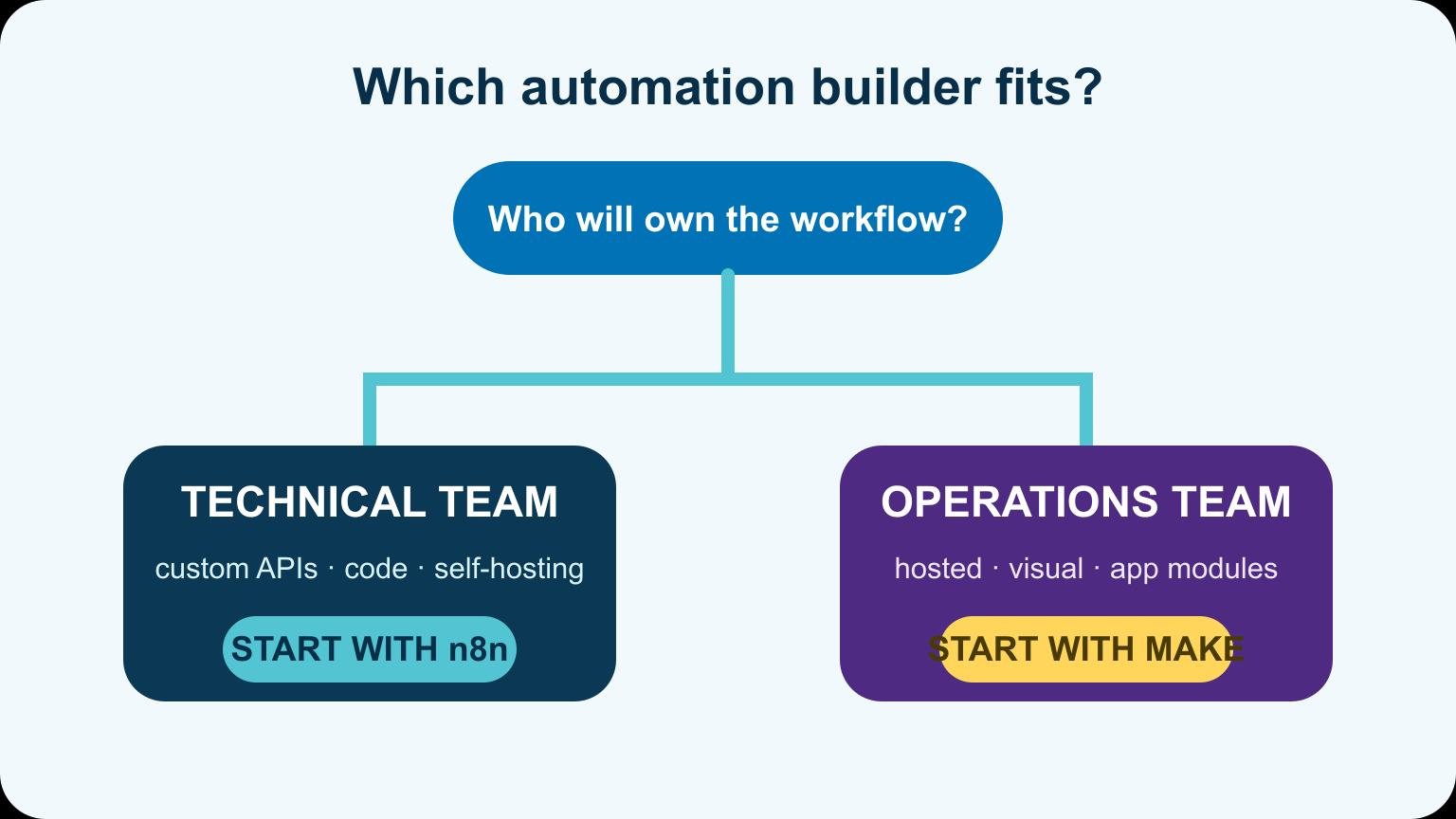
Choose Make when you want a polished hosted automation builder with a gentle learning curve. Choose n8n when you want deeper control, code-friendly workflows, or the option to run the platform in your own environment. Both can connect apps and move data. The ownership model is the real dividing line.
Quick answer: Make is the easier starting point for many no-code business automations. n8n is stronger for technical teams that need custom logic, API work, self-hosting, or AI-agent workflows. Test your real workflow in both before comparing plan prices.
n8n vs Make at a glance
| Category | n8n | Make |
|---|---|---|
| Hosting | Cloud or self-hosted options | Hosted platform |
| Builder | Node-based, technical flexibility | Visual scenarios and modules |
| Custom code | Strong fit for code and API-heavy work | Possible, but platform-first |
| Beginner experience | More technical concepts | Usually easier to start |
| Operations model | Executions depend on plan or infrastructure | Operations depend on scenario activity |
| Best fit | Technical ownership and complex logic | Fast hosted business automation |
Neither winner is universal. A two-step lead notification and a self-hosted document-processing pipeline should not use the same decision criteria.
How the workflow builders feel
Make presents automations as visual scenarios made from app modules, routes, and filters. It is easy to watch bundles move through the workflow and understand where data changed.
n8n uses connected nodes too, but it exposes more of the technical layer. You can inspect structured data, write expressions, call APIs, run code, branch heavily, and build reusable sub-workflows. That flexibility is useful once the workflow stops looking like a straight line.
Hosting and data control
Make is a hosted service. The platform handles the servers, updates, and core availability. That removes infrastructure work and gives a team one supported environment.
n8n offers a hosted product and a self-hosted route. Self-hosting can provide more control over networking and where workflow data is processed, but it also makes you responsible for deployment, security, updates, backups, scaling, and monitoring. “Self-hosted” does not mean “maintenance-free.”
Integrations and API work
Both platforms connect popular business apps. Make's large module library makes common SaaS workflows quick to assemble. n8n becomes especially attractive when the app does not have the exact action you need and you are comfortable working directly with APIs, credentials, headers, and JSON.
Count the hard integration, not the easy ones. Gmail, Sheets, and Slack are rarely the decision. The unusual internal API or custom authentication step is what exposes a platform's limits.
AI workflow support
Both tools can call model APIs and connect AI steps to business systems. n8n has leaned heavily into node-based AI and agent workflows, which fits teams that want to combine model calls, tools, memory, and custom logic. Make can still power practical AI automations such as summarization, classification, drafting, and routing.
Do not let an agent publish, email, or update records without a review step until the workflow has a clean test history. The model is the least predictable node in the diagram.
Pricing: compare one real month
Make and n8n count usage differently, and both can change plans. A simple per-month headline does not tell you what a branching workflow costs. Map one representative month using expected triggers, items, loops, retries, and test runs.
| Cost input | Why it matters |
|---|---|
| Trigger frequency | Every scheduled or event-driven run adds usage |
| Items per run | Loops can multiply activity quickly |
| Branches and retries | One request may travel through many steps |
| Developer time | A cheaper plan can cost more if debugging is slow |
| Infrastructure | Self-hosting adds server and operations work |
Build a small proof in each platform, then inspect the actual usage report. That is more useful than comparing two marketing tables.
Debugging and maintenance
Make's visual execution history is friendly for operations teams. n8n gives technical users detailed data views and more freedom to add custom handling. In both tools, name modules clearly, log important identifiers, create error routes, and make repeated runs safe.
If n8n feels too technical, compare the options in our n8n alternatives guide. Then build the same representative workflow in your final two choices before you commit.
Choose Make if…
- You want a hosted system with minimal infrastructure work.
- Nontechnical teammates will build and maintain scenarios.
- Your apps already have the modules and actions you need.
- Fast visual debugging matters more than low-level control.
Choose n8n if…
- You need custom API calls, code, or complex data handling.
- Self-hosting or network control is a genuine requirement.
- Technical users own the automations.
- You expect reusable sub-workflows or AI-heavy logic.
Test both with the same workflow
Build one small but real automation in each platform before moving an entire operation. Use the same trigger, apps, data transformation, error path, and notification so the comparison reflects your work instead of a marketing demo.
- Trigger the workflow with a form, webhook, or scheduled event.
- Clean and validate the incoming data.
- Send it through one branch and one conditional path.
- Force an error and confirm that you can find and rerun the failed step.
- Estimate monthly usage with your actual item count and frequency.
- Give a second team member the workflow and see whether they can understand it.
The best builder is the one your team can debug six months later. A fast first build is not a win if every change depends on the original creator.
Security and ownership questions
Both platforms connect to sensitive business systems, so separate development and production credentials where possible. Limit scopes, rotate secrets, document who owns each connection, and remove test data before launch.
Self-hosting n8n gives you more infrastructure control, not automatic security. You become responsible for server updates, TLS, backups, access controls, monitoring, and recovery. Make handles the application hosting, while you still own safe workflow design, account permissions, and the data sent to connected services.
Migration is a rebuild, not an export
Do not assume a complex scenario will translate automatically. Inventory triggers, filters, routers, loops, data stores, credentials, retries, and downstream side effects. Rebuild one workflow at a time and run both versions in a controlled test before switching production traffic.
Keep a rollback path. For workflows that create invoices, send messages, or update records, prevent duplicate actions while both versions are being tested.
Frequently asked questions
Frequently Asked Questions
Is n8n cheaper than Make?
It can be, especially for some self-hosted or high-volume patterns, but infrastructure and maintenance still cost money. Model your actual runs under the current plans.
Is Make easier than n8n?
Many beginners find Make easier because the hosted experience and app modules hide more technical detail. Technical users may find n8n's expressions and data access faster once workflows become complex.
Can n8n replace Make?
Often, but migration means rebuilding and retesting each scenario. Check every connector, authentication method, error path, and usage assumption first.
Which is better for AI agents?
n8n is usually the stronger fit for highly customized agent workflows. Make remains effective for bounded AI steps inside normal business automation.
Pick the maintenance model you want
Make sells a controlled hosted experience. n8n gives technical teams more room to shape the system. Choose based on who will own the workflow six months from now, then prove the choice with the hardest automation you actually need.