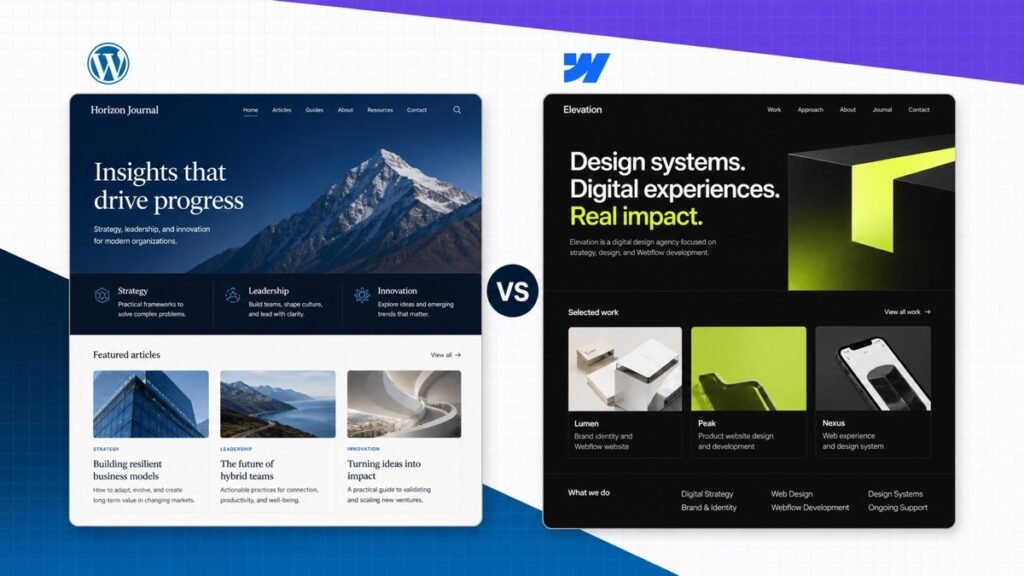
WordPress and Webflow can both power a serious professional website, but they solve the problem from opposite directions. WordPress begins as an open content management system that you extend. Webflow begins as a visual design and hosting platform that gives you a controlled way to build the front end and connect it to structured content.
My quick recommendation: choose WordPress for a content-heavy, integration-heavy, or long-term business website you want to control and move. Choose Webflow for a design-led marketing site where the visual system and managed platform matter more than a huge extension ecosystem.
This comparison is about self-hosted WordPress from WordPress.org. WordPress.com is a separate hosted service with its own plans and limits.
WordPress vs Webflow at a glance
| Most flexible WordPress | Webflow | |
|---|---|---|
| Best for | Content, extensibility, and ownership | Visual design control and managed delivery |
| Starting setup | More decisions | Faster hosted start |
| Visual design | Depends on theme or builder | Exceptional |
| Content management | Deep and extensible | Structured and visual |
| Extensions | Huge plugin ecosystem | Smaller integration ecosystem |
| Hosting | Choose your own | Managed Site plan |
| Portability | Full site can move | Code export has limits |
| My recommendation | Most serious content and business sites | Design-led marketing sites |
Swipe to compare more options. WordPress stays pinned.
WordPress is my default for a site that will grow through content, integrations, or custom functionality. Webflow is outstanding when visual design and a controlled managed system are the priority.
The shortest useful answer: WordPress is the better website operating system. Webflow is the better integrated visual design system.
The core difference: open CMS vs visual platform
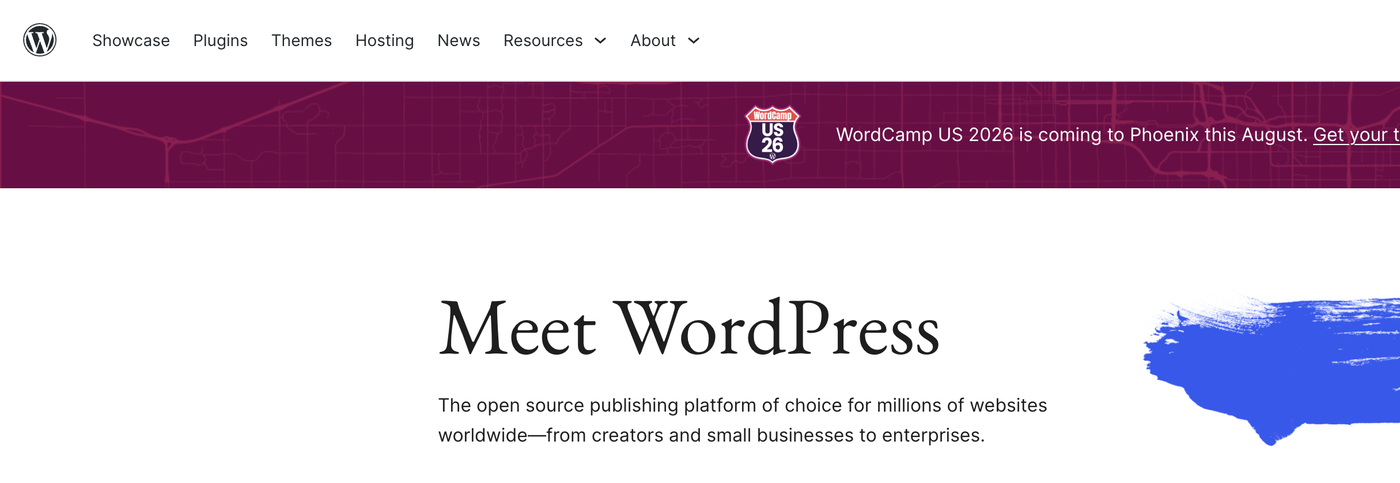
WordPress is open-source software installed on a hosting account. The content lives in a database, a theme controls presentation, and plugins add functionality. You can choose the host, access the files, change the editing stack, and move the entire site.
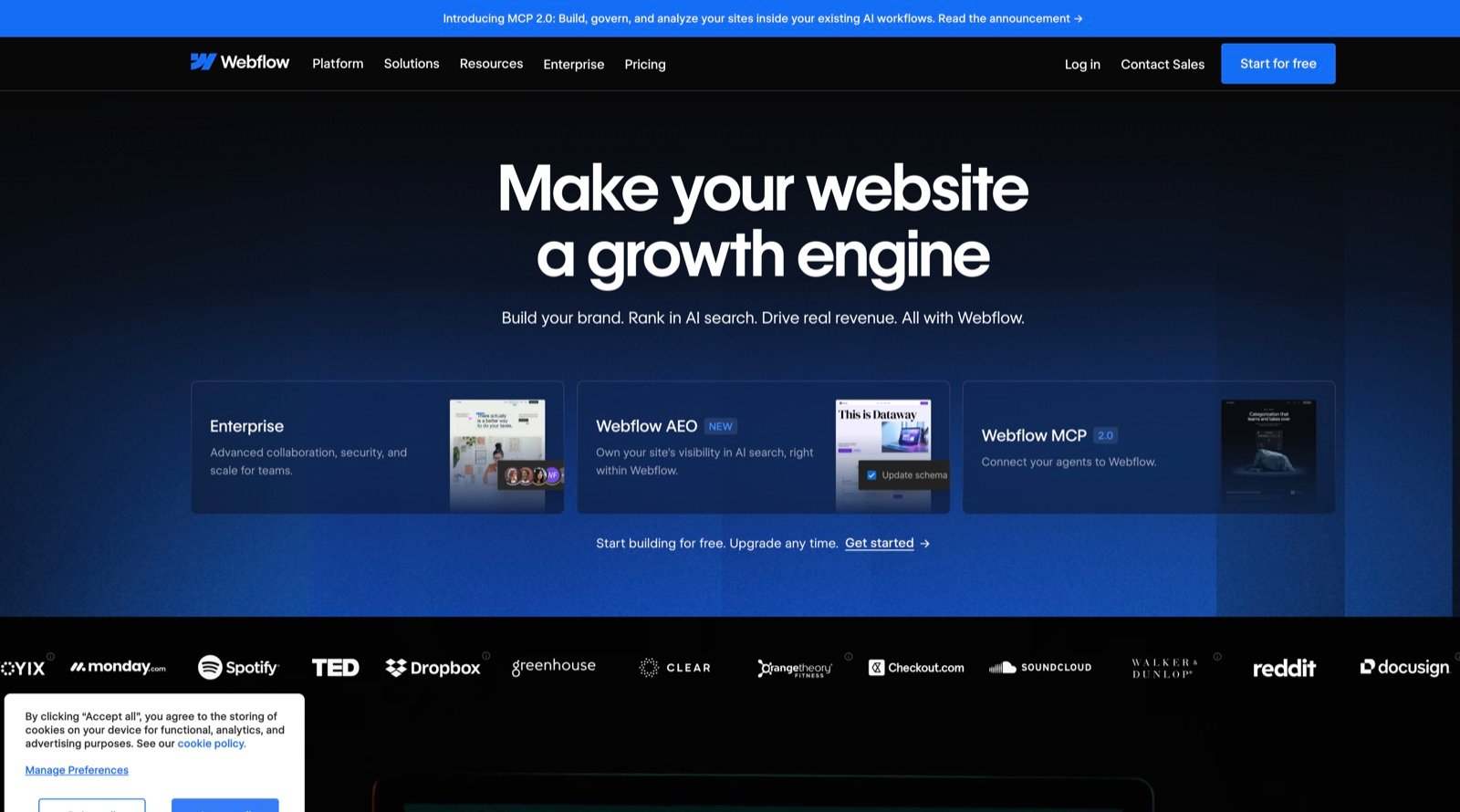
Webflow is a hosted visual development platform. The Designer gives you direct control over HTML structure, CSS-like properties, responsive breakpoints, interactions, and CMS-connected layouts. Publishing to a custom domain uses a paid Site plan on Webflow’s infrastructure.
That distinction affects every later decision. WordPress lets you replace almost any layer. Webflow gives you fewer layers to assemble in the first place.
Design and the editing experience
Webflow has the stronger built-in design environment. It exposes the same concepts a front-end developer uses—sections, containers, classes, flexbox, grid, position, overflow, states, and breakpoints—through a visual interface. A designer can build a precise responsive system without writing every line of CSS.
The learning curve is real. Webflow is visual, but it is not simply a drag-anything-anywhere beginner canvas. Understanding the box model and reusable classes is what makes the system powerful. Without that foundation, a project can accumulate duplicate styles and brittle spacing.
WordPress does not have one universal design experience. The block editor can build fast content-led layouts, a visual builder such as Elementor can provide direct page editing, and a custom theme can give a developer complete control. The advantage is choice; the risk is combining too many systems.
Here is a simple example of visual editing with Elementor. Text is edited on the page while the side panel controls the element and its responsive design.
For a maintainable WordPress site: use one lightweight theme, one main editing system, and the smallest plugin stack that satisfies the requirements.
Content management and blogging
WordPress began as publishing software, and that history still matters. Posts, pages, categories, tags, authors, revisions, media, scheduling, archives, feeds, and comments are native. Custom post types, custom fields, taxonomies, and editorial plugins can turn it into a very deep content platform.
Webflow CMS is excellent for visually connecting structured content to a design. You create Collections such as projects, team members, articles, locations, or resources, define their fields, and design one reusable template. Editors can then add items without rebuilding the layout.
For a focused marketing site, that model is clean and powerful. For a large publication with complex relationships, many contributors, custom permissions, or specialized workflows, WordPress usually has more room to grow.
SEO and performance
Both platforms can rank. Both let you build semantic headings, edit page titles and descriptions, create redirects, use image alt text, control indexation, and generate sitemaps. Neither platform can rescue weak content, confused search intent, or a site with no internal linking strategy.
Webflow’s controlled hosting and clean visual system can produce excellent performance, but large animations, heavy video, oversized images, and third-party scripts can still slow a page. WordPress performance varies more because the host, theme, plugins, database, and optimization choices all matter.
WordPress provides more ways to customize schema, editorial SEO, programmatic internal linking, redirects, and large content workflows. It also provides more ways to create technical debt. A disciplined setup is more important than adding every optimization plugin.
Do not choose a platform from a generic SEO score. Choose the one your team can use to publish the best answer, connect related pages, maintain redirects, and keep the site fast.
Apps, plugins, and integrations
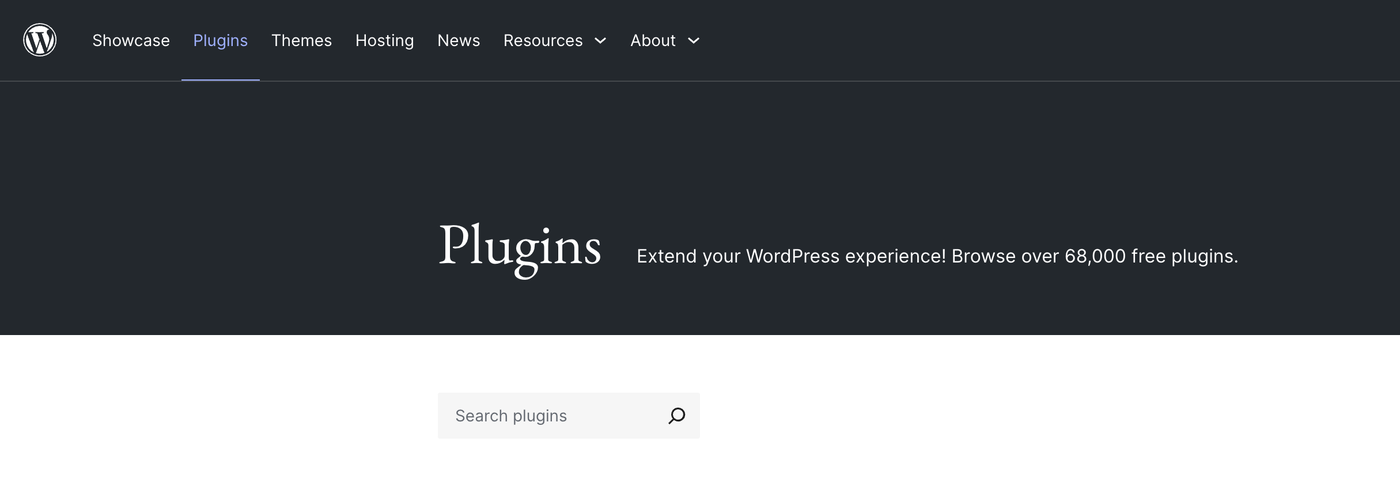
The WordPress ecosystem is dramatically larger. There are plugins and integrations for forms, ecommerce, memberships, learning systems, directories, multilingual sites, events, bookings, donations, analytics, automation, custom data, and nearly every popular marketing tool.
That range is the reason WordPress can fit so many businesses. It is also the source of its maintenance burden. Plugins can overlap, conflict, stop receiving updates, or add more code than the site needs. Every extension should earn its place.
Webflow supports apps, embeds, APIs, automation tools, and a growing partner ecosystem, but the platform is intentionally more controlled. It handles the common marketing-site stack well. A highly specialized workflow may require an external service, custom code, or a different platform.
Ownership, hosting, and portability
WordPress gives you the strongest ownership position. You can back up the database and files, move between compatible hosts, change the theme, replace plugins, or hire from a large global developer market. The site is not tied to one hosting company.
Webflow lets you export code from eligible projects, but an exported static site is not the same as moving the complete Webflow system. CMS content behavior, forms, search, user systems, ecommerce, editing, and hosting features require replacement or reconstruction.
That does not make Webflow a bad choice. Managed platforms trade some portability for a more integrated experience. The important part is making the trade consciously.
Pricing and total cost
Webflow has a free Starter option for learning and staging. Publishing to a custom domain requires a paid Site plan, and Workspace plans govern how teams build and collaborate. Those are separate concepts, so price the exact publishing and collaboration setup you need.
WordPress software is free. A real site still needs hosting and a domain, and it may use a premium theme, builder, plugins, maintenance service, or developer. A simple WordPress site can be inexpensive, while a complex one can cost much more than a managed builder.
Compare the annual platform cost, required extensions, maintenance labor, and future development. Webflow can be less expensive when it replaces a scattered WordPress stack. WordPress can be less expensive when standard hosting and a small set of tools cover the full job.
Pros and cons
Two professional tools
WordPress vs Webflow
Why WordPress wins
- You own and can move the full site The files, database, themes, plugins, and content can be backed up and transferred to another compatible host.
- The ecosystem is enormous Plugins, themes, integrations, developers, and hosting choices cover nearly every common website requirement.
- Publishing can grow very deep Posts, archives, taxonomies, authors, custom post types, revisions, and editorial tools support large content operations.
- You can choose the editing experience The block editor, a visual builder, or a custom theme can fit different teams and workflows.
Why Webflow wins
- Visual control is built into the platform Webflow exposes the box model, layout, type, states, interactions, and responsive behavior in one coherent designer.
- Hosting and platform maintenance are managed You do not assemble a host, theme, plugin stack, caching layer, and update process.
- The CMS connects directly to design Collections can power repeatable layouts without building a separate theme system.
- The environment is more controlled Fewer moving parts can make a focused marketing site easier for a design team to maintain.
Who should choose WordPress?
- A publisher, blog, resource library, or content-led business.
- A company that needs specialized plugins, integrations, memberships, courses, directories, or complex ecommerce.
- A site owner who wants to choose the host and retain the ability to move the full system.
- A team that expects the website to grow in directions it cannot completely predict.
If WordPress is the fit, our beginner WordPress tutorial walks through the dashboard, pages, themes, plugins, and publishing workflow.
Who should choose Webflow?
- A design team building a distinctive marketing site or landing-page system.
- A portfolio, agency, startup, or brand site with structured CMS content.
- A team that values integrated design and hosting over a huge plugin market.
- A project where designers need detailed responsive control without maintaining a custom WordPress theme.
You can also place both choices beside Wix, Squarespace, Shopify, and other platforms on our website builder comparison.
Frequently asked questions
Frequently Asked Questions
Is WordPress or Webflow easier to use?
Webflow removes hosting and plugin setup, but its designer expects you to understand layout concepts such as containers, flexbox, grid, classes, and breakpoints. WordPress has more setup choices, while its block editor or a page builder can be easier for a non-designer to edit.
Which is better for SEO?
Both can create fast, crawlable, well-structured websites. Webflow provides strong visual control and built-in technical settings. WordPress offers more plugins, schema options, editorial tools, and control over large content systems. The winner depends more on implementation and publishing quality than the platform name.
Which is better for blogging?
WordPress is my choice for a serious publication or content-led business because publishing is its core strength and the system can expand with custom content, authors, workflows, and integrations. See our WordPress blog guide for the complete setup.
Can Webflow replace WordPress?
Yes for many marketing sites, portfolios, landing pages, and structured CMS sites. It is less likely to be the right replacement when the site depends on a specialized WordPress plugin, complex membership system, large editorial workflow, or functionality that needs server-level control.
Can I move a Webflow site to WordPress?
You can export eligible front-end code and move CMS content, but the complete Webflow editing system, forms, search, ecommerce, and CMS behavior do not transfer as a working WordPress site. Expect a rebuild of the theme and dynamic functionality.
Do I need hosting with WordPress and Webflow?
Self-hosted WordPress needs a separate hosting plan. Webflow hosting is attached through a paid Site plan when you publish to a custom domain. If hosting is unfamiliar, read our beginner hosting guide.
Which is better for a small business?
Webflow is excellent for a design-led marketing site with a focused feature set. WordPress is the safer general recommendation when the business expects ongoing content, many integrations, or custom functionality. Use our business website guide to define the actual requirements first.
Which platform is cheaper?
Webflow bundles the designer, CMS options, and managed hosting through its plans. WordPress software is free, but hosting, premium tools, maintenance, or developer help add cost. Compare the finished annual system and the labor required to maintain it, not only the advertised plan price.
Conclusion: choose the system your site can grow inside
WordPress is my overall recommendation for a serious content or business website because it combines publishing depth, extensibility, ownership, and portability. It requires more setup and ongoing discipline, but it leaves fewer doors closed.
Webflow is the better choice when a design team wants a precise visual system, structured CMS, and managed platform in one coherent environment. For the right marketing site, that focus is an advantage rather than a limitation.
Define the future site—not only the launch version. The right platform is the one that supports the content, integrations, editing team, and maintenance routine you will actually have.