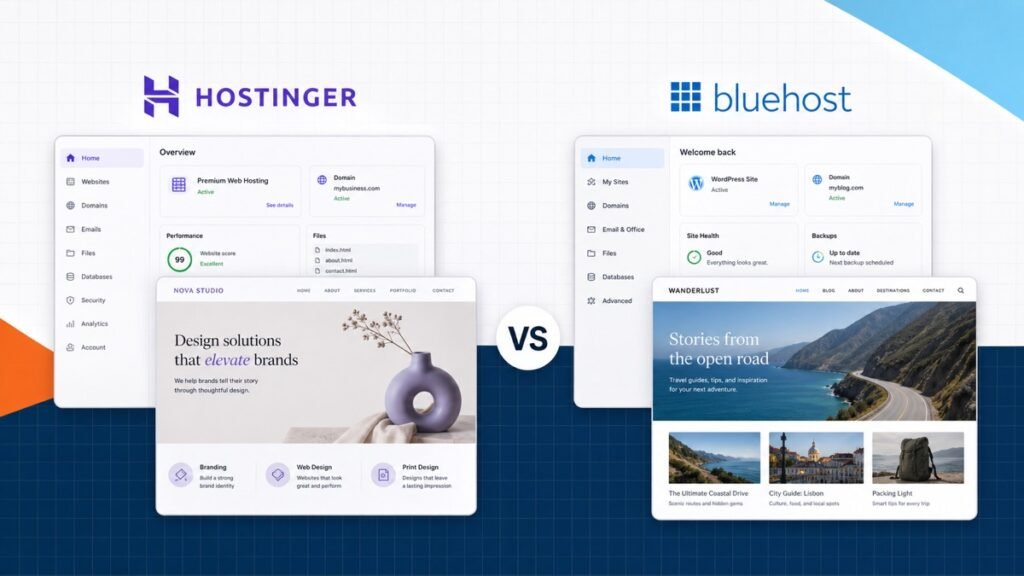
Hostinger and Bluehost both make it easy to start a WordPress website, but they offer different versions of beginner-friendly hosting. Hostinger leans into value, a modern custom dashboard, guided onboarding, and a strong feature set on its middle plan. Bluehost leans into a familiar WordPress-first buying experience and a support model that includes phone access on eligible plans.
My quick recommendation: Hostinger is the better overall choice for most new WordPress websites. Bluehost is a reasonable alternative when its support options or account experience are the better fit for you.
Do not choose from the introductory monthly number alone. Hosting plans differ in commitment length, renewal price, backups, staging, storage, support, and the number of websites you can run.
Hostinger vs Bluehost at a glance
| My pick Hostinger | Bluehost | |
|---|---|---|
| Best for | Value-focused WordPress sites | Beginners who want a familiar support path |
| Control panel | Custom hPanel | Bluehost customer dashboard |
| WordPress setup | Fast guided onboarding | Guided onboarding |
| Backups | Depends on plan; daily on Business | Depends on plan; weekly on Starter |
| Staging | Included on selected plans | Plan-dependent |
| Support | 24/7 live chat | Chat; phone on eligible plans |
| Renewal pricing | Higher after intro term | Higher after intro term |
| My recommendation | Best overall value | Good beginner alternative |
Swipe to compare more options. Hostinger stays pinned.
Hostinger is my pick for the stronger mix of price, onboarding, backups, staging, and performance features. Bluehost remains a straightforward beginner option, especially when its support model fits you better.
My pick is Hostinger Business. It is the best balance for a normal WordPress site because the plan includes the operational features—especially backups, staging, and onboarding—that make ownership easier after launch.
The real difference is the complete plan
Hosting homepages are designed to make the introductory price feel like the entire decision. It is not. The plan you will actually live with includes a billing term, renewal rate, site limit, storage limit, backup policy, support channel, migration path, and performance tools.
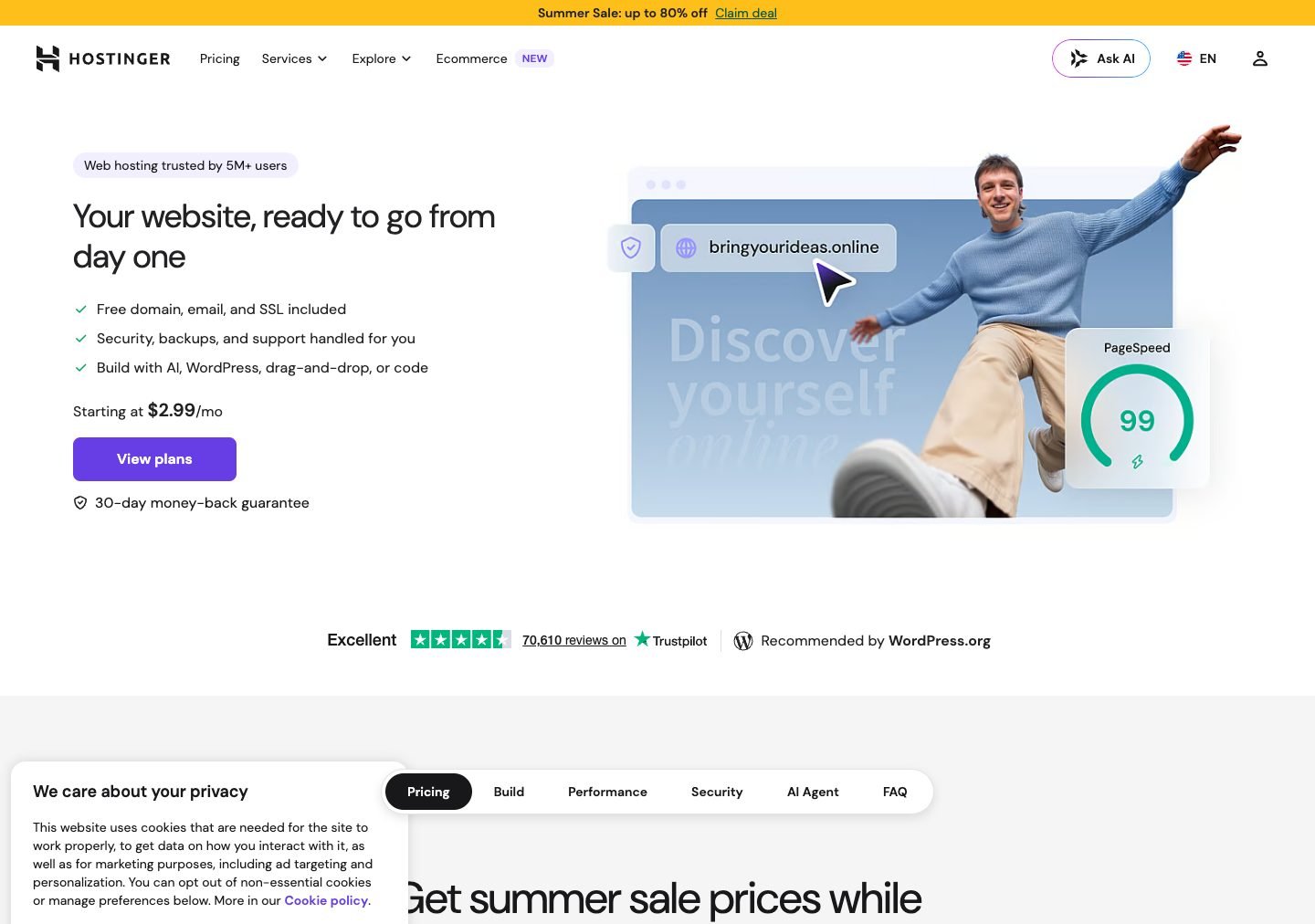
Hostinger’s managed WordPress Business offering is commonly the sweet spot rather than its lowest plan. It is advertised on a long introductory term and includes features such as daily and on-demand backups, staging, CDN, and support for multiple websites. The standard renewal is higher than the introductory rate.
Bluehost’s Starter plan is built for a basic first website, while Business raises the site, storage, traffic, backup, security, and support allowances. Its lowest advertised rate also depends on the initial term and renews at the regular rate.
Compare two totals: the complete amount due today and the standard renewal for the same plan and term. A low monthly equivalent can require several years paid upfront.
Setup and WordPress onboarding
Hostinger uses hPanel, its own hosting dashboard. The experience is designed around tasks instead of traditional server terminology: create a website, move a website, connect a domain, install WordPress, make a backup, create email, and check performance.
The checkout should show the selected term, plan, total, and renewal information before payment. Read that complete summary instead of relying on the price shown in a promotional headline.
After purchase, Hostinger’s onboarding asks what kind of site you are creating and guides you through WordPress installation, credentials, domain connection, and starter choices. That is one reason I prefer it for a first site.
Bluehost also provides guided WordPress setup through its customer dashboard. You can create the site, connect the domain, reach the WordPress admin area, and use its tools without beginning in a raw file manager.
If this is your first website, follow our WordPress tutorial after the host finishes the installation. It explains the dashboard, pages, themes, plugins, and the basic publishing workflow.
Performance and traffic
Hostinger earns my preference for the performance-to-price balance. Its WordPress plans emphasize server-side caching, a content delivery network on selected plans, current PHP support, and infrastructure designed for managed WordPress. The Business tier gives a normal growing site more breathing room than a bare entry plan.
Bluehost also provides NVMe storage, caching, CDN options, and managed WordPress features. Its plan pages estimate traffic capacity, but those figures are planning guides rather than guarantees. A lightweight brochure site and a busy WooCommerce store can use the same monthly visits very differently.
The website build still matters. A fast host cannot fully compensate for huge images, autoplaying background video, excessive third-party scripts, a heavy theme, or a pile of overlapping plugins.
For a faster site: compress images, use one primary builder, remove unused plugins, cache pages, limit third-party scripts, and test the real page on a phone connection.
Backups, staging, and security
Backups are where an entry plan can become a false economy. A backup should be recent, automatic, restorable, and stored separately enough that one account problem does not erase every copy.
Hostinger lists daily and on-demand backups with its Business WordPress plan. Staging lets you test updates or design changes on a copy before pushing them to the live site. Those two features are a major reason I recommend the middle plan.
Bluehost lists weekly backups on Starter, with more extensive backup and security features on higher tiers. If the site changes frequently, weekly recovery points may not be enough. Confirm the exact retention policy and keep your own independent backup for revenue-producing or client sites.
Both providers include service-level security tools and SSL. WordPress security also depends on strong credentials, current software, a small trusted plugin stack, sensible permissions, and a tested recovery process.
Support
Hostinger centers support around 24/7 live chat and its help documentation. The dashboard and onboarding are designed to reduce the number of steps that require support. For many beginners, a clear guided workflow is more valuable than having more channels.
Bluehost provides chat and makes phone support available on eligible plans. That can be the deciding factor for someone who wants to talk through a billing, domain, or setup issue.
Support quality can vary by agent and by problem. Before contacting either host, write down the site URL, the last change made, the exact error, and whether the issue affects the dashboard, public site, email, or domain. That context produces a better support conversation.
Domains and email
Both hosts can bundle a free domain for the first year with eligible annual or multi-year plans. The domain then renews at its standard price. You can also register the domain elsewhere and point it to the hosting account.
I care more about account ownership than the first-year domain discount. The business owner should control the registrar login, recovery email, two-factor authentication, and DNS records. Do not leave the domain trapped in a former developer’s personal account.
Email availability and mailbox limits depend on the plan and offer. If email is mission-critical, compare the host’s mailbox terms with a dedicated service such as Google Workspace or Microsoft 365 instead of assuming the hosting bundle is the best long-term choice.
Renewals and long-term cost
Hostinger and Bluehost both use introductory pricing. The promotional rate can require a long prepaid term, and the same plan renews at a higher standard rate. That is normal in shared hosting, but it needs to be part of the purchase decision.
Calculate the cost across the period you expect to keep the site. Add the initial hosting invoice, renewal, domain renewal, email, premium plugins, and any backup or security add-ons. A plan that costs slightly more but already includes staging and daily backups may be the cheaper complete system.
Avoid buying five years of the wrong plan purely to secure a low monthly equivalent. A longer commitment makes sense when the features fit and the upfront amount is comfortable.
Pros and cons
My hosting verdict
Hostinger vs Bluehost
Why I choose Hostinger
- Stronger value on the useful middle plan Hostinger's Business WordPress offering bundles features such as daily backups, staging, and CDN that matter after launch.
- Clean guided onboarding The setup flow helps a beginner create or migrate a WordPress site without beginning inside a traditional server panel.
- Modern hPanel experience Domains, websites, backups, files, email, performance, and security tools live in a focused custom dashboard.
- Good path for multiple small sites Selected plans support several websites while keeping management in one account.
Reasons to choose Bluehost
- Familiar beginner positioning Bluehost has a long WordPress history and a guided dashboard built around launching a first site.
- Phone support on eligible plans Some site owners prefer speaking with support instead of relying primarily on chat.
- Simple shared-hosting choices The Starter and Business tiers make it relatively easy to match a small site to a package.
- Free domain for the first year on eligible terms Bundling the first domain can simplify the initial purchase, though renewal should be compared.
Who should choose Hostinger?
- A beginner who wants a guided WordPress setup and clean custom dashboard.
- A small business, portfolio, blog, or content site looking for strong overall value.
- A site owner who wants daily backups and staging on the recommended middle plan.
- Someone managing several small WordPress sites from one hosting account.
If that is you, see Hostinger’s current plans and compare the complete term and renewal before checkout.
Who should choose Bluehost?
- A beginner who prefers Bluehost’s dashboard or wants phone support on an eligible plan.
- A simple first WordPress site with modest storage and traffic needs.
- A buyer who finds the correct Bluehost tier competitive after comparing renewal and included features.
- An existing Bluehost customer who values keeping domains and sites in one familiar account.
For more alternatives and the complete decision framework, use our best web hosting services guide. It compares the host, plan, renewal, safeguards, and site type instead of ranking companies from the headline price alone.
Frequently asked questions
Frequently Asked Questions
Is Hostinger or Bluehost better for beginners?
Both are beginner-friendly. Hostinger has the cleaner onboarding and value-focused dashboard in my experience. Bluehost is also straightforward and can be the better personal fit if you want phone support on an eligible plan.
Which host is faster?
Performance depends on the plan, data center, website build, caching, images, traffic, and test location. Hostinger includes a strong performance-oriented stack and earns my overall recommendation, but do not treat one synthetic speed test as a permanent universal result.
Which is better for WordPress?
I choose Hostinger for most new WordPress sites because its useful plan features and onboarding create the better overall value. Both support WordPress. For the broader decision, see our best web hosting services comparison.
Do Hostinger and Bluehost include a free domain?
Eligible annual or multi-year plans can include a domain for the first year. Check the exact plan and extension before checkout, then note the normal domain renewal price. Keeping the domain in an account you control is more important than the first-year discount.
Do both hosts include backups?
Backup frequency and retention depend on the plan. Hostinger advertises daily and on-demand backups on its Business WordPress plan. Bluehost lists weekly backups on Starter and expanded backup features on higher tiers. Confirm the chosen plan and keep an independent backup for any important site.
Can I move an existing WordPress site to either host?
Yes. Both provide migration paths, and WordPress itself is portable between compatible hosts. Verify email, DNS, SSL, forms, redirects, caching, and analytics after the move before canceling the old account.
Why is the renewal price higher?
Shared hosts commonly advertise an introductory rate for the first term and renew at a standard rate. The biggest discount often requires a longer upfront commitment. Compare the total first invoice and the standard renewal amount before buying.
Which plan should I choose?
For a serious WordPress site, choose the lowest plan that includes the backup frequency, staging, storage, traffic capacity, and support you need. I usually prefer Hostinger Business over selecting a bare entry plan and then discovering that important safeguards are missing.
Conclusion: Hostinger is the better overall value
Hostinger is my recommendation for most new WordPress websites. Its onboarding is clear, hPanel is approachable, and the Business WordPress plan combines the safeguards and performance features a real site should have. Bluehost remains a credible beginner alternative, especially when phone support or its account experience matters more to you.
Whichever host you choose, compare the complete initial invoice and standard renewal, confirm the backup policy, keep the domain in an account you control, and maintain an independent backup. The best hosting plan is not the cheapest number on the page. It is the plan that keeps the site fast, recoverable, and easy to manage.