Five website builders One honest verdict
We tested each on ownership, setup, design control, SEO, and support, then ranked them for a typical first website.

The ranking
Five builders ranked by fit for creators, bloggers, and businesses building a real long-term site.

WordPress
Self-hosted · maximum ownership and flexibility
43% of the internet runs on WordPress. That number means something. I recommend it for most people because you own everything. The software is free — hosting runs $2 to $3 a month with Hostinger. No platform fee. No lock-in. No ceiling on what you can build.
- Own your files, content, and data — move hosts anytime
- Scale into a store, course platform, or membership later
- Best long-term SEO of any platform on this list

Squarespace
Hosted · polished templates and guided setup
Looks like you hired a designer. Takes an afternoon to build. Pick a template, swap the text and photos, hit publish. Hosting is included, the templates look expensive, and it's genuinely hard to mess up. The catch: limited flexibility, and you're renting from them permanently.
- Templates that look polished with zero design experience
- Hosting, SSL, and publishing bundled into one subscription
- Less flexibility than any other builder on this page

Wix
Hosted · approachable drag-and-drop editing
More freedom than Squarespace. Less than WordPress. Right in the middle. True drag-and-drop, 800+ templates, and an app market covering bookings, memberships, and automations. More freedom also means more room to build something that looks great on desktop and breaks on mobile.
- 800+ templates and a large app marketplace
- True drag-and-drop — move anything to any spot on the page
- More design freedom also means more room for mobile layout mistakes

Webflow
Hosted · advanced visual design system
The most powerful builder on this list. Also the most unforgiving. Webflow outputs clean, fast, semantic code from a visual editor. Design ceiling and SEO ceiling are both excellent. It assumes you understand CSS structure. If you don't, you'll spend more time fighting the tool than building the site.
- Outputs clean HTML/CSS — no plugin bloat, no slow render
- Design and SEO ceiling above any hosted SaaS builder
- Steep learning curve — assumes CSS/HTML structure knowledge

Shopify
Hosted SaaS · built around selling products
The easiest way to open a real store online. Full stop. Checkout is built in. Payments are handled. Inventory, shipping, taxes, abandoned cart emails — Shopify covers all of it. Monthly costs stack up fast once you add paid apps. For pure ecommerce, still the most complete option.
- Checkout, payments, and inventory handled out of the box
- App store covers subscriptions, upsells, and bundles
- Costs climb fast once you start adding paid apps
The full comparison
Ten practical criteria, from initial setup through ownership, portability, publishing, and growth.
| Our pick WordPress | Squarespace | Wix | Webflow | Shopify | |
|---|---|---|---|---|---|
| Overall rating | |||||
| Setup effort | Easy (via host) | Easy | Very easy | Advanced | Easy |
| Ownership and control | Full control | Platform-managed | Platform-managed | Platform-managed | Platform-managed |
| Site portability | Strong | Limited | Low | Partial | Limited |
| Design flexibility | Very flexible | Polished templates | Flexible canvas | Advanced control | Theme based |
| Extensions and integrations | Largest ecosystem | Curated set | Broad app market | Growing ecosystem | Large app market |
| Commerce readiness | Highly extensible | Good for small stores | Good for small stores | Capable | Mature commerce tools |
| Routine maintenance | Automated by host | Included | Included | Included | Included |
| Pricing model | Free software plus hosting | Hosted SaaS | Free tier plus plans | Site and workspace plans | Commerce subscription |
| Best fit | Scaling & business | Portfolios & services | Simple visual pages | Visual development | Dedicated e-commerce |
Swipe to compare more options. WordPress stays pinned.
The overall ranking emphasizes ownership, portability, publishing depth, and the ability to expand without rebuilding.
Picking a website builder in 2026 is harder than it should be. Every option promises easy setup, beautiful design, and no coding required. They can’t all be right.
I’ve been building websites since 2010. I’ve used every platform on this list — for my own projects and for clients — and I’ll tell you exactly what each one delivers, who it’s actually built for, and which one I’d choose based on what you’re trying to build.
What is a website builder?
A website builder is software that lets you create a website without writing code. Instead of hand-coding HTML and CSS, you use a visual editor — drag elements around, swap text and images, hit publish. The technical layer (server, hosting, software updates) is either bundled for you or managed through a host you choose.
The five builders here fall into three categories. All-in-one hosted builders (Squarespace, Wix) bundle hosting and editing in one subscription — fast to start, less portable long-term. Self-hosted CMS (WordPress) means you pick the host, you own everything — more setup, more freedom. Specialty platforms (Shopify for ecommerce, Webflow for designers) are built around a specific use case and work best when that’s actually your use case.
Each category makes a different trade-off between simplicity and control. The rest of this page breaks down exactly where each one excels — and where it’ll quietly work against you.
The reviews, in depth
Read them in order for the full picture, or jump to the one platform you are weighing. Either way, the recurring question is the same: when this site succeeds and needs to do more, does the platform grow with you or quietly stand in the way?
#1 · Best overall
WordPress
Self-hosted · maximum ownership and flexibility
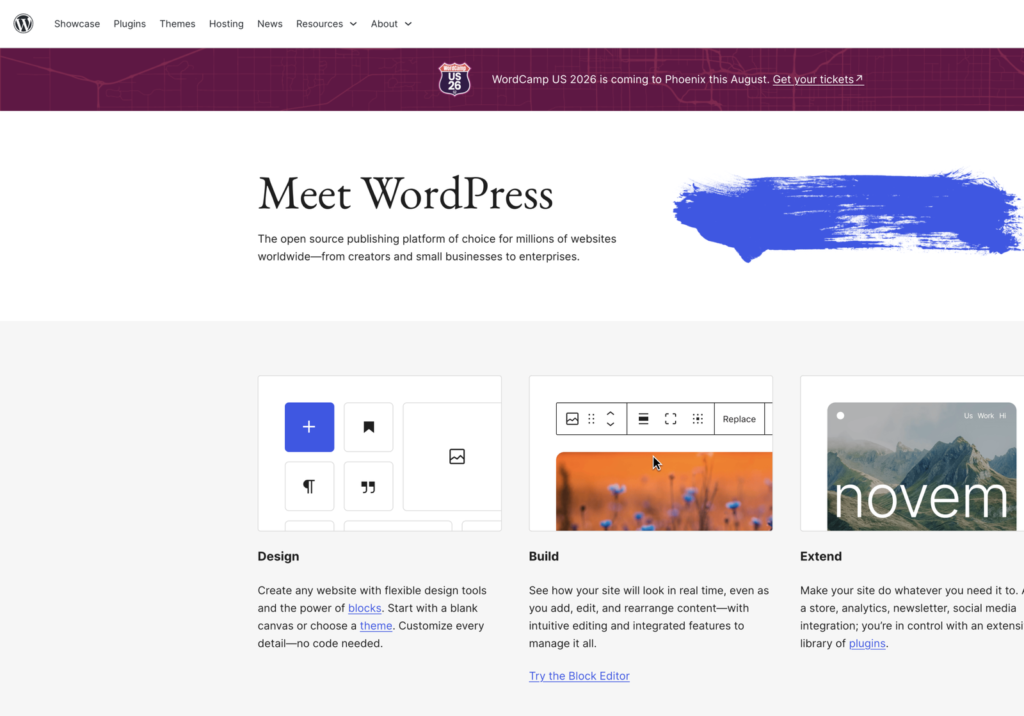
WordPress still powers 43% of the internet. That means almost one out of every two websites you visit is built on this platform. And yes — I know some people hear that and immediately think “isn’t that just old software?” Here’s the honest answer: WordPress is still the best option for most people building something they want to grow, and the reasons go beyond the market share stat.
The core reason is ownership. With Wix or Squarespace, you’re renting space on their platform. If they raise prices, change features, or you outgrow the tool — you’re stuck. WordPress is open source software you run on hosting you control. The platform is free. Your domain is yours. Your files and database are yours. If your host shuts down or doubles its rates, you move. Nobody locks you in.
Setup is the honest trade-off. You need hosting, a domain, WordPress installed, and a theme. That’s about 30 minutes with a good tutorial. Modern managed hosts like Hostinger install WordPress automatically during checkout — you log in, pick a starter template, and start editing. The “WordPress is complicated” reputation is about five years out of date. I have full step-by-step guides below if you want to follow along.
A better foundation for long-term growth
WordPress’s real strength shows up 6 to 12 months after launch. Every page you publish builds authority on a domain you own. Plugins like Yoast and Rank Math give you SEO control no hosted builder matches. WooCommerce turns the same site into a full store. A membership plugin adds gated content. A booking plugin adds scheduling. You don’t rebuild — you extend. The platform grows with you instead of charging you extra for every new feature.
Choose WordPress if your website is a real business asset. Modern hosting removes the setup friction, leaving you with full design control, lower long-term costs, and 100% ownership of your files, database, and domain.
What everyday publishing feels like
Day to day, most work happens in the block editor: writing posts, dropping in images, assembling landing pages from reusable blocks. It’s approachable for a non-technical writer and flexible enough for a developer when the project needs it. Elementor adds drag-and-drop layout control if you want it without touching code.
For AI tools: WordPress 6.7+ includes AI features in the block editor for text generation and layout suggestions. Third-party plugins like Bertha AI and GetGenie plug directly into your writing workflow. The key difference from standalone AI builders — every piece of content you generate stays on your domain, in your database, fully portable. Content generated on a closed AI builder lives on their servers. On WordPress, it’s yours from day one.
Maintenance is the ongoing cost. You keep software, plugins, and backups current — or a managed host does it automatically. In return, your site is hosted on your own terms, and nothing about your files, design, or content is locked behind a platform you can’t leave.
Pros & cons
The case for WordPress, and against
What's great
- Complete ownership Export data, migrate hosting, and run any code you choose.
- Infinite ecosystem Infinite plugins for membership, shops, or courses.
The trade-offs
- Requires active choice You select the hosting company and manage security updates.
- Quality varies Must select reputable plugins to maintain site speed.
How it scored
The best overall choice for creators and businesses looking for a site they fully own and can scale indefinitely.
#2 · Best for polished design
Squarespace
Hosted · polished templates and guided setup
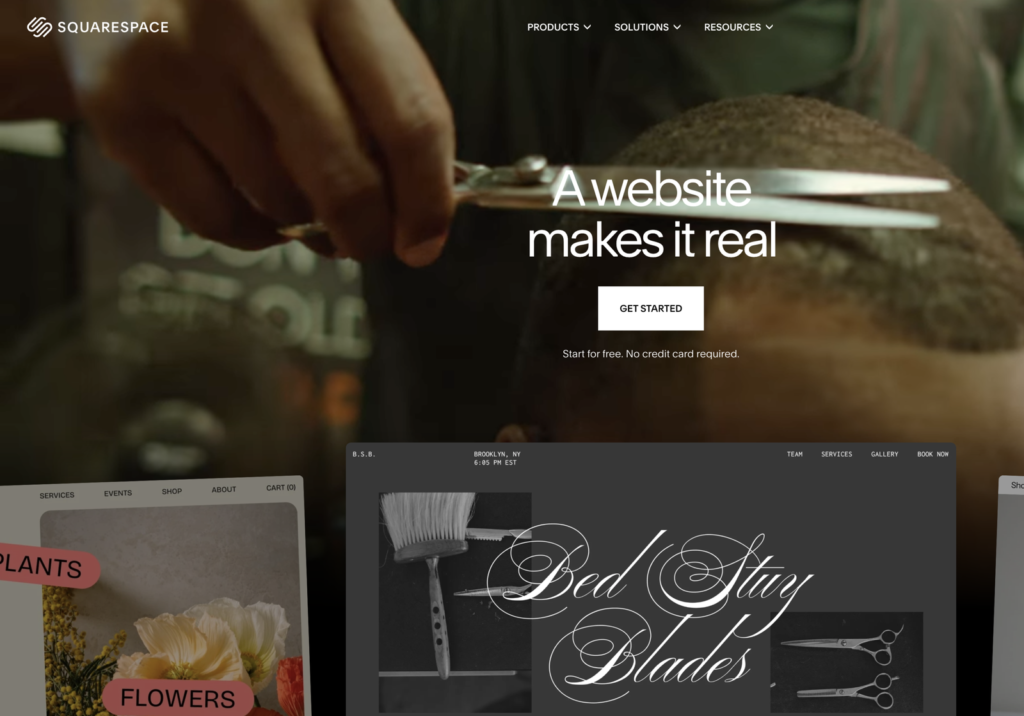
Squarespace is the safest all-in-one website builder for most people who need something clean and professional fast. The templates are polished, the sites look expensive even with zero design experience, and the whole platform is designed to keep things looking coherent no matter what you do. If you need to be live and professional by tonight — pick a template, swap the text and photos, hit publish. That’s genuinely what Squarespace is built for.
The layout tools keep everything in line, which is why Squarespace sites tend to look coherent even when built by beginners. You can’t place an element in the wrong spot because the system won’t let you. For photographers, consultants, restaurants, and service businesses that want something professional fast, that structural guardrail is a feature — until the day you want something it won’t let you do.
Where Squarespace feels strongest
Portfolios, creative agencies, local service businesses, and anyone who wants a site that looks great on mobile without fighting the layout. Hosting, security, and updates are all handled — you never think about the server. Built-in tools for scheduling (Acuity), email marketing (Squarespace Campaigns), and basic ecommerce mean you can run a simple business entirely from within the platform.
Squarespace Blueprint AI generates a starter site from a short questionnaire — answer a few questions about your industry and style, and it builds an initial layout. It’s one of the more polished AI onboarding experiences in the hosted builder category. The output is a solid starting point, not a finished site, but it saves 20-30 minutes of template hunting and is meaningfully better than most competitors’ AI onboarding flows.
Where it starts to feel limiting
The same structure that keeps sites clean creates friction once you want something custom. You can’t freely move elements. The extension ecosystem is small compared to Wix and tiny compared to WordPress. The blog tools are basic. For SEO-heavy publishing or any project where content volume matters, the platform starts working against you.
If you decide to leave Squarespace, you’re exporting content to a format that doesn’t transfer cleanly — your design stays on Squarespace’s servers, and you’re starting over elsewhere. I’ve had clients outgrow Squarespace in 18 months and rebuild on WordPress. The site looks great day one; the migration headache comes later. Worth knowing before you start.
Pros & cons
The case for Squarespace, and against
What's great
- Polished visual templates Out-of-the-box aesthetics that look professional immediately.
- Fully managed platform Hosting and security are fully handled by Squarespace.
The trade-offs
- High platform lock-in Cannot export design or database files to move hosting.
- Limited database flexibility Hard to build advanced custom content layouts or complex directory loops.
How it scored
Best for a polished brochure, portfolio, or service website with minimal setup friction.
#3 · Best for beginners
Wix
Hosted · approachable drag-and-drop editing
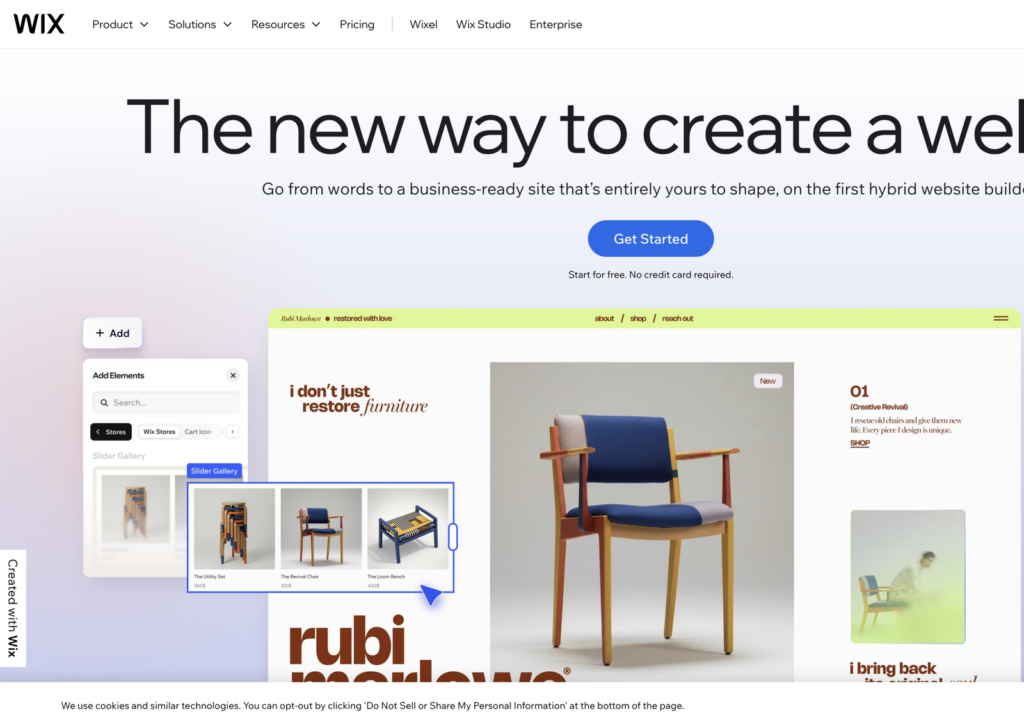
If Squarespace is the clean and simple option, Wix gives you more. More design freedom, more templates, more apps. Wix is a true drag-and-drop builder — you can place elements anywhere on the canvas, which gives you layout control that Squarespace doesn’t offer. For small businesses that want something more customized than a standard template, that flexibility is real.
The app marketplace is genuinely impressive. Bookings, memberships, pop-up automations, live chat, event management — Wix has extensions for most of what a basic small business needs. If you’re running a yoga studio, hair salon, or local service business and want bookings, payments, and a contact form in one place, Wix puts that together faster than WordPress for a first-time builder.
Wix Harmony: the most developed AI builder
Wix launched Wix Harmony in 2025, and it’s legitimately one of the most developed AI website-building experiences in the hosted builder space. You describe what you want, Wix generates a full site with pages, layouts, and copy, then you edit directly in the Wix editor. The AI doesn’t hand you a static output and disappear — it stays connected to the editor so you can keep refining. If you want to go from “I have no site” to “I have something usable” with AI in the shortest time possible, Wix gets you there.
How it holds up as you grow
The drag-and-drop freedom that makes Wix flexible also creates mobile layout problems. Wix places elements absolutely on the canvas, which means things can look right on your screen and completely wrong on a phone unless you manually test and adjust every section. For a beginner, this is a trap that’s easy to fall into and annoying to fix later.
Portability is the biggest long-term risk. Wix is a closed ecosystem. You cannot export your code, design files, or templates to another platform. If you build a site here and later want to move to WordPress — which most people who outgrow Wix eventually do — you’re starting from scratch. That’s not a hypothetical warning; it’s the most common story I hear from people who’ve been on Wix for 2-3 years and want more control. Wix is a strong place to start and a harder place to scale. Be honest with yourself upfront about where you want to be in two years.
Pros & cons
The case for Wix, and against
What's great
- Beginner friendly Common site-building tasks are easy to discover.
- Broad feature set Apps cover many typical small-business requirements.
The trade-offs
- Harder to migrate A future platform move usually means substantial rebuilding.
- Easy to over-design Unrestricted placement can make consistency harder to maintain.
How it scored
Best for beginners who want to build visually and keep platform management simple.
#4 · Best for visual control
Webflow
Hosted · advanced visual design system
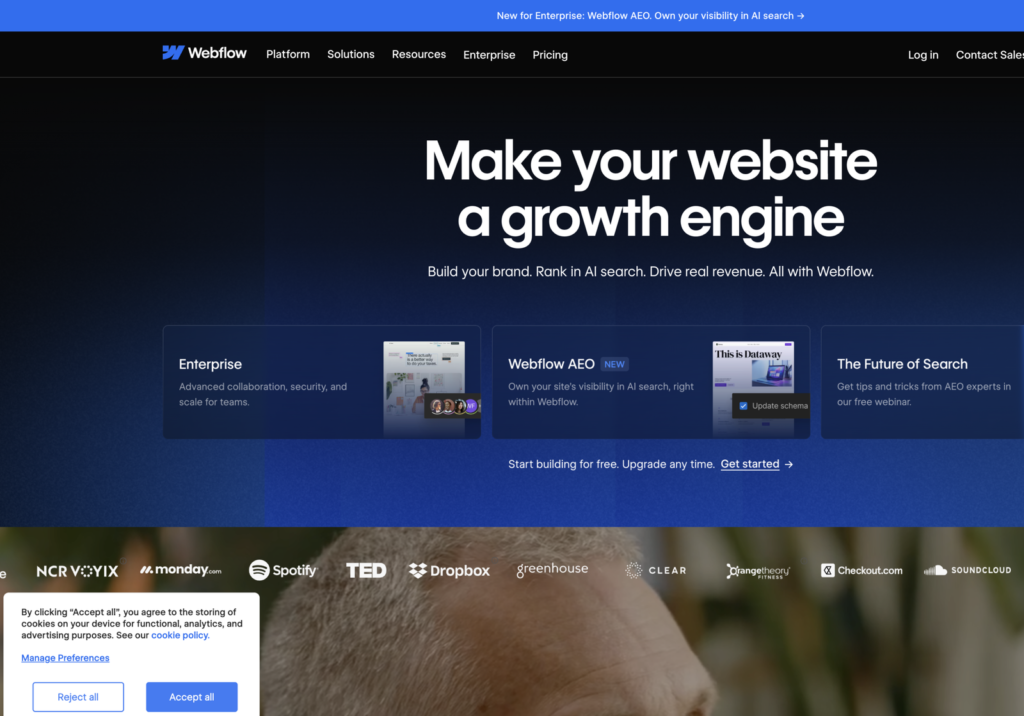
Webflow is in a different category from the other four. It’s not a beginner website builder — it’s a visual front-end development tool designed for designers and developers who want pixel-level control without writing pure HTML and CSS. If you understand flexbox, grid, and responsive breakpoints conceptually, Webflow gives you a canvas to implement those concepts visually. If you don’t, the interface will be confusing within 20 minutes of getting started.
The output quality ceiling on Webflow is high. Sites built by experienced Webflow designers look genuinely custom — not “website builder” custom. Webflow’s CMS handles structured content for mid-size projects well. The animation and interaction tools are more advanced than anything Wix or Squarespace offers. For a design agency or freelancer building client sites at scale, it’s a real production environment worth knowing.
Professional control comes with professional complexity
Webflow rewards understanding of how layouts actually work. The interface maps directly to CSS concepts: containers, flex direction, padding vs. margin, breakpoint overrides. That’s powerful if you already think in those terms. For a first-time builder expecting Wix-style simplicity, it’s a wall that no tutorial fully removes.
Pricing is a real downside at the entry level. Form submissions and CMS items that are free on WordPress cost money on Webflow. The hosting is included and reliable, but you’re paying Webflow’s design-tool premium on every plan, even for a simple five-page site. Costs add up quickly once you need CMS and ecommerce together.
Who should actually reach for it
Webflow makes sense for designers who already think in HTML/CSS terms and want a visual interface instead of a code editor. It’s a solid production tool for agencies building bespoke marketing sites for clients who care about design detail. It’s a poor fit for first-time builders, content-heavy publishing projects, or anyone who wants to manage their own site without a design background.
For a writing-led site, a blog, an online store, or any project where content volume matters, WordPress is still the better choice. The content management experience on Webflow is functional but limited compared to WordPress’s native publishing tools. And for ecommerce, WooCommerce is more flexible at lower cost than Webflow’s commerce tier.
Pros & cons
The case for Webflow, and against
What's great
- Clean code output Generates structured visual HTML/CSS that is lightweight and SEO friendly.
- Visual CSS precision Control responsive properties, grids, flexbox, and timelines visually.
The trade-offs
- Learning curve Requires a baseline understanding of web structure and styling properties.
- Expensive plan limits Basic database features and client access are billed at premium prices.
How it scored
Best for visual professionals who want precision without writing the full frontend by hand.
#5 · Best for online stores
Shopify
Hosted SaaS · built around selling products
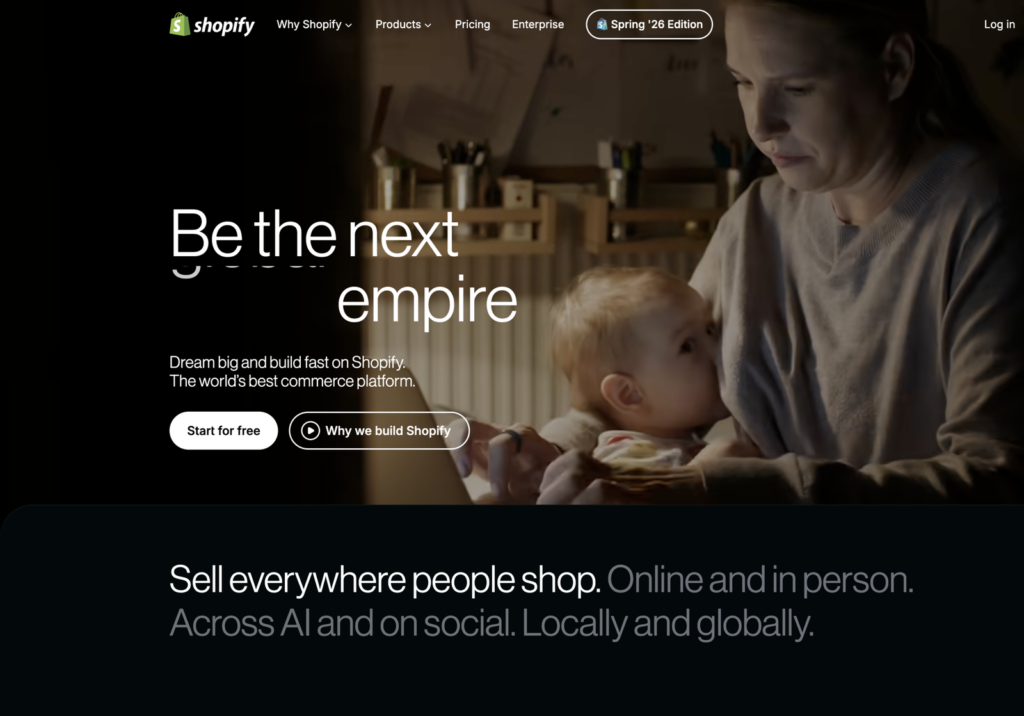
Shopify is the easiest way to launch a store with the technical side fully handled for you. Hosting is included. Checkout is built in. Payment processing, inventory tracking, abandoned cart emails, tax calculations — Shopify handles all of it out of the box. If you’re selling physical products and want to spend your time on the business rather than the server, Shopify is the clearest recommendation I can make in that specific situation.
I built Pickleball Hub’s ecommerce on WooCommerce because I wanted content and commerce on the same domain, with full design control and no transaction fees. But I understand why many store owners choose Shopify. The admin experience is excellent. Orders, fulfillment, discounts, and reporting are all where you expect them. For a store owner who doesn’t want to manage plugins or hosting configurations, the all-in-one setup delivers what it promises.
Commerce operations are the reason to choose it
Shopify’s app store has over 8,000 apps for subscriptions, upsells, loyalty programs, reviews, and shipping integrations. Shop Pay converts significantly higher than standard guest checkout. For merchants where daily focus is moving product, the operational tooling is hard to match at this price point. Shopify also has serious AI tooling now: Sidekick generates product descriptions and email campaigns from a prompt; Magic removes image backgrounds and creates lifestyle shots with AI. These features save real time at the product-content level.
When it is the wrong tool
Shopify’s blogging tools are basic compared to WordPress or even Squarespace. The page builder is limited — you get theme sections you can reorder, not true layout freedom. Transaction fees apply unless you use Shopify Payments, which isn’t available in every country. And if you decide to leave, you can export your products as a CSV, but the storefront design stays on Shopify’s servers. You’re rebuilding from scratch elsewhere.
Skip Shopify if selling is a secondary feature of your site rather than its core purpose. A service business, blog, portfolio, or local business that needs a contact form and some photos doesn’t need Shopify’s infrastructure. The monthly cost ($39+) and the commerce-first architecture both work against you when the store isn’t the point. WordPress handles all of those use cases more flexibly at lower cost.
Pros & cons
The case for Shopify, and against
What's great
- Mature commerce tools Excellent payment integrations, inventory tools, and shipping services.
- E-commerce scaling Handles high traffic spikes, catalog size, and transactions without maintenance overhead.
The trade-offs
- High recurring costs Platform rates, transaction fees, and app subscriptions add up quickly.
- Weak content tools Blogging and general pages are rigid, basic, and difficult to customize visually.
How it scored
Best for a real online store; less compelling when selling is only a minor requirement.
What About AI Website Builders?
Every major builder has added AI features — Wix Harmony, Squarespace Blueprint, Shopify Sidekick. But the question most people are really asking is about the standalone AI builders: tools like Lovable and Hostinger Horizons that promise “describe what you want, get a site.” Are they ready for real projects in 2026?
Short answer: impressive for speed, not yet right for serious long-term projects. Here’s the honest breakdown.
Lovable
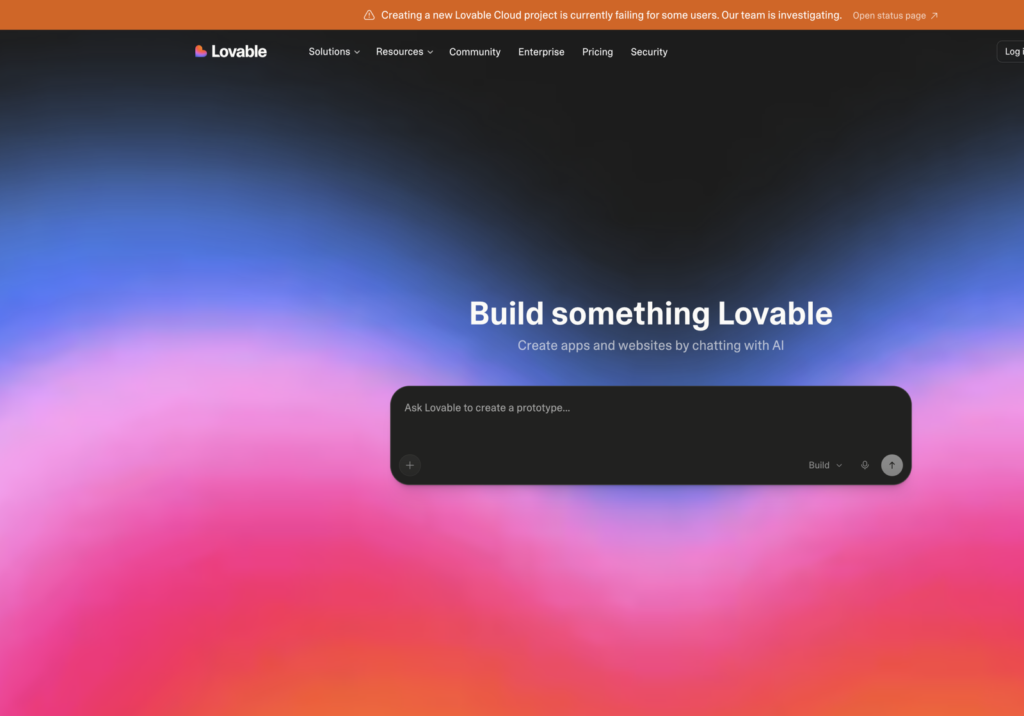
Lovable, recently valued at $6.6 billion, is the fastest AI-to-site experience I’ve seen. You write a prompt, it generates a full layout in seconds, and the output looks current — not stock-template-generic. For landing pages, MVPs, and quick tools you want live fast, it’s genuinely useful. If you’re testing an offer before building the real thing, Lovable saves real time.
The limitation shows up quickly. Once you need real control — specific styling, multiple pages, SEO configuration, ecommerce, content management — the AI-first workflow gets frustrating. You’re fighting the tool instead of using it. Best for simple, speed-is-the-point projects.
Hostinger Horizons
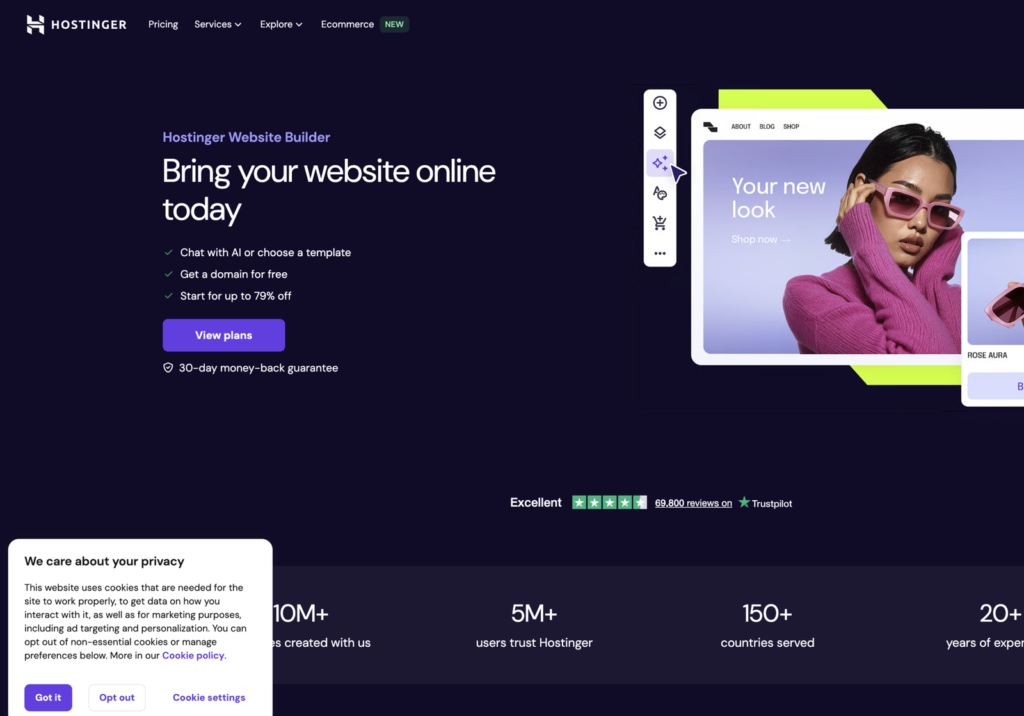
Hostinger Horizons is backed by a full hosting platform with real infrastructure underneath. You get AI generation plus a traditional editor to refine from — a much better experience than tools that generate something and leave you stranded when you want to change it. Hostinger is one of the hosts we recommend on this channel, so the infrastructure is real and the company has been around. That matters when you’re building something you’ll depend on.
Same fundamental limitation applies: best for simple, fast sites. Anything SEO-focused, content-heavy, or with meaningful growth ambitions will outgrow it. But as a “I need something live today” option backed by real hosting infrastructure, it’s one of the better ones.
The honest take on AI builders right now
AI website builders are great for speed and not yet ready for serious projects. Use them for landing pages, MVPs, and simple one-page tools. If you’re building something for an actual business — where you want SEO traffic, brand control, and room to add features as you grow — WordPress is still the move. The content you generate with WordPress AI plugins lives on your domain, in your database, under your control. Content generated on a closed AI builder lives on the AI company’s infrastructure. That difference compounds over time.
The builders doing AI well — Wix Harmony, Squarespace Blueprint — are using it to reduce setup friction, not replace the platform itself. That’s the right instinct. AI is a good starting point; what matters is where you land once you’re past the first draft.
Which Website Builder Is Right for You?
Here’s the decision in plain terms:
- Building a real business website, blog, or portfolio? WordPress. Full ownership, best long-term SEO, scales with you.
- Need something clean and professional live fast, no technical setup? Squarespace. It looks good out of the box and stays manageable.
- Want more design flexibility in a hosted builder — bookings, apps, customization? Wix. More features, more to learn, less portable long-term.
- Running an online store and want everything handled? Shopify. The ecommerce operations are best in class.
- Experienced designer building client sites or bespoke marketing pages? Webflow. The design ceiling is high if you know what you’re doing.
- Testing an idea fast or building a simple one-page tool? Try Lovable or Hostinger Horizons. For anything you want to grow, come back to WordPress.
I’d lean toward WordPress for almost everyone building something serious — not because it’s the easiest option, but because it gives you the most options as you grow. Setup takes about 30 more minutes than Wix. The long-term return on those 30 minutes is enormous. Our step-by-step guides below walk you through everything from picking a host to publishing your first page.